
Disclosure: This page contains commercial links. BizBot may earn a commission from qualifying purchases. Paid placements do not buy a better ranking. Read our affiliate disclosure.
AI customer analytics tools apply machine learning to customer data to show what people actually do, rather than what they say in a survey. The ten below split into three groups that do not really compete: product analytics, on-page behaviour tools, and social listening.
Pricing note. Every figure here was checked against the vendor’s own pricing page in August 2026, and most of the prices this article previously carried were wrong. Confirm rates before budgeting. Where a vendor does not publish a rate, we say so rather than guess.
What to weigh when choosing:
- Features: predictive modelling, sentiment analysis, journey tracking
- Usability: whether non-technical staff will use it unaided
- Pricing unit: per seat, per session, per event or per tracked user — these are not comparable
- Integration: with your existing systems and data sources
- Support: what you get without an enterprise contract
Quick Comparison
| Tool | Key Features | Pricing (checked Aug 2026) | Pros | Cons |
|---|---|---|---|---|
| Mixpanel | Behavioural analytics, funnels, retention | Free to 1M events/month; Growth starts at $0 and scales by volume | Generous free tier, usage-based pricing | Cost is hard to predict; learning curve |
| Google Analytics | Web and app analytics, audience segmentation, predictive metrics | Free; Analytics 360 quoted by sales | Free version covers most needs | Sampling; no published 360 price |
| Kissmetrics | Journey tracking, cohorts, revenue metrics | Free to 100k events/month; Growth $99/month from 500k events | Cheaper than its reputation suggests | Fewer integrations than rivals |
| Woopra | Real-time data, custom events, individual profiles | Pro from $999/month | Deep journey analysis | Expensive; pricing page not updated in years |
| Hotjar (Contentsquare) | Heatmaps, session recordings, surveys | Free to 200k sessions/month; Growth $49/month billed annually | Large free tier, easy to use | Now sold under Contentsquare |
| Zoho PageSense | Heatmaps, session recordings, A/B testing, funnels | Free to 5,000 monthly tracked users; paid rates not displayed | Fits an existing Zoho stack | You have to ask for a price |
| Crazy Egg | Heatmaps, scrollmaps, A/B testing, surveys | Starter $29/month billed annually, 5,000 pageviews | Simple, visual, cheap to start | Pageview caps bite quickly |
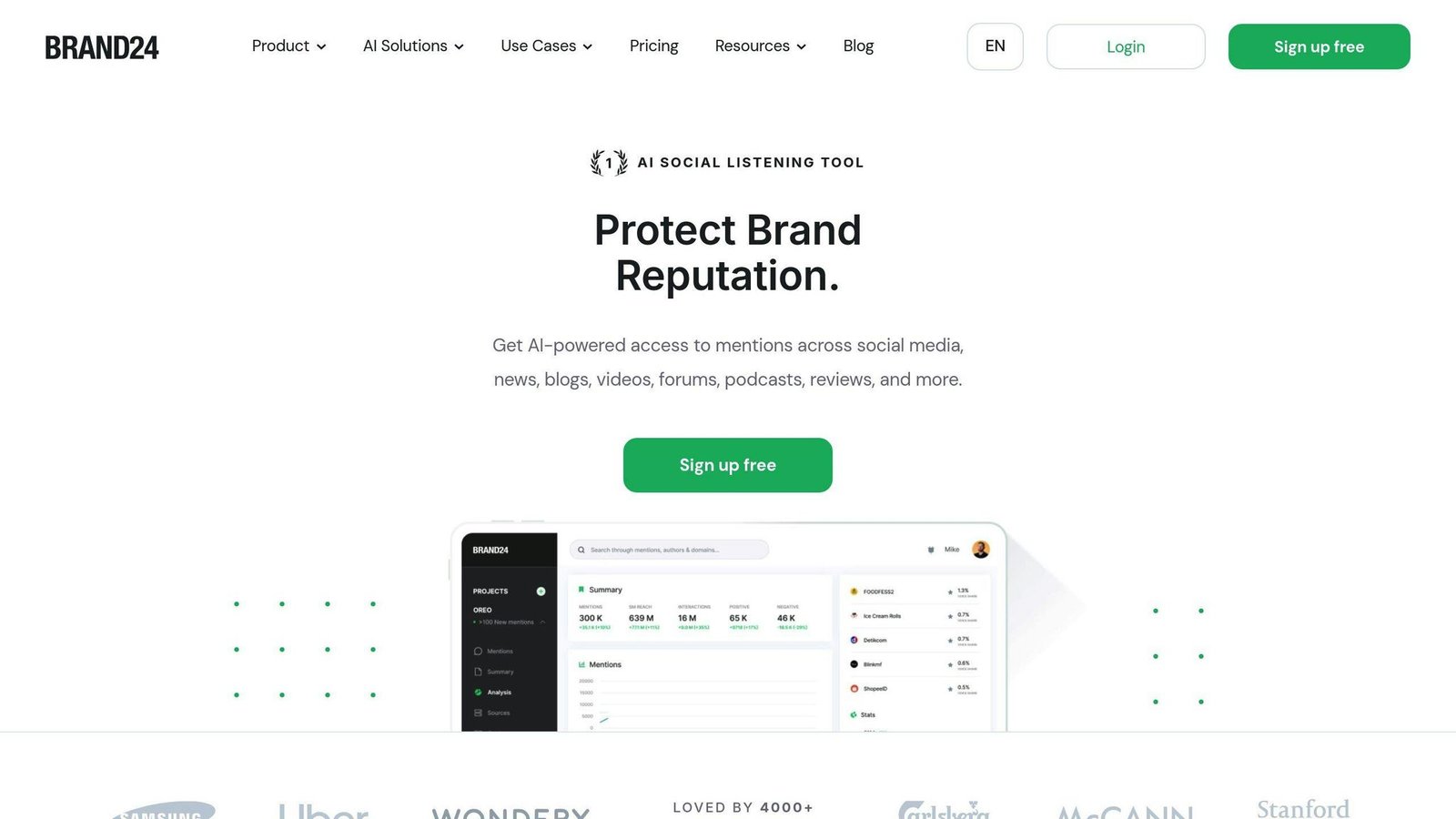
| Brand24 | Social monitoring, sentiment, influencer identification | Individual $199/month billed annually ($249 monthly) | Solid social listening | Far more expensive than commonly quoted |
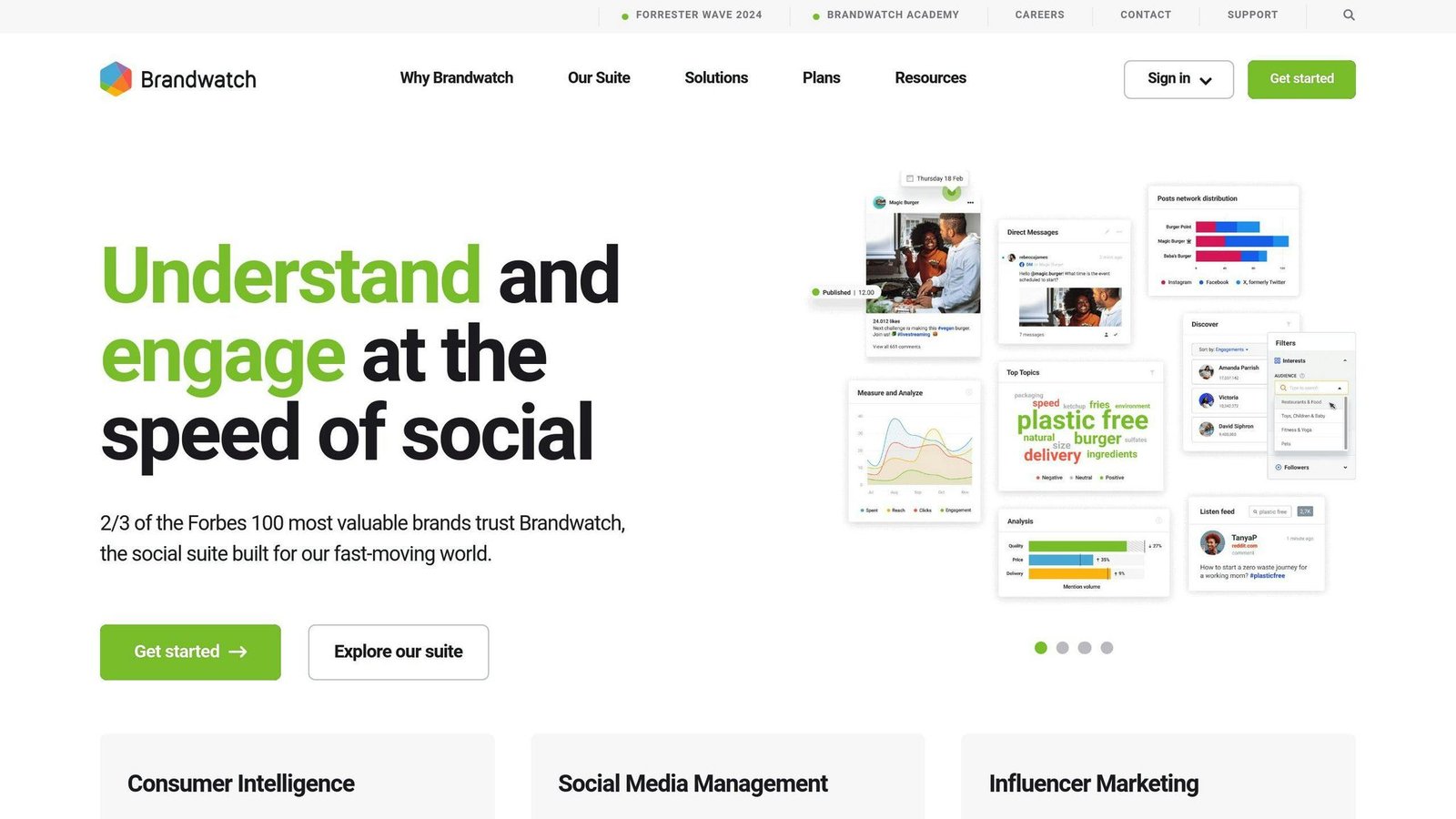
| Brandwatch | Multichannel monitoring, sentiment, alerts | Not published; quoted by sales | Enterprise-grade coverage | No transparency on cost |
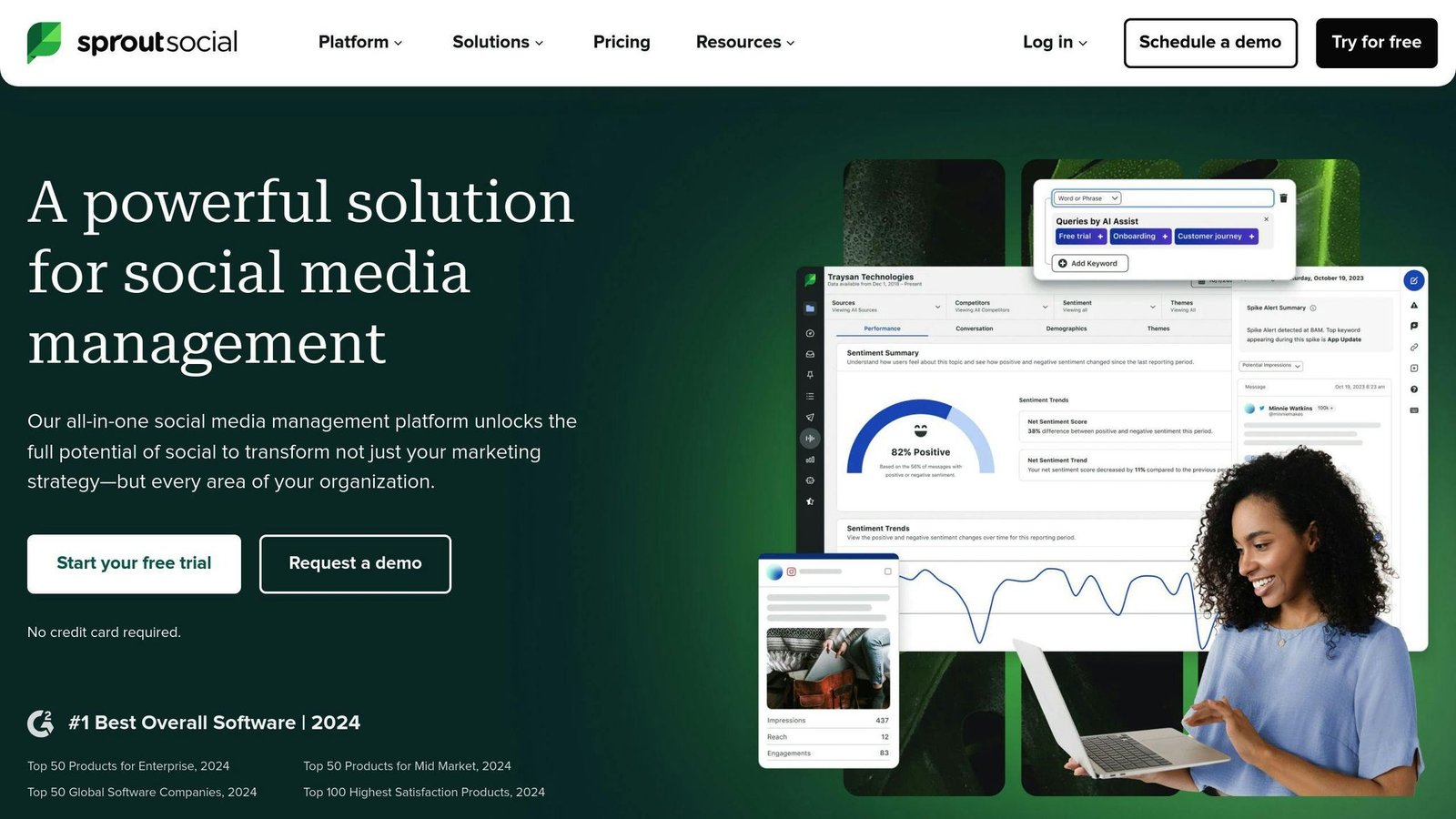
| Sprout Social | Social listening, unified inbox, scheduling, analytics | Essentials $79 per seat/month billed annually ($99 monthly) | All-in-one social management | Per-seat cost compounds fast |
Two structural points before the detail. First, the unit differs wildly: Sprout Social charges per seat, Mixpanel per event, Hotjar per session, Crazy Egg per pageview and PageSense per tracked user. A monthly figure means nothing until you convert it to your own volume. Second, three of these ten do not publish usable rates at all.
1. Mixpanel
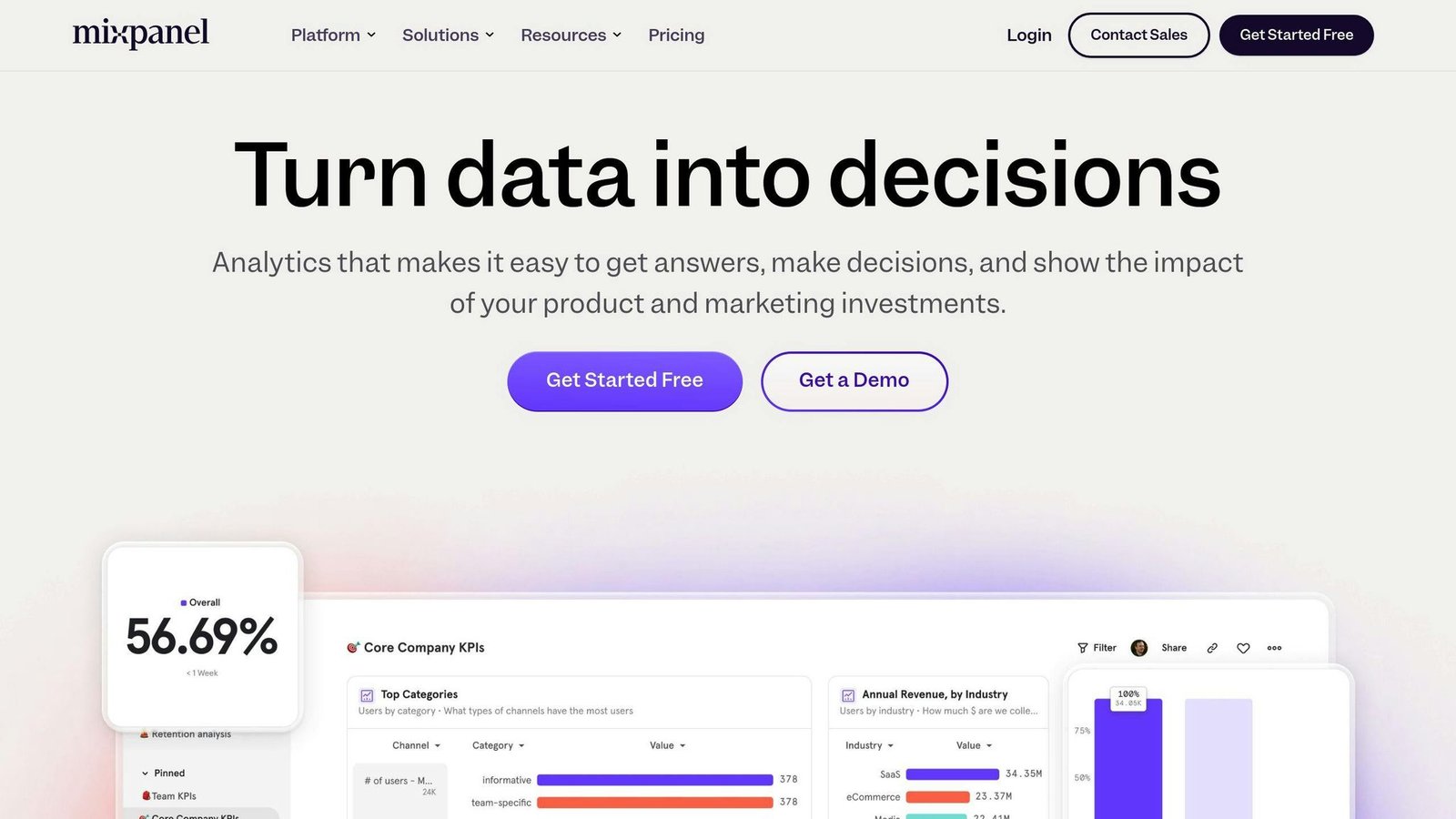
Mixpanel is product analytics: what users do inside your app or site, and which of those actions predict retention.
Key Features
- Behavioural analytics: track clicks, scrolls and form submissions as events.
- User interaction tracking: SDKs for web and mobile apps.
- Conversion analysis: funnel analysis to find drop-off points.
Target Users
Product managers, marketers and analysts. Non-technical staff can run reports, but someone has to define the event schema properly first, and that is the part people underestimate.
Pricing Options
Mixpanel’s free tier is larger than most: up to 1M events a month and 10K session replays, with core funnels and retention analysis. Growth starts at $0 and scales with volume — up to 20M events and 500K session replays a month — with a calculator on the pricing page to estimate your cost. Enterprise is quoted.
The “$25 a month” and “free up to 100K data points” figures this article previously carried do not match Mixpanel’s current pricing and have been removed.
Potential Drawbacks
- Unpredictable cost: usage-based pricing means a viral month is also an expensive month.
- Setup effort: bad event naming early on is expensive to unpick later.
2. Google Analytics
Key Features
- Traffic, audience and conversion reporting
- Audience segmentation
- Predictive metrics and anomaly detection
- Campaign measurement across Google properties
Target Users
Almost everyone with a website, because it is free and already integrated with Google Ads.
Pricing Options
The standard product is free. Analytics 360 is the paid enterprise tier, and Google does not publish its price — it is quoted through sales or a reseller. This article previously stated “$150K/yr + setup fee”. We cannot source that figure, so it has been removed. If you need 360, get a written quote; the number moves with contract terms and region.
Potential Drawbacks
- Data sampling on the free tier at high volumes
- Weak at individual customer-level analysis compared with Mixpanel or Woopra
3. Kissmetrics
Key Features
- Customer journey tracking
- Cohort analysis
- Revenue metrics
- A/B testing
Target Users
Marketers and product teams who want per-person journeys rather than aggregate sessions.
Pricing Options
Kissmetrics is much cheaper than this article used to claim. Current published pricing: a free tier at 100k events a month, then Growth from $99 a month at 500k events. Kissmetrics states that Growth, Silver and Gold are the same product at different volume rates — $0.20 per 1k events on Growth, $0.15 on Silver, $0.10 at 5M events on Gold, and custom pricing above that.
The “Silver $299/month” and “Gold $499/month” tiers previously listed here are not what Kissmetrics publishes now, and the claim that paid plans start at $299 was out by a factor of three.
Potential Drawbacks
- Integrations: fewer prebuilt connectors than the larger platforms.
- Event-based billing: same volatility problem as Mixpanel.
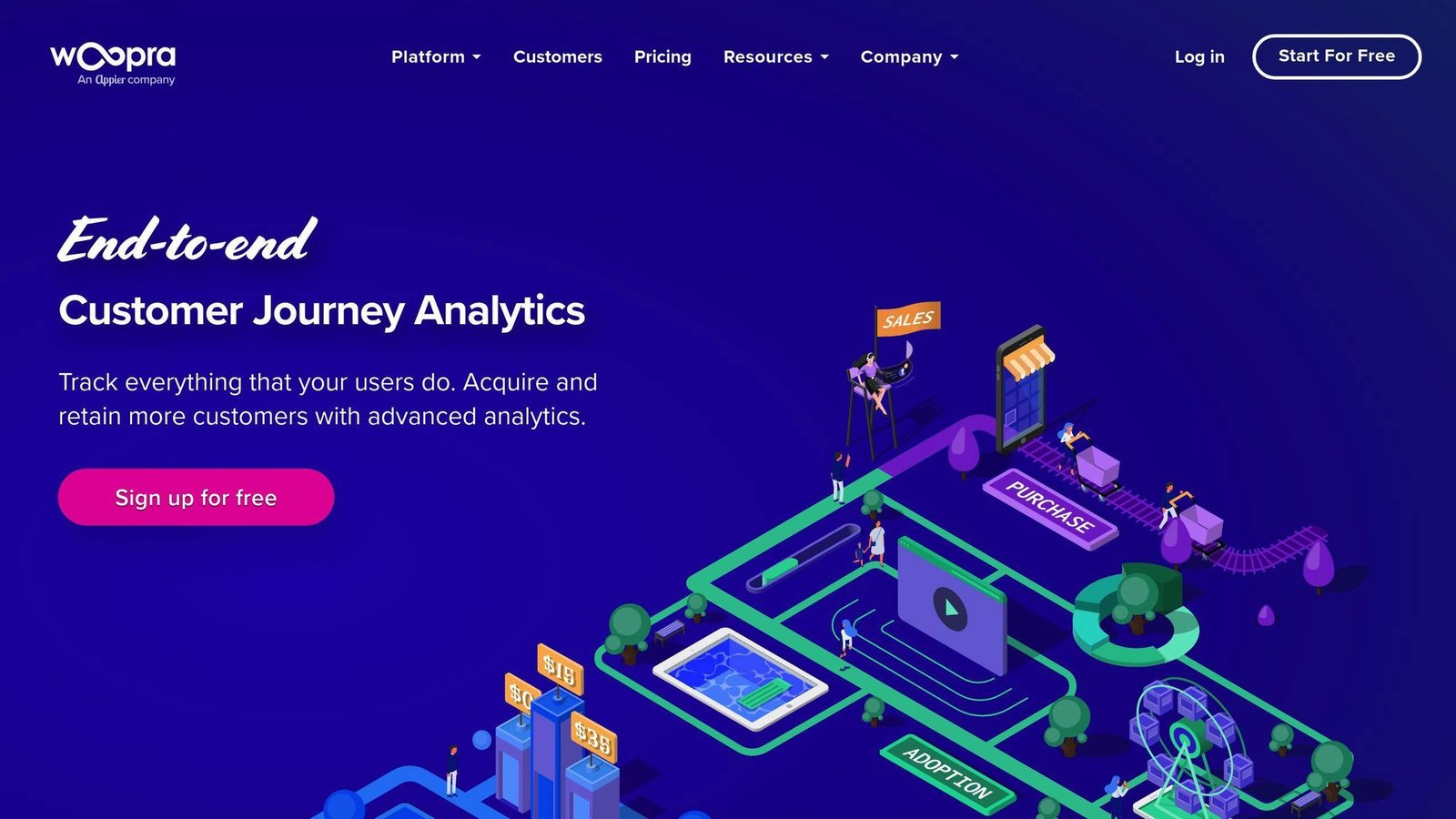
4. Woopra
Key Features
- Real-time data: behaviour visible as it happens
- Custom event tracking
- Individual customer profiles spanning channels
- Integrations with Salesforce, Marketo and Zendesk
Target Users
Customer success and product teams at companies large enough to absorb a four-figure monthly bill.
Pricing Options
Pro starts at $999 a month, covering 5M+ events a month; Enterprise is quoted. There is a 30-day free trial of Pro — the first month is free and billing starts in the second — but there is no permanent free tier, so the “free up to 500K actions/mo” line previously in this article was wrong. The “$1,999 Pro” tier has also been removed; Woopra does not list it.
One thing to check before you engage: Woopra’s pricing page carries a last-modified date of February 2021. Treat the $999 figure as a starting point for a conversation, not a current quote.
Potential Drawbacks
- Complex setup: expect engineering time.
- Price floor: the cheapest published option is $999 a month, which rules it out for most small businesses.
5. Hotjar, now part of Contentsquare
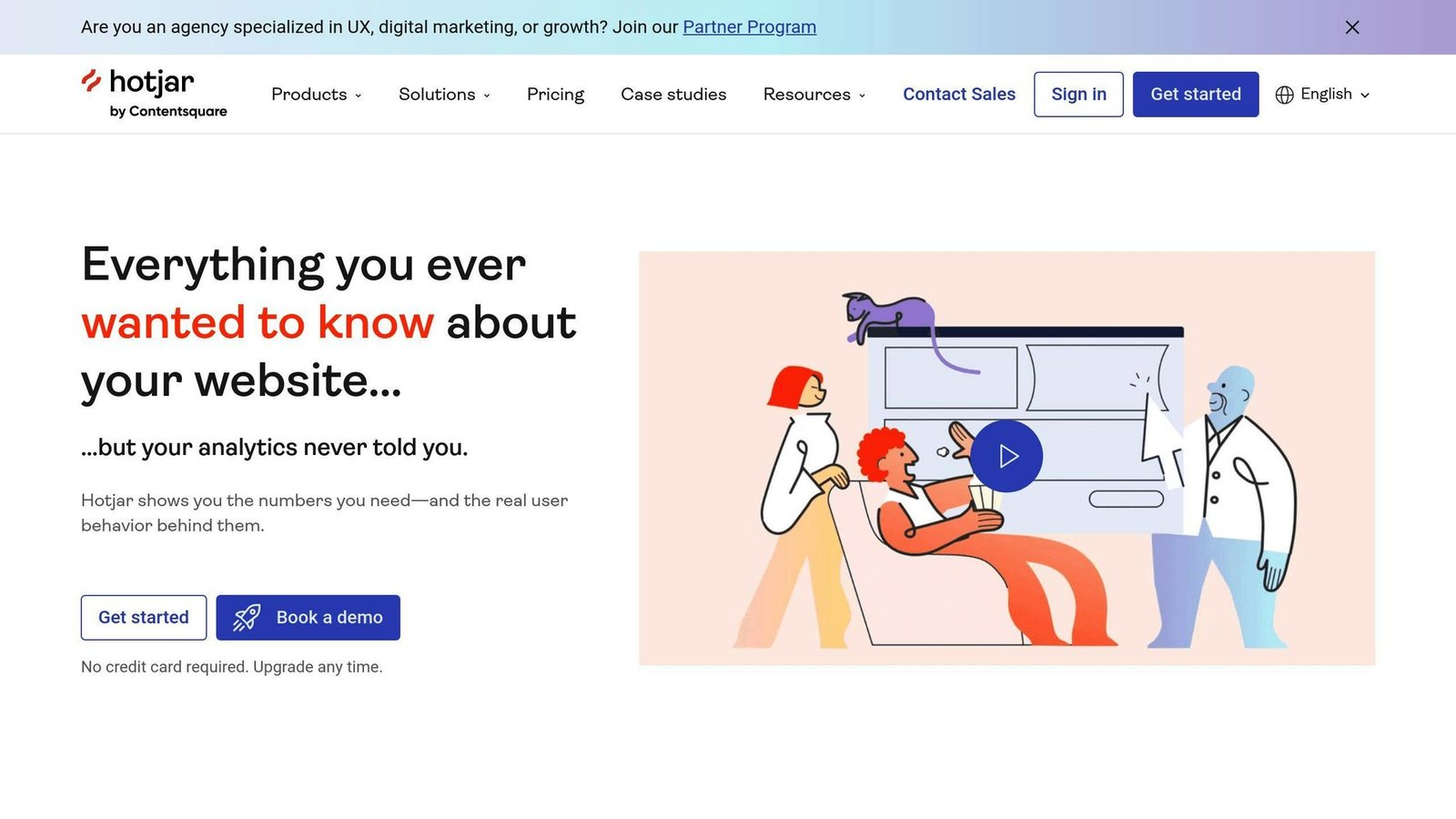
Worth knowing before you shortlist it: hotjar.com/pricing now redirects to contentsquare.com, and Hotjar’s plans are sold as part of Contentsquare’s platform. The product still exists; the company on the invoice has changed.
Key Features
- Heatmaps: where users click, move and scroll.
- Session recordings: replay individual sessions.
- Feedback collection: polls and surveys.
- Conversion funnels and form analysis.
Target Users
UX designers, product managers and marketers who need to see behaviour rather than count it.
Pricing Options
Experience Analytics pricing, checked August 2026: Free at $0 for up to 200k sessions a month with one month of data history; Growth $49 a month billed annually covering 7k to 10m sessions with 13 months of history; Pro and Enterprise quoted. A session is counted as a visitor’s full journey across every page, and the allowance resets monthly.
The old tier list here — Basic $39, Business $99, Pro $289, free up to 1,000 pageviews a day — no longer matches anything on the vendor’s page.
Potential Drawbacks
- Website behaviour only; no predictive analytics
- Data history is limited to one month on the free tier
6. Zoho PageSense
Key Features
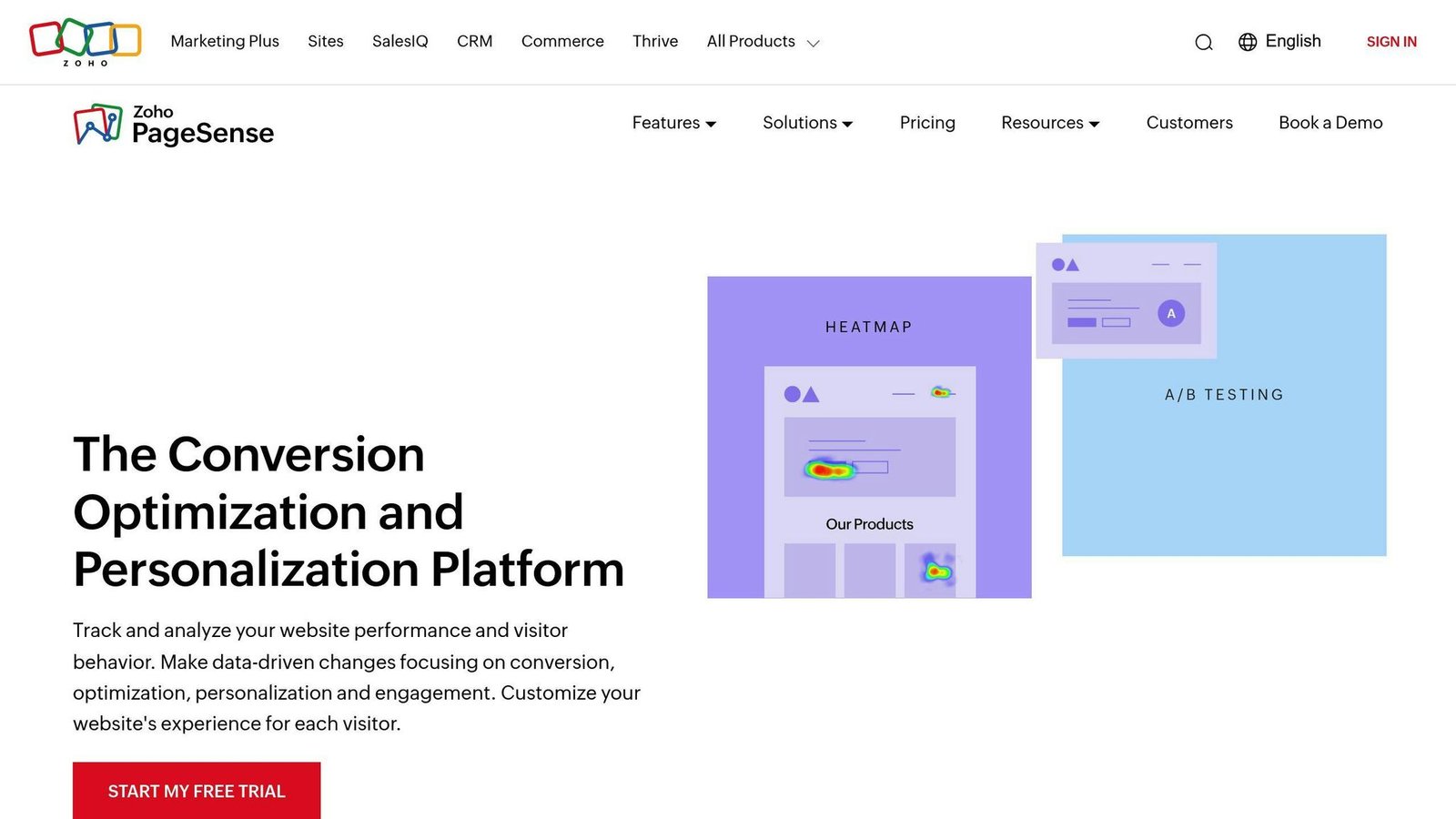
- Heatmaps and session recordings
- A/B testing
- Funnel analysis
- Form analytics
- Personalisation based on visitor behaviour
Target Users
Website owners and marketers, especially those already running other Zoho products.
Pricing Options
PageSense has a Forever Free plan covering up to 5,000 monthly tracked users, with web and mobile analytics, goals, funnels, heatmaps and session recording. Paid Professional and Enterprise plans start from 10,000+ monthly tracked users and can be billed monthly or yearly, with Zoho advertising a 40% saving for annual billing. There is a 15-day trial and no card is required.
The rates themselves did not render on Zoho’s pricing page when we checked in August 2026, so the “$16, $23 and $39 a month” tiers previously listed here have been removed rather than carried forward. Note also that the unit is monthly tracked users, not pageviews — the two are not interchangeable.
Potential Drawbacks
- You cannot compare it on price without contacting Zoho
- Fewer features than dedicated CRO platforms
7. Crazy Egg
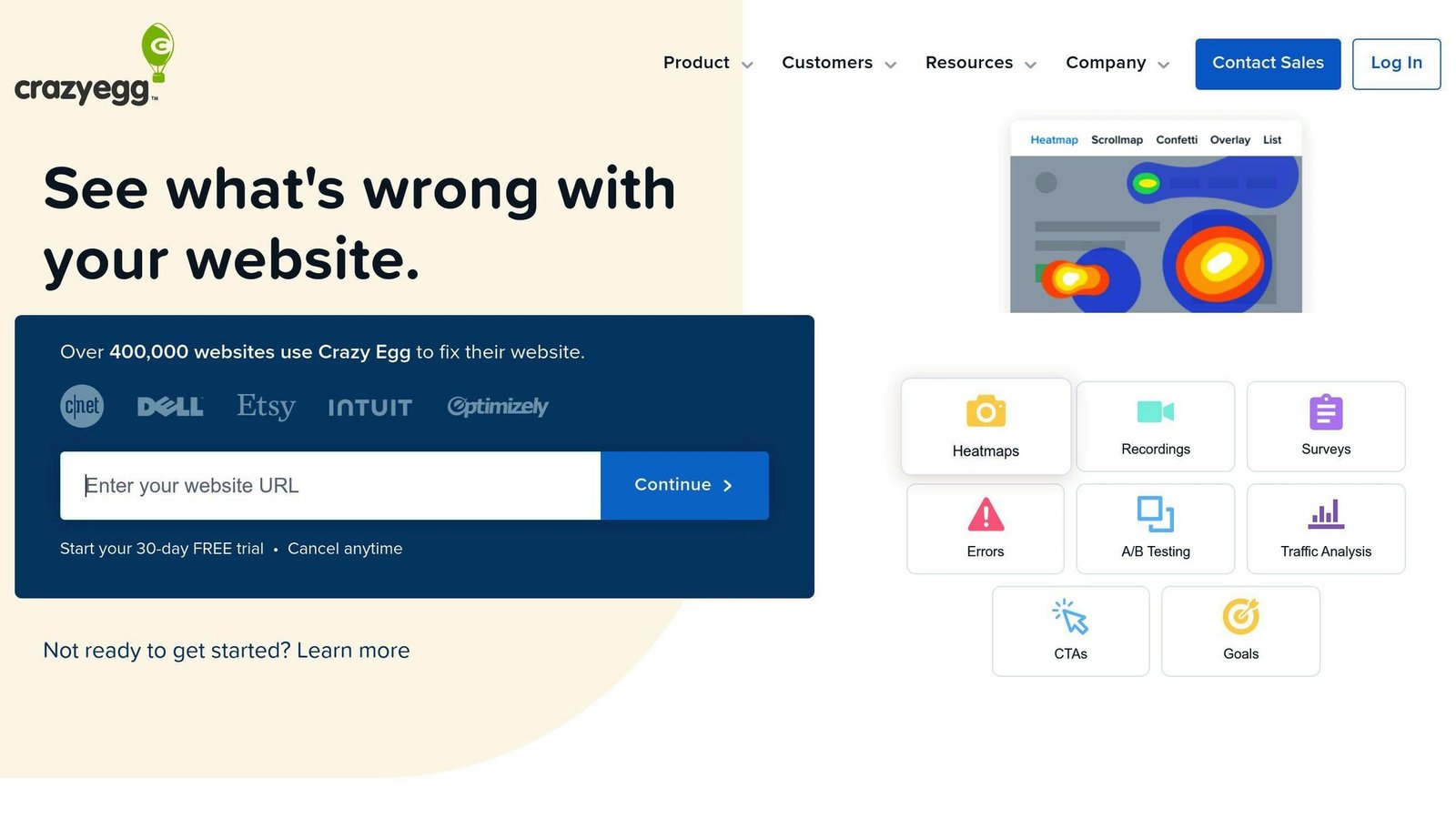
Crazy Egg is a visual website optimisation tool built around heatmapping.
Key Features
- Heatmap reports: where users click.
- Scrollmap reports: how far down the page they get.
- Confetti reports: clicks segmented by source, location and device.
- Overlay reports: click data per page element.
- List reports: raw click data, including non-visible elements.
Target Users
Website owners, digital marketers, CRO and UX people. Particularly useful for:
- E-commerce businesses optimising product pages and checkout
- Content publishers testing layout and engagement
- SaaS companies working on onboarding
Pricing Options
Published rates, all billed annually, checked August 2026. The pageview allowance matters more than the price:
| Plan | Price (billed annually) | Pageviews per month |
|---|---|---|
| Starter | $29/month | 5,000 |
| Plus | $99/month | 150,000 |
| Pro | $249/month | 500,000 |
| Enterprise | $599/month | 1,000,000 |
All plans include unlimited domains and unlimited team members. Exceed the pageview cap and data collection pauses until the 1st of the following month, which is a harsher failure mode than overage billing. There is a 30-day trial. The previous tier list here (Basic $24, Standard $49, Plus $99, Pro $249) mismatched both the plan names and the allowances.
Potential Drawbacks
- Qualitative focus: it shows behaviour, not conversion maths.
- Hard caps: 5,000 pageviews on Starter is very little for a real site.
8. Brand24
Key Features
- Real-time alerts on brand mentions
- Sentiment analysis
- Influencer identification
- Social media monitoring across major platforms
- Competitor tracking
Target Users
Brand managers, PR, social and customer service teams.
Pricing Options
This is the largest correction in the article. Brand24 is roughly two and a half times more expensive than previously stated here. Current published rates:
| Plan | Billed annually | Billed monthly |
|---|---|---|
| Individual | $199/month | $249/month |
| Team | $299/month | $349/month |
| Pro | $399/month | $499/month |
| Business | $599/month | $699/month |
| Enterprise | From $1,499/month | Quoted |
There is a 14-day trial with no card required. The figures previously carried here — $79, $149 and $249, and a separate “Pro $99 / Premium $199” table — do not correspond to any current Brand24 plan.
Potential Drawbacks
- Expensive for a small marketing team
- Higher tiers gate some sentiment and influencer features
9. Brandwatch
Key Features
- Data analysis across social, reviews and feedback
- Multichannel monitoring
- Real-time alerts
- Content recommendations
Target Users
Marketing teams, brand managers and analysts at larger organisations.
Pricing Options
Brandwatch does not publish prices. Its site lists standard-to-enterprise plans across Consumer Intelligence, Social Media Management and Influencer Marketing, and routes everything through a demo booking. The “Consumer $768/mo” and “Corporate $2,400/mo” figures previously shown here could not be sourced anywhere on the vendor’s site and have been removed.
Practically, this means Brandwatch cannot be compared on cost with the tools above it until you have a written quote.
Potential Drawbacks
- No pricing transparency
- Complexity: more platform than a small team needs
10. Sprout Social
Key Features
- Social listening across platforms
- Unified social inbox
- Content calendar and scheduling
- Analytics and reporting
Target Users
Social media managers and marketing teams handling several accounts.
Pricing Options
Sprout Social prices per seat, which the previous version of this article missed entirely. Published rates:
| Plan | Billed annually | Billed monthly |
|---|---|---|
| Essentials | $79 per seat/month | $99 per seat/month |
| Standard | $199 per seat/month | Not published |
| Professional | $299 per seat/month | Not published |
| Advanced | $399 per seat/month | Not published |
| Enterprise | Quoted | Quoted |
There is a 30-day trial with no card required. The old “Standard $249 / Professional $499 / $299 and $599 monthly” table has been replaced. Because the rate is per seat, a four-person social team on Standard is paying $796 a month, not $199.
Potential Drawbacks
- Per-seat cost: the real bill scales with headcount, fast.
- Learning curve: broad feature set takes time.
Conclusion and Recommendations
These ten tools do three different jobs. Mixpanel, Kissmetrics and Woopra analyse product behaviour. Hotjar, Zoho PageSense and Crazy Egg show you what happens on a page. Brand24, Brandwatch and Sprout Social listen to what people say elsewhere. Google Analytics sits across the first two, badly but for free.
When choosing:
- Business goals: retention, conversion or reputation. Pick the group first, then the tool.
- Data volume: convert every headline price into your own events, sessions, pageviews or seats before comparing.
- Integration: with your CRM, marketing automation and support platforms.
- Free tiers: Mixpanel, Kissmetrics, Hotjar and PageSense all have real ones. Start there.
- Pricing transparency: Brandwatch and Analytics 360 publish nothing, and Zoho’s rates did not display. That is a procurement cost in itself.
Key Considerations
| Consideration | Description |
|---|---|
| Business Goals | Retention, conversion rate, or brand reputation — these need different tools |
| Pricing Unit | Per seat, per event, per session, per pageview or per tracked user |
| Integration | Whether it connects to your CRM and support platform without custom work |
| Scalability | What happens at the next volume tier, and whether caps pause data collection |
| User Experience | Whether the people who need the answers can get them unaided |
All prices above were checked against vendor pricing pages in August 2026 and should be confirmed before budgeting.
FAQs
What is the AI tool for consumer insights?
Speak uses natural language processing to analyse audio and video feedback from consumers, which traditional analytics tools cannot process.
Key Features
- Analyses unstructured data: audio recordings and video.
- Natural language processing: meaning and sentiment behind the feedback.
- Actionable insights: output in reports and dashboards.
How It Works
- Data collection: audio and video feedback from surveys, interviews or focus groups.
- Data processing: NLP extracts themes and sentiment.
- Insights delivery: reports or dashboards.
Speak does not publish pricing on the page we checked, so budget for a sales conversation.
PRNEWS.io
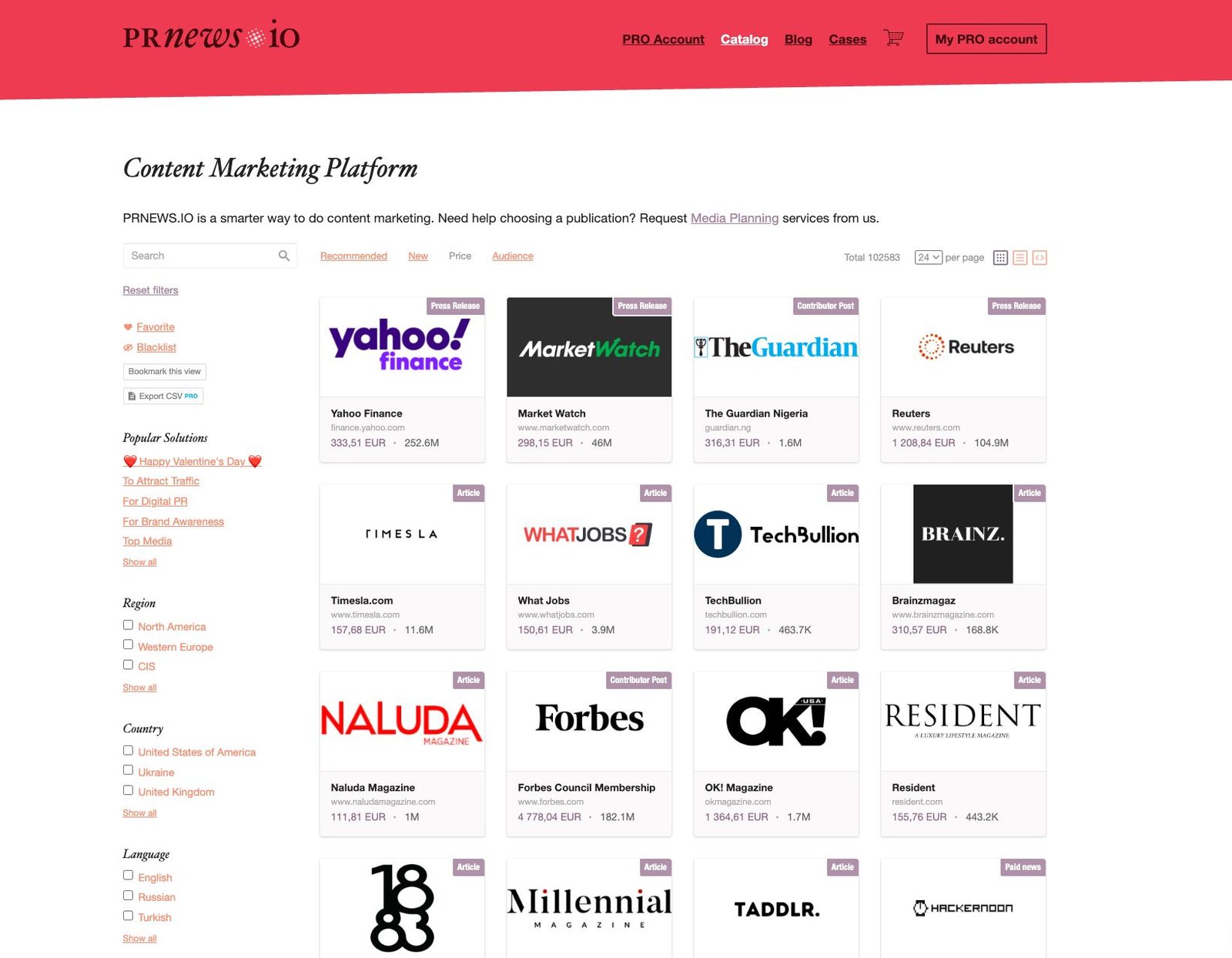
An eleventh entry, included because it covers media monitoring rather than customer analytics proper.
Key Features
PRNEWS.IO is a content distribution platform with monitoring attached:
- Media analytics: how published content performs across platforms.
- Content performance tracking: traffic, views and engagement on published articles.
- AI-assisted distribution: suggests outlets and categories based on campaign goals.
- Brand mention monitoring.
Target Users
- PR professionals
- Content marketers
- Brand managers
- Digital agencies
Potential Drawbacks
- Limited editorial control: content is published through external media, so edits may not be in your hands.
- Dependence on external platforms: coverage depends on publisher partnerships, which can be thin in niche sectors.
- Different job: it distributes and monitors coverage; it will not tell you why users abandon your checkout.
More on this topic
Browse all 53 articles on Data & Analytics.