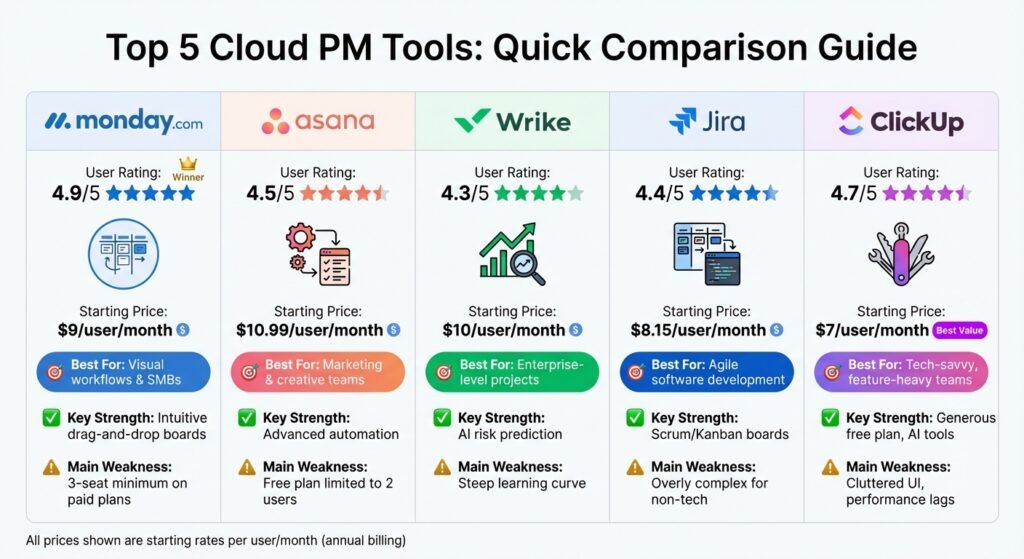
Looking for the best cloud-based project management tools? Here’s a quick breakdown of the top 5 platforms based on user feedback: monday.com, Asana, Wrike, Jira, and ClickUp. Each caters to different team needs, from visual task boards to advanced automation for agile development.
Key Takeaways:
- monday.com: Great for visual workflows. Easy to set up, but paid Work Management plans carry a 10-seat minimum, so the real entry cost is ten seats, not one. Basic is $9 per seat per month billed monthly, $7.38 billed annually.
- Asana: Ideal for scaling teams with strong automation. Free Personal plan is limited to 2 users. Starter is $10.99 per user per month billed annually, $13.49 billed monthly.
- Wrike: Built for enterprise projects, with AI risk prediction. Steeper learning curve. Team is $10 per user per month billed annually for 2–15 users; Business is $25.
- Jira: Suits software developers using Agile. Highly technical. Free for up to 10 users. Atlassian does not publish a flat per-user rate for Standard or Premium — you get a number from its pricing calculator, and the per-user average falls as you add users.
- ClickUp: All-in-one tool with a generous free plan. Can feel overwhelming. Unlimited is $7 per user per month billed annually, $10 billed monthly.
Quick Comparison:
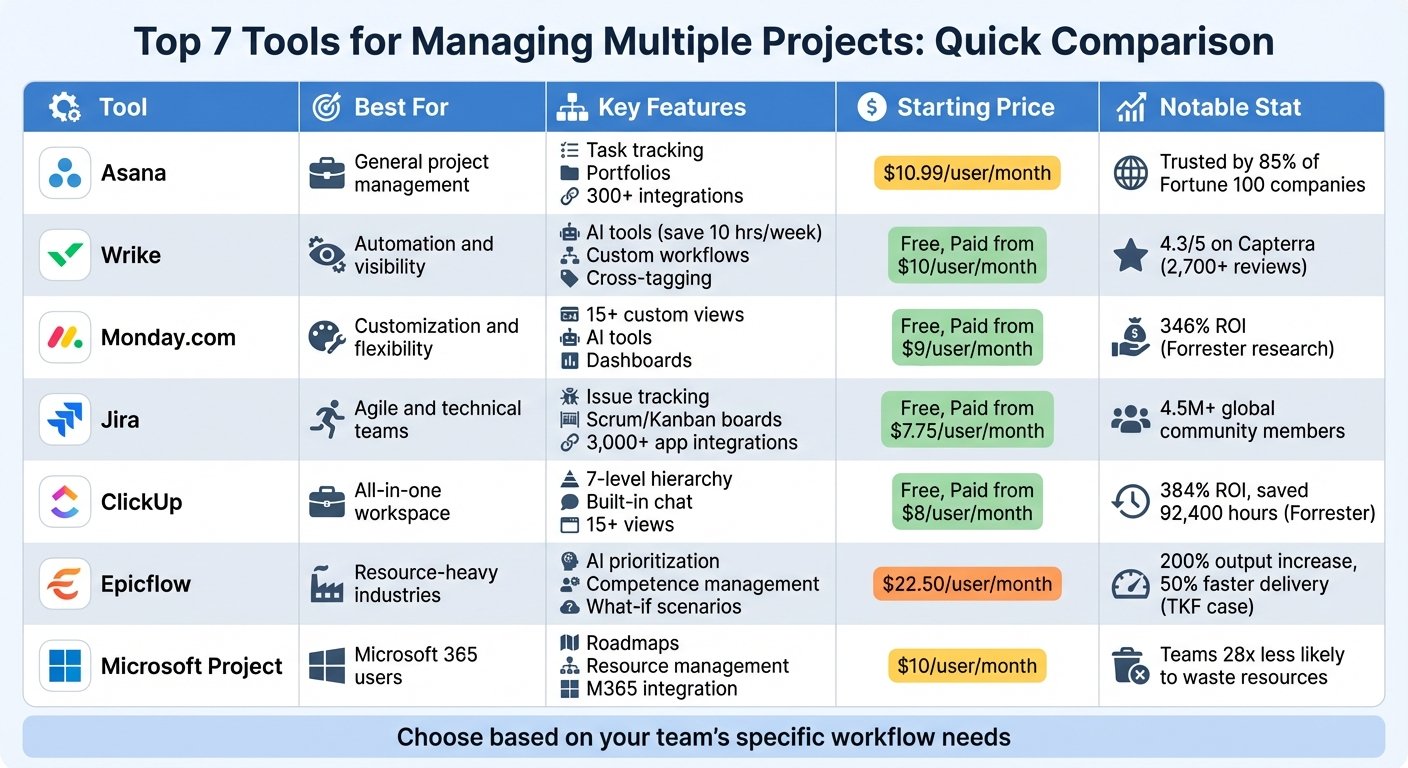
| Tool | Best For | Key Strength | Main Weakness | Cheapest Paid Plan |
|---|---|---|---|---|
| monday.com | Visual workflows & SMBs | Intuitive drag-and-drop boards | 10-seat minimum on paid Work Management plans | Basic, $9/seat/month monthly or $7.38 annually |
| Asana | Marketing & creative teams | Workflow automation | Free plan limited to 2 users | Starter, $10.99/user/month annually or $13.49 monthly |
| Wrike | Enterprise-level projects | AI risk prediction | Steep learning curve; Business tier is annual only | Team, $10/user/month annually (2–15 users) |
| Jira | Agile software development | Scrum/Kanban boards | Overly complex for non-tech; no published flat rate | Standard, priced by calculator |
| ClickUp | Tech-savvy, feature-heavy teams | Generous free plan, AI tools | Cluttered UI, performance lags | Unlimited, $7/user/month annually or $10 monthly |
On the numbers: every price here was checked against the vendor’s own pricing page in August 2026 and should be confirmed before you budget. Watch two things in particular. First, the unit — per seat, per user, annual or monthly — because on these five the annual rate runs roughly a fifth to a third below the monthly one. Second, seat minimums, which can make a $9 plan a $90 bill on day one. An earlier version of this article carried a set of renewal rates, satisfaction percentages, customer quotes and case-study results that could not be traced to a published source; those have been removed rather than left standing.
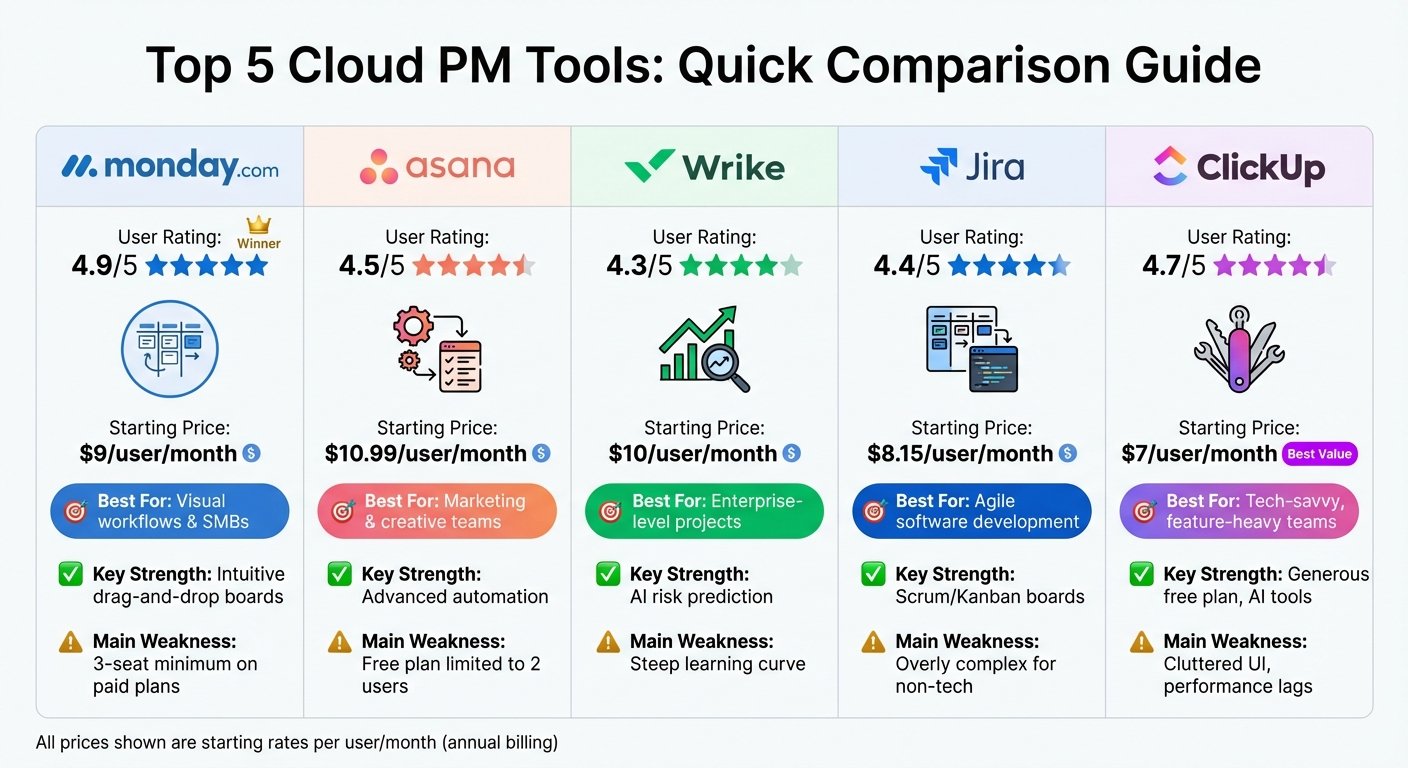
Top 5 Cloud Project Management Tools Comparison: Ratings, Pricing & Features
1. monday.com
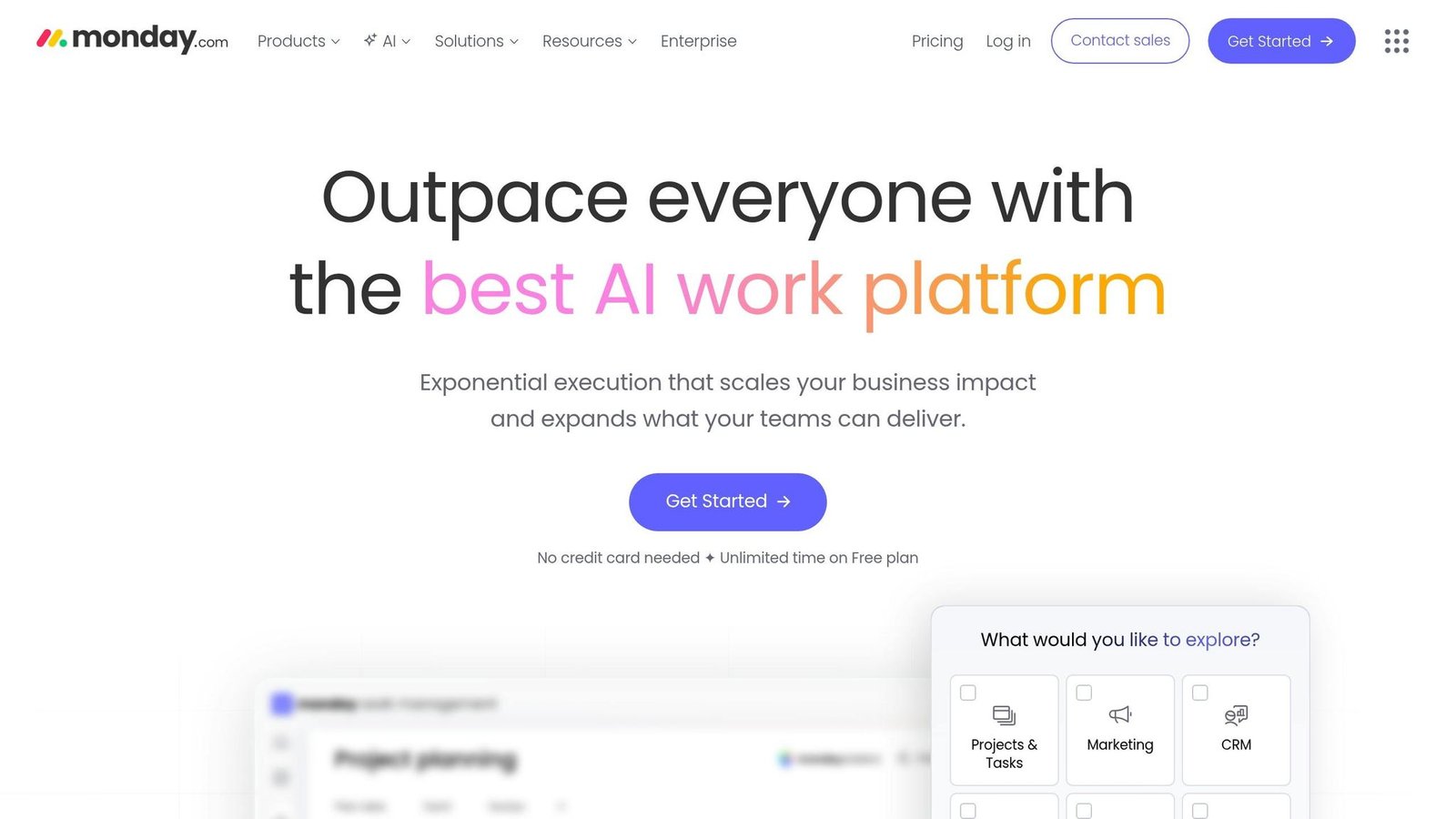
monday.com offers a “Work OS” platform that lets teams design custom workflows using flexible boards – no coding required. Tasks, referred to as “items”, can be broken down into subitems and displayed in various views like Kanban, Gantt, or Timeline. Automations simplify repetitive tasks, reducing manual effort. User reviews consistently highlight its ease of use and adaptability, earning it high ratings across multiple platforms.
User Ratings and Reviews
monday.com reviews well on ease of use across the main software review sites. We are not reproducing the specific renewal and recommendation percentages that appeared here before, because the survey behind them is not publicly linkable and a number you cannot check is worse than no number. Read the reviews yourself and weight them by how close the reviewer’s team looks to yours.
The criticism is consistent and worth taking seriously: confusing pricing, a thin free plan, the seat minimum, and no built-in automated recurring tasks.
Task Management Features
monday.com excels in task management, offering over 15 ways to visualize work. Its drag-and-drop interface and color-coded progress bars provide a quick overview of project status. Advanced planning tools, such as Timeline and Gantt views, become available with the Standard plan, but these features aren’t included in the Free or Basic tiers. One downside is the mobile app, which is less reliable and less functional compared to the desktop version.
Collaboration Tools
The platform simplifies team communication by attaching discussions directly to tasks. Team members can use @mentions and leave comments on specific items. monday Workdocs allows for real-time co-authoring, enabling teams to collaborate on meeting notes or brainstorm ideas without switching between tools.
Guest access is another helpful feature, allowing clients or stakeholders to monitor progress without full workspace permissions. Integrations with over 200 third-party apps like Slack, Microsoft Teams, and Zoom make it easy to sync calendars or turn messages into tasks.
Customization Options
Customization is a standout feature of monday.com. With over 20 customizable column types – such as status labels, timelines, and formulas – teams can tailor boards to their specific needs. Dashboards with more than 30 widgets let users track key metrics like budgets, hours worked, or project progress. The automation builder uses simple language to create “if this, then that” workflows, like sending notifications when a task’s status changes or setting up recurring tasks. Additionally, the platform includes over 200 pre-built templates designed for industries like marketing, CRM, software development, and HR.
Pricing. The Free plan gives you 2 seats and 3 boards. On Work Management, Basic is $9 per seat per month billed monthly or $7.38 billed annually, Standard is $12 or $9.84, and Pro is $19 or $15.58. Enterprise is quote-only. Two things the headline rate hides: paid Work Management plans have a 10-seat minimum, so the smallest real Basic bill is ten seats, not one; and monday.com’s CRM, Dev and Service products are priced separately, with the CRM starting at $12 per seat on a 3-seat minimum. Time tracking only appears on Pro. Rates checked August 2026.
2. Asana
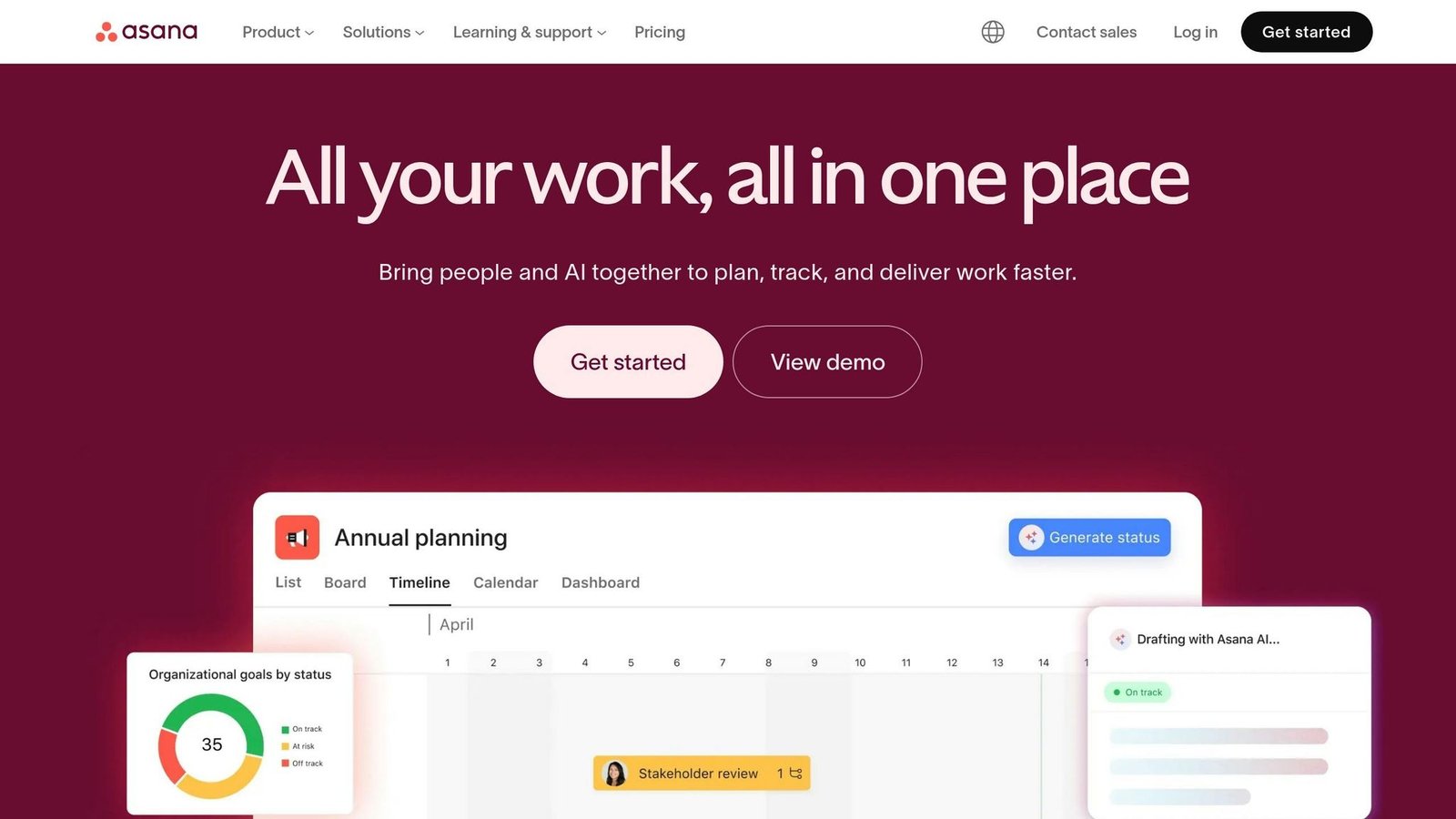
Asana operates using a five-tier hierarchy – spanning from Goals down to Subtasks – to help teams manage work efficiently at every level. Customer-count and Fortune 100 figures quoted here previously came from Asana’s own marketing and are not independently verifiable, so they have been dropped. Users can choose from various views, including List, Kanban, Timeline, and Calendar, to suit their workflow preferences.
User Ratings and Reviews
Asana reviews well on interface quality and configuration. Specific renewal and recommendation percentages, and a set of productivity gains attributed to an IDC white paper, appeared here previously without a link to the underlying study. Both have been removed. Vendor-commissioned productivity studies are worth reading, but only with the methodology in front of you.
However, some users note challenges, such as a steep learning curve for advanced features and an overwhelming number of notifications. The platform also lacks built-in real-time chat and native time-tracking tools.
Task Management Features
Asana’s task management tools stand out for their flexibility and ease of use. The “My Tasks” feature offers a personalized view of all assigned work across projects, helping users stay focused. Multi-homing allows tasks to exist in multiple projects simultaneously, enabling teams to maintain context without duplicating data.
The Workflow Builder simplifies automation with “if-then” logic, streamlining repetitive actions like assigning tasks or updating statuses. While Asana excels at managing ongoing workflows and repetitive tasks, it may not be as effective as tools like Jira for highly complex, multi-phase technical projects. To avoid task pile-ups, some users suggest setting due dates based on when you plan to work on a task, rather than just the final deadline.
Collaboration Tools
Asana creates a shared workspace where teams can collaborate through task-level comments, @mentions, and project discussions – all in one place. Whether that actually reduces status meetings depends on whether managers agree to read the tool instead of calling a meeting, which is a management problem, not a software one.
The Goals feature ties individual tasks to broader company objectives, ensuring that everyone understands how their work contributes to larger strategies. Managers can use Portfolios and real-time dashboards for a high-level view of project statuses and workloads. Asana also integrates with over 200 third-party apps, including Slack, Microsoft Teams, and Google Workspace, making it a versatile choice for diverse teams.
Customization Options
Customization is another key strength of Asana. Teams can create custom fields to track specific data points like priority, status, or costs. The visual Workflow Builder allows users to set up automation rules without needing any coding skills.
To further simplify workflows, Asana offers hundreds of pre-built templates catering to industries ranging from marketing to HR onboarding.
Pricing. The free Personal plan covers up to 2 users — an earlier version of this article said 10 in one place and 2 in another; 2 is correct. Starter is $10.99 per user per month billed annually, or $13.49 billed monthly. Advanced is $24.99 annually or $30.49 monthly and adds Portfolios, Goals and higher automation limits. Enterprise is quote-only. Rates checked August 2026.
3. Wrike
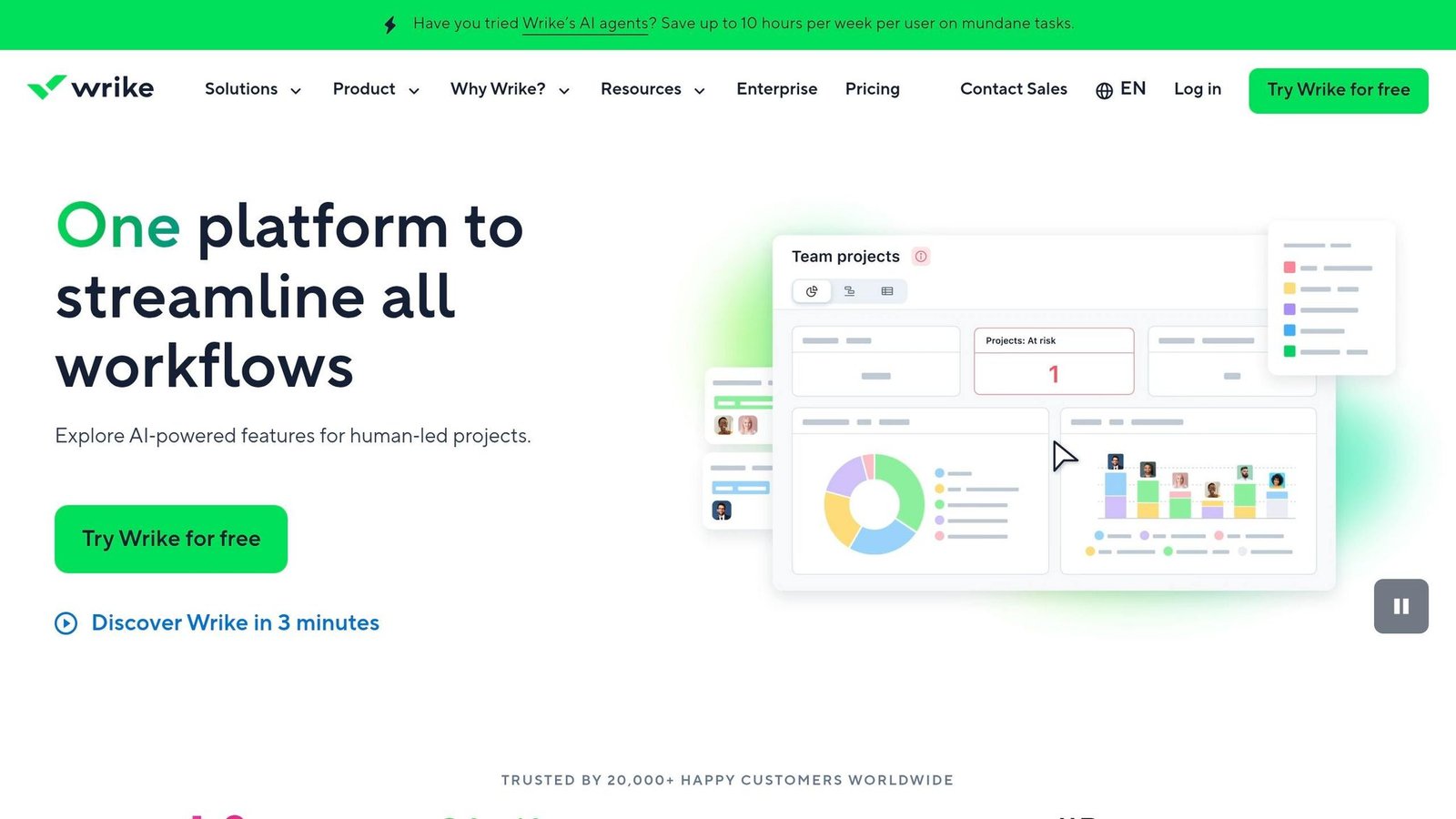
Wrike organizes work through folders, projects, tasks, and subtasks, making it easier to break down big goals into manageable steps. One standout feature is its AI risk prediction, which uses machine learning to flag projects at risk of missing deadlines and identify potential causes. Treat that as a prompt to look at a project, not a forecast: it is inferred from your own historical task data, so it is only as good as the discipline with which your team updates statuses. Several customer results quoted here previously could not be traced to a published case study and have been removed.
User Ratings and Reviews
Wrike reviews well on Gartner Peer Insights, TrustRadius and PCMag, with customization the most-praised attribute. The consistent complaints are worth more of your attention than the praise: a steep learning curve on advanced features, slow customer support, and no built-in chat.
Task Management Features
Wrike shines in task management, particularly with its Timeline View (interactive Gantt charts). The drag-and-drop functionality allows users to adjust task dependencies and durations in real time. Wrike also supports proofing for a wide range of file types, including video, with side-by-side version comparison — the feature most likely to justify the price for a creative team that currently emails PDFs around.
The mobile app offers OCR document scanning and offline time tracking, but it does less than the desktop version. Start with one department before rolling out company-wide, and use Blueprints for recurring projects to save setup time.
Collaboration Tools
Wrike simplifies collaboration by centralizing discussions, @mentions, and file sharing within tasks, reducing email clutter. It includes an infinite whiteboard for brainstorming and supports Unlimited Free Viewers, which is the genuinely useful bit: clients and executives can watch progress on a dashboard without consuming a paid seat. Two customer case studies with precise before-and-after numbers previously appeared here; neither could be sourced, so both are gone. Wrike integrates with Slack, Microsoft Teams and Adobe Creative Cloud, among many others.
Customization Options
Wrike’s flexibility allows teams to tailor it to their workflows. Users can create custom fields (like dropdowns, numeric inputs, or text), design custom workflows with specific task statuses, and build personalized dashboards. Dynamic request forms streamline intake by converting submitted details into structured tasks automatically. Additionally, “Custom Item Types” enable teams to replicate their business administration and information systems.
Pricing. The Free plan is $0 and covers up to 5 users. Team is $10 per user per month, billed annually, and is capped at 2–15 users — that cap matters, because outgrowing it means jumping tiers, not adding seats. Business is $25 per user per month, billed annually, for 5–200 users, and adds time tracking, custom fields, approvals and AI risk prediction. Above that, Pinnacle and Apex are quote-only. Note that Business and above are sold on annual terms only, and Wrike sells seats in blocks rather than one at a time. Rates checked August 2026.
4. Jira
Jira is widely recognized for its ability to handle complex projects. Initially created for software development, it now serves a much wider range of industries. Whether you’re managing team boards or coordinating large-scale, cross-team projects, Jira accommodates agile methodologies, including Scrum, Kanban, and hybrid models.
User Ratings and Reviews
Jira reviews well on Gartner Peer Insights and GetApp, with customization the most-cited strength. Survey percentages and several anonymous practitioner quotes that appeared here previously could not be sourced and have been removed.
The recurring criticism is real and predictable: the abundance of features overwhelms non-technical teams, the interface feels dated, and Marketplace add-ons add cost. Jira without governance turns into an inconsistent mess within a year — that is the single most common failure mode, and it is organisational rather than technical.
Task Management Features
Jira’s task management tools are a standout feature. Teams can organize work using epics, initiatives, and sub-tasks, ensuring complete traceability between requirements, tasks, and defects. That traceability is the reason regulated industries put up with the complexity: every adjustment, discussion and outcome is logged.
The platform also integrates AI-powered tools like Atlassian Rovo, which can summarize comments, refine task descriptions, and handle natural language queries.
Jira’s task tracking is complemented by features that enhance collaboration across teams.
Collaboration Tools
Jira fosters teamwork with real-time Scrum and Kanban boards. Features like comments, @mentions, file sharing, and automated notifications help minimize reliance on lengthy email threads. When paired with Confluence, Jira centralizes meeting notes, project wikis, and documentation — though that is a second product with its own bill.
Jira integrates with a very large number of tools via the Atlassian Marketplace — Slack, GitHub, Confluence and Bitbucket among them. Note that many Marketplace apps are paid and priced per user, so the Marketplace is also where Jira budgets quietly grow. Its automation engine handles multi-step rules, and is one route into business process automation.
Customization Options
Jira’s flexibility is a double-edged sword – it’s both its greatest asset and a challenge for some users. Teams can design custom workflows with unique statuses and transitions tailored to their processes. Custom issue types, such as “epics”, “features”, or “bugs”, enable departments to track specific deliverables.
The platform also offers no-code automation with an “If This, Then That” format and provides templates for industries like marketing, finance, HR, and operations. Users can toggle between Scrum boards, Kanban boards, timelines, and list views. Custom fields and JQL-powered dashboards provide real-time insights into team performance. All of which is only useful if someone owns the configuration. Decide who that is before you buy.
Pricing. The Free plan covers up to 10 users with 2 GB of file storage. Beyond that, Atlassian does not publish a flat per-user rate. Standard (up to 100,000 users, 250 GB storage) and Premium (unlimited storage, advanced roadmaps, cross-team planning) are both priced per user on a sliding scale: Atlassian says the average cost per user falls as you add users, its published list price applies to instances of 1–100 users, and Premium runs at roughly twice your Standard per-user average. You get an actual number from Atlassian’s pricing calculator. Per-user figures that appeared here previously have been removed because they cannot be checked against a published rate card. Enterprise is quote-only and billed annually.
5. ClickUp
ClickUp is a comprehensive project management tool that brings together tasks, documents, whiteboards, and time tracking in one platform. Its extensive feature set is both the selling point and the main complaint.
User Ratings and Reviews
ClickUp reviews well across the major software review sites, with breadth of features the most-cited strength and interface complexity the most-cited weakness — often from the same reviewer. PCMag praised its document collaboration and criticised its complexity. Two other consistent reports: the mobile app does less than the desktop version, and performance degrades on large workspaces.
Task Management Features
ClickUp offers a long list of view types to help users visualize their work. Features like task dependencies, custom statuses, and dependency flags allow teams to tailor workflows to their needs.
ClickUp has pushed hard into AI with ClickUp Brain, which drafts status reports and helps with project setup. Time-saving claims for it come from ClickUp; we have not seen an independent measurement, so treat them as marketing until you have run your own. Adopt advanced ClickApps gradually rather than switching everything on at once.
Collaboration Tools
ClickUp simplifies team communication by integrating tasks, documents, and chat into one workspace, reducing the need to juggle multiple tools like Slack or Notion. Real-time collaboration tools include Whiteboards for brainstorming and Docs for co-editing. Its automation engine features a no-code builder with over 100 triggers and actions to handle repetitive tasks. Additionally, customizable dashboards act as “mission control” centers, where teams can monitor metrics, track progress, and manage capacity with widgets.
Customization Options
Customization is a strong point for ClickUp. Its multi-level hierarchy allows teams to organize projects with precision, supported by unlimited custom fields and modular ClickApps. Users can create unique task statuses, such as “In Review” or “SEO Check”, to align with specific workflows.
To avoid workspace clutter, establish naming conventions and status pipelines early. ClickUp also offers a large template library covering Marketing, IT and Finance, which saves building workflows from scratch.
Pricing. The Free Forever plan gives unlimited tasks and unlimited members but only 60 MB of storage, which is the limit that ends the free ride for most teams. Unlimited is $7 per user per month billed annually, or $10 billed monthly. Business is $12 annually or $19 monthly. Enterprise is quote-only. ClickUp Brain is a separate add-on at $9 per user per month billed monthly, with a larger Everything AI tier at $28. Budget the AI line separately; it is not included. Rates checked August 2026.
These features make ClickUp a strong contender among top cloud-based project management tools.
Feature and Price Comparison
This side-by-side comparison breaks down the key features and pricing of these tools, so you can weigh the trade-offs and find the best fit for your team.
monday.com is the easiest of the five to get running, and the one with the biggest gap between headline price and first bill: paid Work Management plans have a 10-seat minimum. Asana is the strongest on workflow automation, with the tightest free tier — two users. ClickUp has the most generous free plan by seat count, unlimited members, and the least generous by storage at 60 MB. Jira is the Agile development choice and the only one here that will not quote you a rate without a calculator. Wrike targets enterprise projects, costs the most at the second tier, and takes the longest to learn. Named ROI timelines and star ratings that appeared here previously have been removed as unsourceable.
Here’s a quick comparison of strengths, weaknesses and pricing:
| Tool | Best For | Key Strength | Main Weakness | Free Plan | Cheapest Paid Plan |
|---|---|---|---|---|---|
| monday.com | Visual workflows & SMBs | Intuitive drag-and-drop interface | 10-seat minimum on paid Work Management plans | 2 seats, 3 boards | Basic, $9/seat/month monthly or $7.38 annually |
| Asana | Marketing & creative teams | Automation with conditional logic | Free plan limited to 2 users | 2 users | Starter, $10.99/user/month annually or $13.49 monthly |
| Wrike | Enterprise/cross-functional teams | Risk prediction and proofing tools | Steep learning curve; annual terms above Team | 5 users | Team, $10/user/month annually (2–15 users) |
| Jira | Software development & Agile teams | Native Scrum/Kanban boards; Advanced Roadmaps | Too technical for non-developers; no published flat rate | 10 users, 2 GB | Standard, priced by calculator |
| ClickUp | Tech-savvy teams | Generous free plan; AI add-on | Performance lags; cluttered UI; 60 MB free storage | Unlimited members, 60 MB | Unlimited, $7/user/month annually or $10 monthly |
On annual billing the cheapest entry points are ClickUp Unlimited at $7 per user per month and monday.com Basic at $7.38 per seat — but monday.com’s 10-seat minimum makes ClickUp cheaper in practice for a team of three. Jira’s free tier for up to 10 users is the best free option for a small development team. Do the arithmetic for your actual headcount rather than comparing the headline numbers.
For software development teams, Jira remains the go-to, while marketing and operations teams often prefer Asana or monday.com for their process-oriented workflows. This comparison highlights the critical differences to help you make an informed decision.
Conclusion
Choosing the right project management tool boils down to aligning your team’s workflow with the strengths of each platform. monday.com is the fastest to get productive in for non-technical teams, provided you can justify ten seats. Asana suits operations teams that want repeatable processes and are planning to grow past a handful of people. For software developers practising Agile or Scrum, Jira is still the default, with sprint tooling nothing else here matches. ClickUp gives you the most features per dollar, at the cost of a cluttered interface. Wrike is the enterprise option, with the resource management and proofing to match and the price and learning curve to match too.
Productivity percentages and a worked ROI example previously sat here, both unsourced. If you want a number, work it out yourself: multiply the hours you expect to save per person per week by your own fully loaded hourly cost, then compare that against the annual bill including seat minimums and AI add-ons. Most of these tools clear that bar easily on paper; whether they clear it in practice depends on adoption, which is the part no vendor can sell you.
To ensure you pick the right platform, try a two-week trial with real projects to gauge onboarding speed and automation capabilities. Check how well the tool integrates with your existing tech stack to avoid unnecessary app-switching. And don’t overlook potential hidden costs, like fees for AI features or minimum seat requirements.
The right choice will depend on your team’s specific needs and operational style, but with careful evaluation, you can find a tool that streamlines your workflow and amplifies productivity.
FAQs
How do I choose the right tool for my team?
Selecting the right project management tool hinges on a few key factors, including the size of your team, your workflow preferences, and your specific needs. Here’s how to approach it:
- Team size: Certain tools are tailored for smaller teams, offering simplicity and ease of use, while others are designed to handle the complexities of larger organizations.
- Workflow compatibility: Make sure the tool aligns with your team’s methodology, whether that’s Agile, Waterfall, or another approach. The right tool should enhance, not hinder, your process.
- Features and budget: Compare options based on critical features like task tracking and collaboration tools. Don’t forget to weigh these against your budget to ensure you’re getting the most value for your investment.
Taking the time to evaluate these aspects will help you land on a tool that fits your team like a glove.
What hidden costs should I watch for in pricing?
Hidden costs in cloud project management tools can sneak up in various ways. For instance, you might face upgrade fees for features that turn out to be essential for your workflow. Integrations, such as connecting with your CRM or accounting software, often come with additional charges. As your team expands, you may also need to pay for extra user licenses, adding to your expenses.
Other costs to watch for include setup fees, customization charges, or even training expenses to get your team up to speed. Some platforms lure users with low upfront fees but tack on extra costs for things like additional modules, increased storage, or premium support. To avoid surprises, take the time to carefully review the pricing structure and terms before committing to a platform.
Which tool is easiest to onboard and adopt fast?
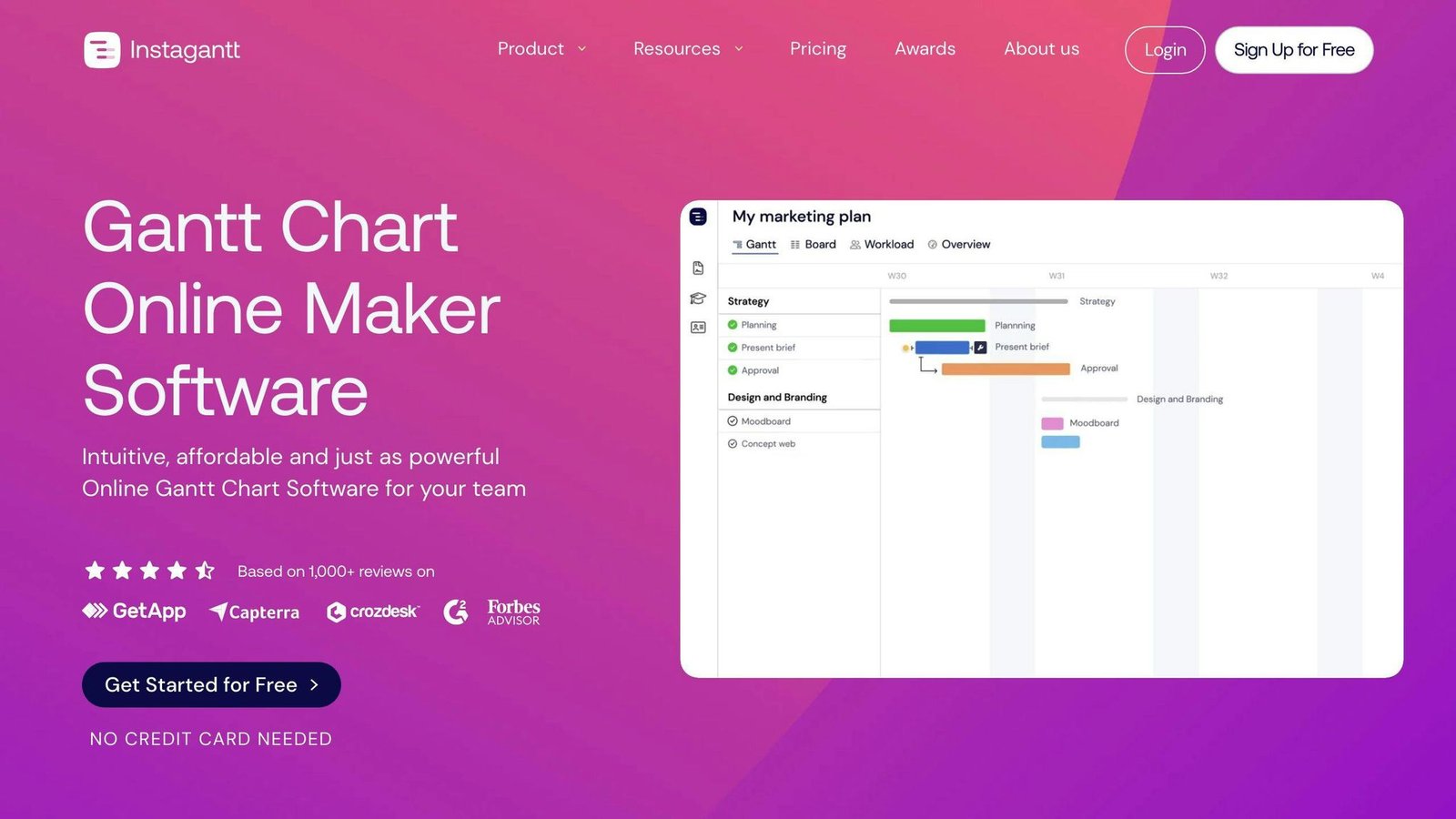
Of the five compared here, monday.com is the one non-technical teams generally get running fastest, largely because boards look like spreadsheets and need no training to read. GanttPro is another simple option outside this list if your needs are mostly Gantt charts. Whichever you try, run a two-week pilot on a real project rather than a demo dataset — onboarding speed is the one thing a sales demo cannot show you.
More on this topic
Browse all 40 articles on Project & Team Management, or jump straight to our buying guide: Best Project Management Tools for Small Teams.