Mobile identity verification lets a business confirm who a customer is remotely, using the phone in their hand. It combines biometrics, document scanning and automated document forensics to cut fraud during onboarding.
Pricing note: every price below was checked against the vendor’s own pricing page in August 2026. Most of these vendors charge per verification, and rates move with volume, so confirm before you budget.
Here are ten mobile identity verification tools worth a look for 2024:
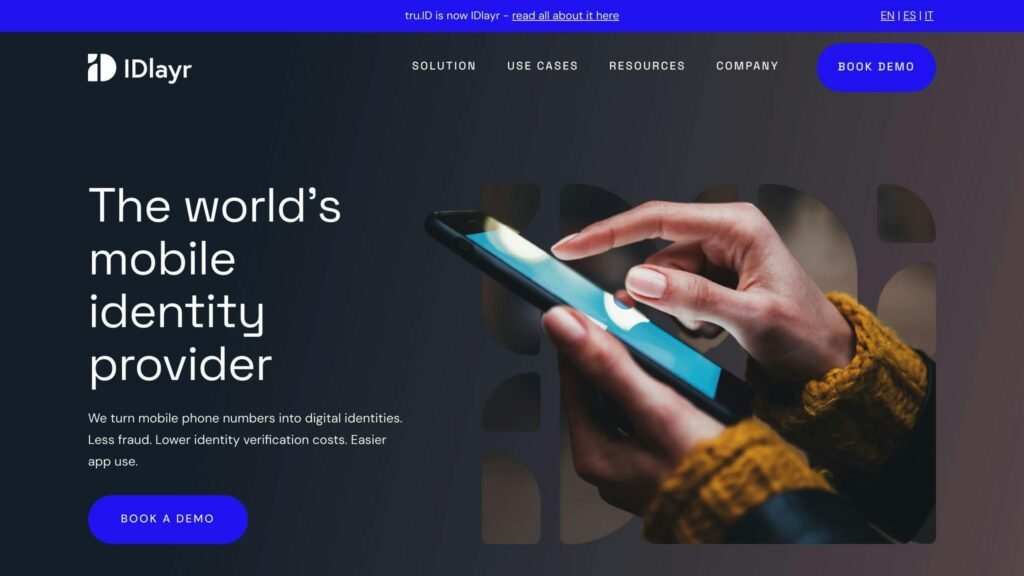
- IDlayr (formerly tru.ID): Turns mobile numbers into digital identities using mobile network signals and passwordless authentication.
- Jumio: AI-assisted ID capture, liveness detection and anti-spoofing.
- Thales Mobile Protector: Device binding, biometrics and PIN codes for multi-factor authentication in banking apps.
- Prove: Phone-centric identity verification, form pre-fill and passwordless authentication.
- Entrust identity proofing: Cloud-based ID document checks, sold as part of Entrust Identity as a Service rather than on its own.
- Veriff: Document analysis, liveness detection and human review for edge cases.
- Ondato: Facial recognition, document verification and biometrics for KYC/AML compliance.
- FTx Identity: Age and identity checks with POS integration for in-store use.
- ID.me: Consumer identity network with a reusable verified login.
- Dashlane: A password manager. It is on plenty of lists like this one, but it does not verify customer identities — see the entry below.
| Tool | Key Features | Pricing (checked August 2026) |
|---|---|---|
| IDlayr | Mobile network signals, Passwordless Authentication | Not published |
| Jumio | AI ID Capture, Liveness Detection, Anti-Spoofing | Not published |
| Thales Mobile Protector | Device Binding, Biometrics, PIN Codes | Not published |
| Prove | Identity Verification, Pre-Fill Forms, Passwordless Auth | Not published |
| Entrust identity proofing | Cloud ID Verification, Liveness Test | Not published |
| Veriff | AI Document Analysis, Liveness Detection, Human Review | From $0.80 per verification, $49/month minimum (Essential) |
| Ondato | Facial Recognition, Document Verification, Biometrics | Identity verification €1.40 to €0.50 per check, by volume |
| FTx Identity | Age Verification, Biometrics, POS Integration | $25/month per website or per store, plus $0.50 per online verification |
| ID.me | Secure Verification, Universal Login, Data Control | Free for individuals; business rates not published |
| Dashlane | Password management (not identity verification) | Per user/month, billed annually; rate not published |
Six of the ten do not publish a rate at all. That is normal in this market — pricing is per verification and negotiated on volume — but it means any shortlist you build will need sales calls before you can compare real numbers.
1. IDlayr
About IDlayr
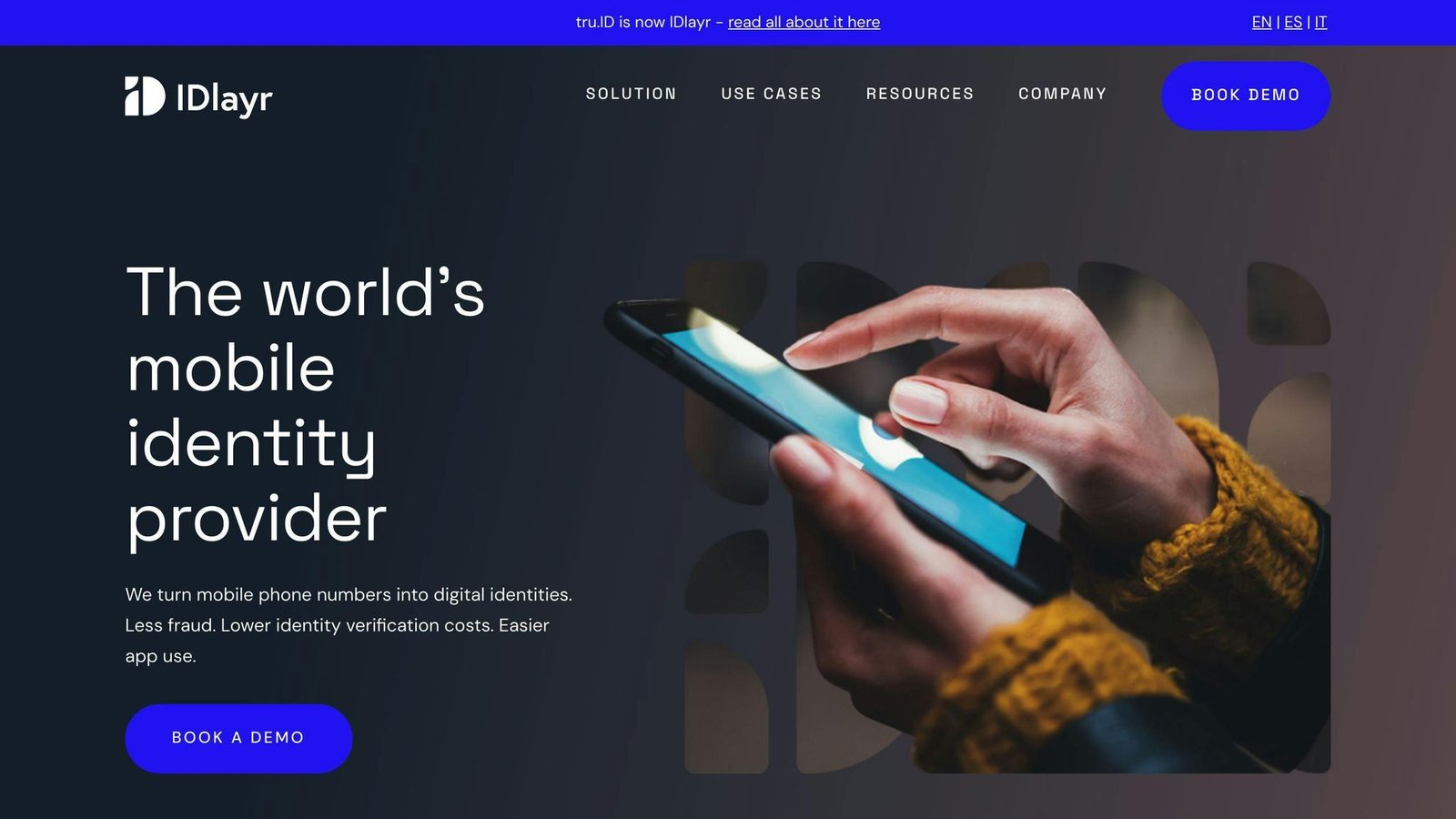
IDlayr verifies users through their mobile phone number and the network behind it, rather than through an SMS code. If you are working from an older shortlist, note the name change: IDlayr is the trading name of 4Auth Limited and the product was previously sold as tru.ID.
Key Features
- Mobile network checks: Verification is done against mobile operator records rather than a one-time passcode.
- Passwordless Authentication: Login without a shared secret.
- Instant Verification: Checks resolve in the background during signup.
Pricing and Platforms
IDlayr does not publish rates or a supported-platform list. The site routes everything through a demo booking.
Pros and Cons
| Pros | Cons |
|---|---|
| No passcode for the user to mistype or have stolen | No public pricing or platform list |
| Verification happens without user effort | Coverage depends on operator agreements in each market |
| Recently renamed, so old documentation may say tru.ID | Requires integration work |
IDlayr is worth a call if your signup fraud is concentrated in SMS interception. It is not a document-checking tool, so it does not replace the vendors further down this list.
2. Jumio
About Jumio
Jumio is an identity verification vendor built around ID document capture, facial comparison and liveness detection.
Key Features
- Automated ID Capture: Reads and checks data from government-issued IDs.
- Liveness Detection: Checks the person presenting the ID matches the photo.
- Anti-Spoofing: Tests for physical presence rather than a replayed image.
- KYC/AML Compliance: Supports regulated onboarding requirements.
Pricing and Platforms
Jumio does not publish rates. Plans are quoted per business. Jumio works via iOS and Android SDKs, an API, webcams and SMS.
Pros and Cons
| Pros | Cons |
|---|---|
| Mature document and liveness stack | No public pricing |
| Wide range of capture channels | Integration effort is real |
| Handles regulated onboarding | Sales cycle before you see a number |
A reasonable default for regulated onboarding at scale. Expect a procurement process, not a signup form.
3. Thales Mobile Protector
About Thales Mobile Protector
Mobile Protector is an SDK for adding multi-factor authentication to a banking app: device binding, PIN codes and biometrics. Naming has drifted since Thales bought Gemalto, and the product now sits under Thales Cybersecurity Products, so searching for “Gemalto Mobile Protector” will land you on a redirect.
Key Features
- Device Binding: Ties the account to a specific handset.
- Biometric Authentication: Fingerprint and face.
- PIN Code: Fallback factor.
- Regulatory Compliance: Built for PSD2 strong customer authentication requirements.
Pricing and Platforms
No published pricing. Sold on customised terms, for iOS and Android.
Pros and Cons
| Pros | Cons |
|---|---|
| Strong multi-factor authentication for banking apps | No public pricing |
| Biometric and PIN options | Enterprise integration project |
| Built for PSD2 requirements | Legacy Gemalto branding causes confusion |
This is an authentication SDK, not an onboarding identity check. It solves a different problem from Jumio or Veriff, so do not treat them as substitutes.
4. Prove
About Prove
Prove builds phone-centric identity verification. Its own site claims it is trusted by more than 2,000 companies and by 19 of the 20 top banks.
Key Features
- Prove Identity Platform: Verifies identity from a phone number and device signals.
- Prove Pre-Fill: Pre-populates onboarding forms with verified data.
- Prove Unified Authentication: Recognises returning users without passwords or one-time codes. (Older write-ups call this “Prove Auth”.)
- Prove Account Opening: Account activation flow built on the above.
Pricing and Platforms
Prove does not publish rates. Terms are quoted per customer; iOS and Android are supported.
Pros and Cons
| Pros | Cons |
|---|---|
| Strong phone-based signals | No public pricing |
| Widely adopted in US banking | Integration effort |
| Cuts drop-off during onboarding | US-centric strength |
Good fit for US consumer finance. Weaker if most of your users are outside the markets where Prove has carrier data.
5. Entrust identity proofing
About Entrust identity proofing
One correction for anyone shopping from an old list: there is no standalone product called “Entrust Identity Proofing”. Identity proofing is a capability inside Entrust’s identity and access management line, delivered through Entrust Identity as a Service.
Key Features
- Document verification: Cloud-based ID document checks.
- Form autofill: Populates onboarding fields from the scanned document.
- Mobile SDK: Drops into existing apps and mobile sites.
- Liveness Test: Selfie check against the document photo.
- Device Reputation: Weighs the device as a signal.
Pricing and Platforms
No published pricing. Entrust offers a 60-day free trial of Identity as a Service and quotes from there. iOS and Android.
Pros and Cons
| Pros | Cons |
|---|---|
| Free trial before you talk to sales | No public pricing |
| Fits an existing Entrust IAM deployment | Not sold as a standalone proofing product |
| Standard document and liveness checks | Less compelling if you use another IAM vendor |
Sensible if you already run Entrust for workforce identity. Less obvious as a first purchase.
6. Veriff
About Veriff
Veriff verifies identity documents with automated forensics and routes hard cases to human reviewers. It says its document database spans 230+ countries and territories and 12,500+ document types.
Key Features
- Automated document analysis
- Liveness detection and face matching
- 12,500+ supported government-issued documents
- Human review for complex cases
- Mobile SDK for apps and mobile sites
- Real-time feedback to the user during capture
Pricing and Platforms
Veriff publishes self-serve rates, which is rare in this category. Checked August 2026 — confirm before budgeting, and note these are per-verification prices with a monthly minimum, not flat monthly fees:
| Plan | Price | Details |
|---|---|---|
| Essential | $0.80 per verification | $49 per month minimum |
| Plus | $1.39 per verification | $99 per month minimum |
| Premium | $1.89 per verification | $209 per month minimum |
| Enterprise | Custom | Volume discounts, quoted by sales |
All self-serve plans include a 15-day free trial capped at 50 sessions. Veriff states there are no setup or implementation fees, and that retry attempts are not billed as separate sessions. Available on iOS and Android.
Pros and Cons
| Pros | Cons |
|---|---|
| Publishes real rates you can compare | Monthly minimum applies even at low volume |
| Broad document coverage | Human review adds cost per case |
| Self-serve signup, no sales call | Higher tiers cost more than double the entry rate |
The easiest vendor here to price out honestly, because you can do it without a sales call. Start on Essential and move up only if the fraud numbers justify it.
7. Ondato
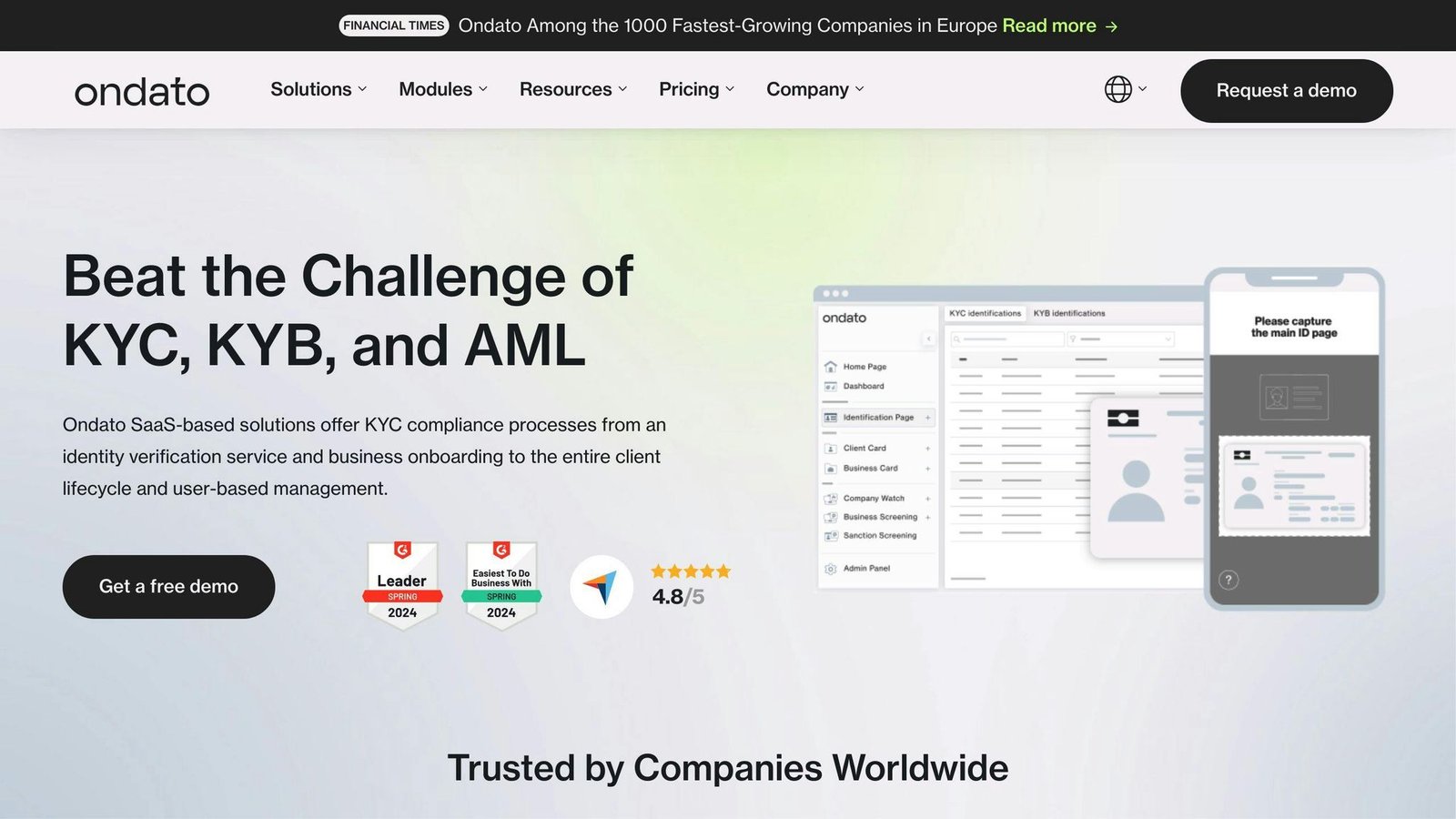
About Ondato
Ondato is a compliance platform for KYC and anti-money-laundering onboarding, with identity verification at the centre of it.
Key Features
- Facial recognition
- Document verification
- Biometric verification
- Business verification (KYB)
- Age verification
Pricing and Platforms
Ondato prices per check, not per month. As published in August 2026: identity verification ranges from €1.40 down to €0.50 per check depending on volume, age verification from €0.30 down to €0.01, and Know Your Business starts at €600. Confirm current rates with Ondato before budgeting.
Pros and Cons
| Pros | Cons |
|---|---|
| Publishes per-check rates | Unit cost is high until volume builds |
| Covers KYC, KYB and age checks in one place | Fewer integrations than the largest vendors |
| Built for regulated onboarding | European focus |
Worth shortlisting for EU regulated onboarding, particularly if you need business verification alongside consumer checks.
8. FTx Identity
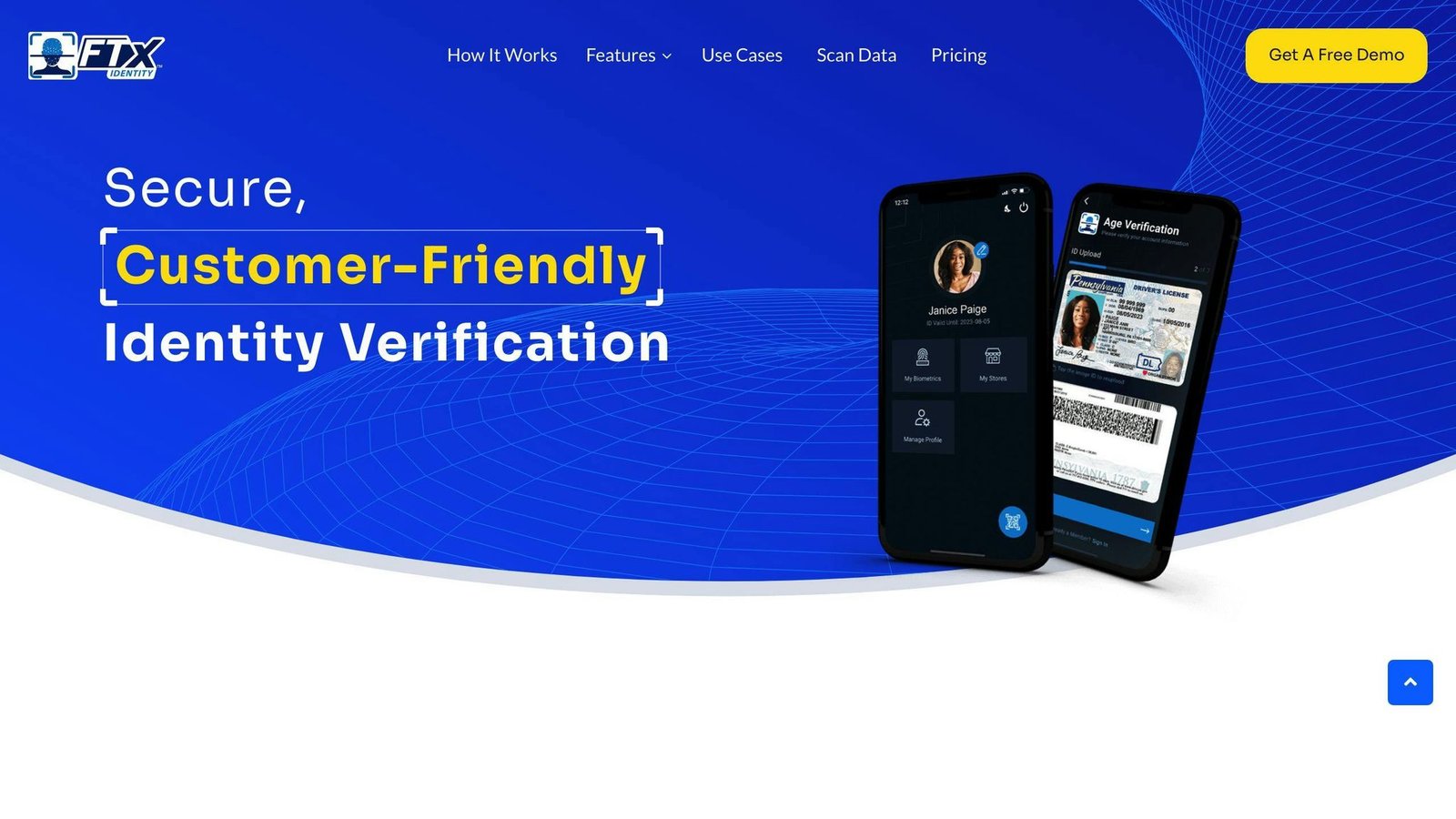
About FTx Identity
FTx Identity does age and identity checks for retailers selling age-restricted products, online and at the till.
Key Features
- Mobile ID: Customers create a mobile ID for in-store checks.
- Age-restricted sales compliance: Built for tobacco, alcohol and similar categories.
- Automated authentication: Document and face checks.
- Biometric Authentication: Fingerprint or face.
- POS Integration: Works with point-of-sale systems and web apps.
Pricing and Platforms
Published pricing, checked August 2026:
| Item | Price |
|---|---|
| Ecommerce subscription | $25 per month, per website |
| In-store subscription | $25 per month, per store |
| In-store and online combined | $50 per month, per location |
| Online verification | $0.50 per approved customer profile |
| Failed verifications | $0 |
| In-store re-verification | $0, unlimited |
Volume discounts are offered for multiple locations. Note the unit: the subscription is charged per site or per store, so a ten-store chain pays ten times the headline figure. Confirm rates with FTx before budgeting. Available on Android, iPad and iPhone.
Pros and Cons
| Pros | Cons |
|---|---|
| Transparent published pricing | Per-location billing adds up for chains |
| Repeat in-store checks are free | Narrow use case: age-restricted retail |
| Failed verifications are not billed | Fewer integrations than general-purpose vendors |
The right tool if your problem is age verification at the till. The wrong tool if you need general KYC.
9. ID.me
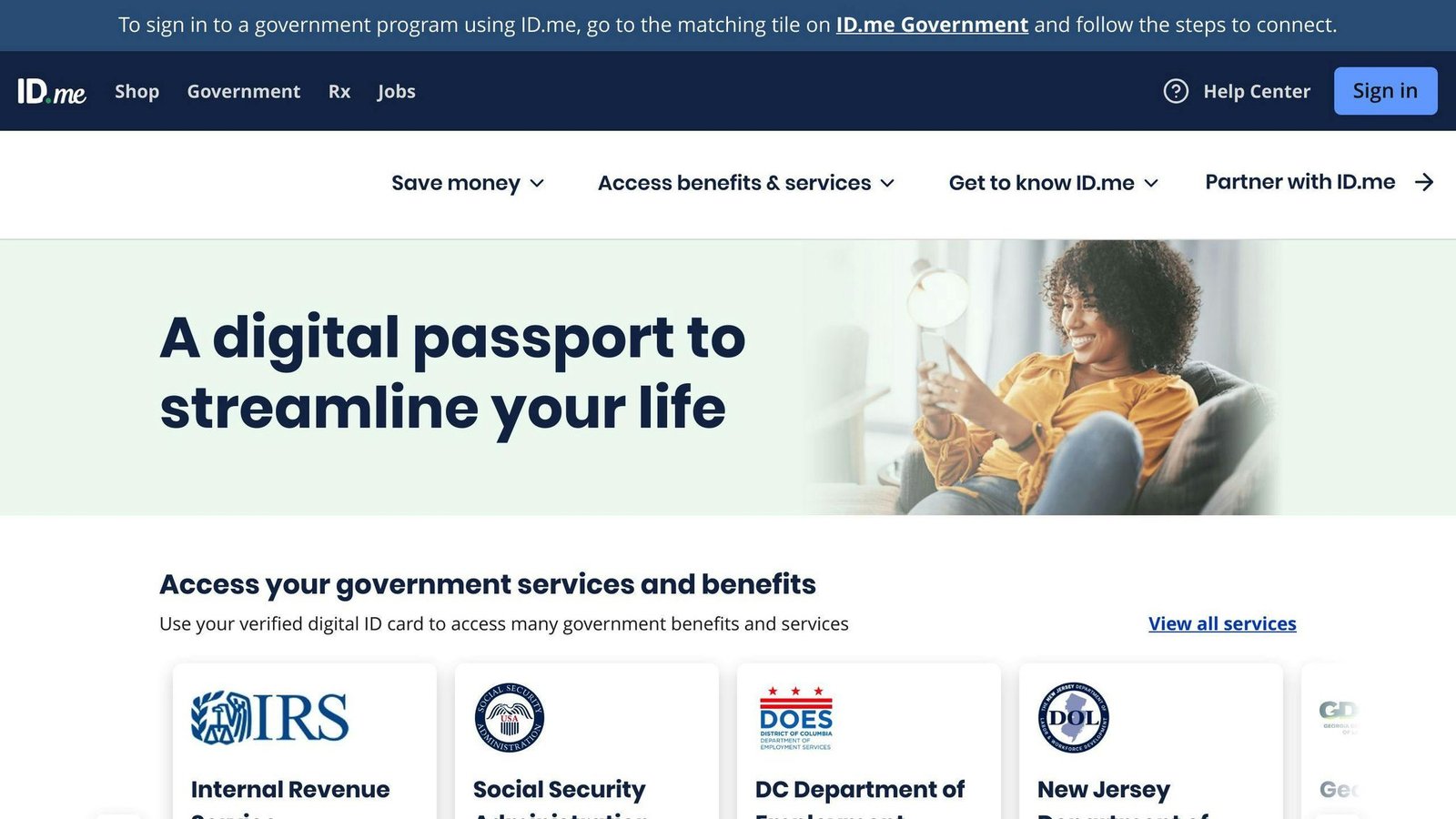
About ID.me
ID.me is a consumer identity network. A person verifies once and reuses that verified identity across participating organisations.
Key Features
- Multi-factor verification: Document checks, selfies and, where needed, video calls with an agent.
- Reusable login: One verification works across participating sites.
- Data control: The user approves what is shared.
- Group verification: Widely used for student, military and first-responder discounts.
Pricing and Platforms
Free for individuals. Organisations pay to accept ID.me verifications, but ID.me does not publish those rates.
Pros and Cons
| Pros | Cons |
|---|---|
| Users may already have an account | No published business pricing |
| Reusable verification cuts repeat friction | Depends on the user joining the network |
| Free at the consumer end | Strongest in the US |
Useful when your users are likely to be verified already. Less useful as your only verification path.
10. Dashlane
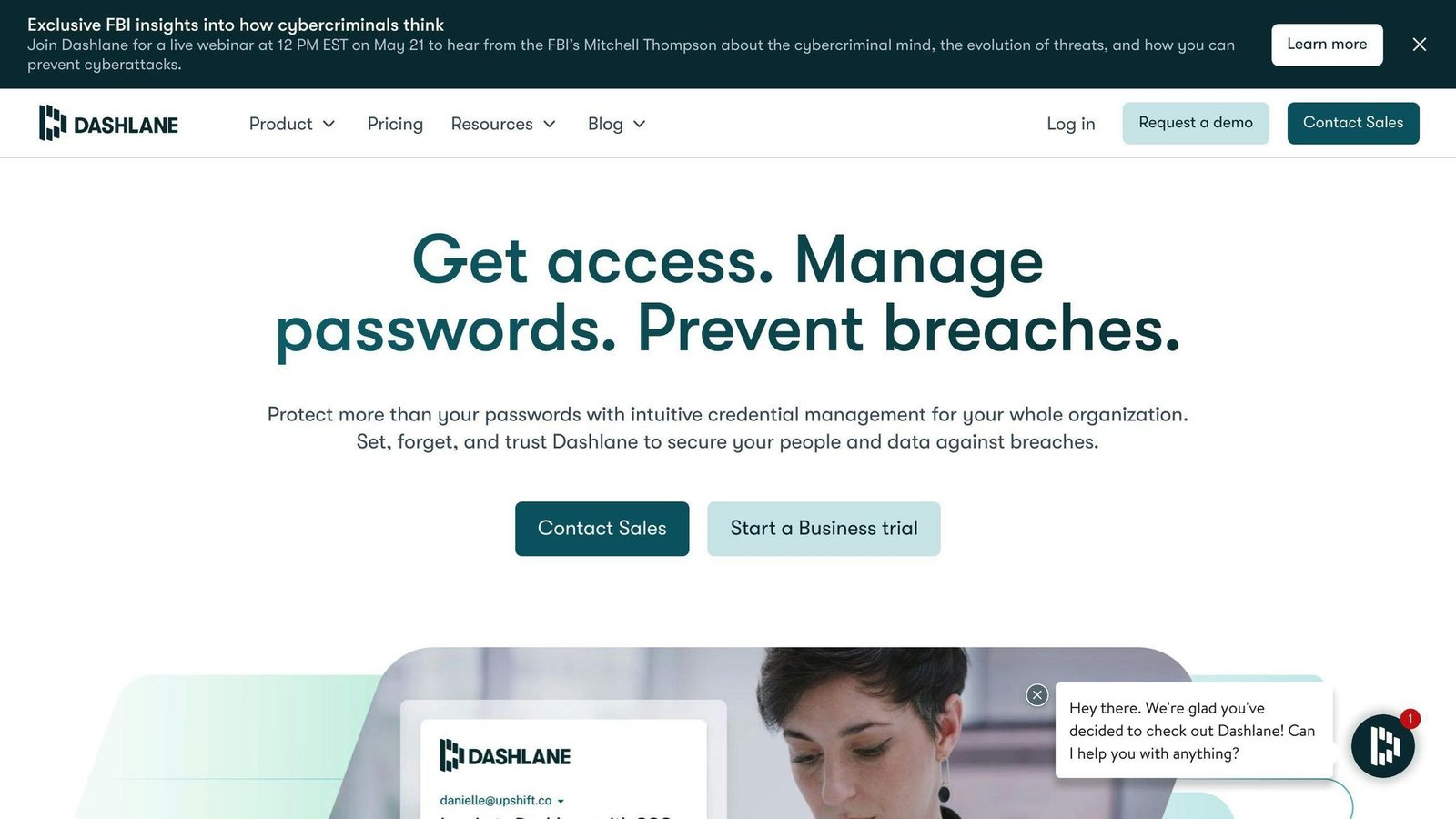
About Dashlane
Dashlane is a password and credential manager. It belongs on this list only as a correction: it does not verify customer identities and does not do KYC. Its own product pages describe credential security, phishing alerts and passwordless login for employees. If you landed here looking for identity verification, use one of the nine above.
Key Features
- Passwordless login: Biometric unlock instead of a master password.
- Secure key transfer: Moves vault decryption keys between a user’s devices.
- Credential risk detection: Flags exposed and weak employee credentials.
Pricing and Platforms
Dashlane’s business plans (Password Management, Credential Protection and Enterprise) are billed per user per month on an annual term, but the rates are not shown on the business pricing page. Personal plans are priced separately. Desktop and mobile.
Pros and Cons
| Pros | Cons |
|---|---|
| Solid credential manager for staff | Does not do customer identity verification |
| Passwordless login with biometrics | Business rates not published |
| Works across desktop and mobile | Solves an internal problem, not an onboarding one |
Good product, wrong category. Buy it to protect employee credentials, not to check who your customers are.
Conclusion
Key Takeaways
Two things matter more than the feature grids. First, the unit: nearly everything in this category is billed per verification, so a monthly figure means little without a volume assumption. Second, the category boundary: authentication SDKs, phone-signal checks, document verification and password managers all get listed together, and they do not substitute for each other.
Choosing the Right Tool
Work out which problem you actually have, then compare:
| Criteria | Description |
|---|---|
| Job to be done | Onboarding checks, repeat authentication or age verification |
| Cost per verification | Including monthly minimums and failed attempts |
| Coverage | Countries, document types and carrier data where your users are |
| Compliance | KYC, AML and local age-verification rules |
| Integration | SDK, API and point-of-sale fit |
More on this topic
Browse all 79 articles on Security & Compliance.