Disclosure: This page contains commercial links. BizBot may earn a commission from qualifying purchases. Paid placements do not buy a better ranking. Read our affiliate disclosure.
Website speed is crucial for user experience, search rankings, and conversions. A fast website:
- Provides a better user experience
- Improves search engine rankings
- Increases conversion rates
- Enhances business reputation
Here are 12 website speed optimization tools worth knowing about:
- Google PageSpeed Insights – Analyzes Core Web Vitals and provides optimization tips
- GTmetrix – Detailed performance reports with recommendations
- Pingdom – User-friendly speed testing with optimization advice
- WebPageTest – Simulates website loading across devices and locations
- Uptrends – Performance monitoring with waterfall analysis
- Yellow Lab Tools – Grades website quality and identifies issues
- CountVisits – Lighthouse reports and custom dashboards (signups were paused when we checked in August 2026)
- NitroPack – Caching, image and code optimization, and a built-in CDN
- Ahrefs – An SEO suite whose site audit flags performance bottlenecks
- Hotjar – User behavior analytics with heatmaps and recordings
- Chrome DevTools – Built-in performance analysis and optimization
- VWO – Minimizes A/B testing impact on page load times
Two of these are not speed tools in the strict sense. Ahrefs is an SEO suite and Hotjar is a behaviour analytics tool; both are included because they affect or report on page performance, not because they optimize it. Prices change often and several of these vendors quote per-site or per-pageview rates, so check the vendor’s own pricing page before budgeting.
| Factor to Consider | Description |
|---|---|
| Website Size & Traffic | Evaluate the size, complexity, and traffic volume |
| Budget | How much you can afford to spend on a tool |
| Technical Knowledge | Your level of technical expertise |
| Tool Integration | How well the tool integrates with existing tools |
| Support & Scalability | Customer support and ability to scale as your website grows |
Choosing the right tool depends on your specific needs and goals. Regularly monitoring and optimizing website speed is essential for providing an optimal user experience.
Each tool below is described briefly, with its key features and what it is actually good for. Several are free. For hands-on website speed optimization work, the measurement tools matter less than acting on what they tell you.
1. Google PageSpeed Insights
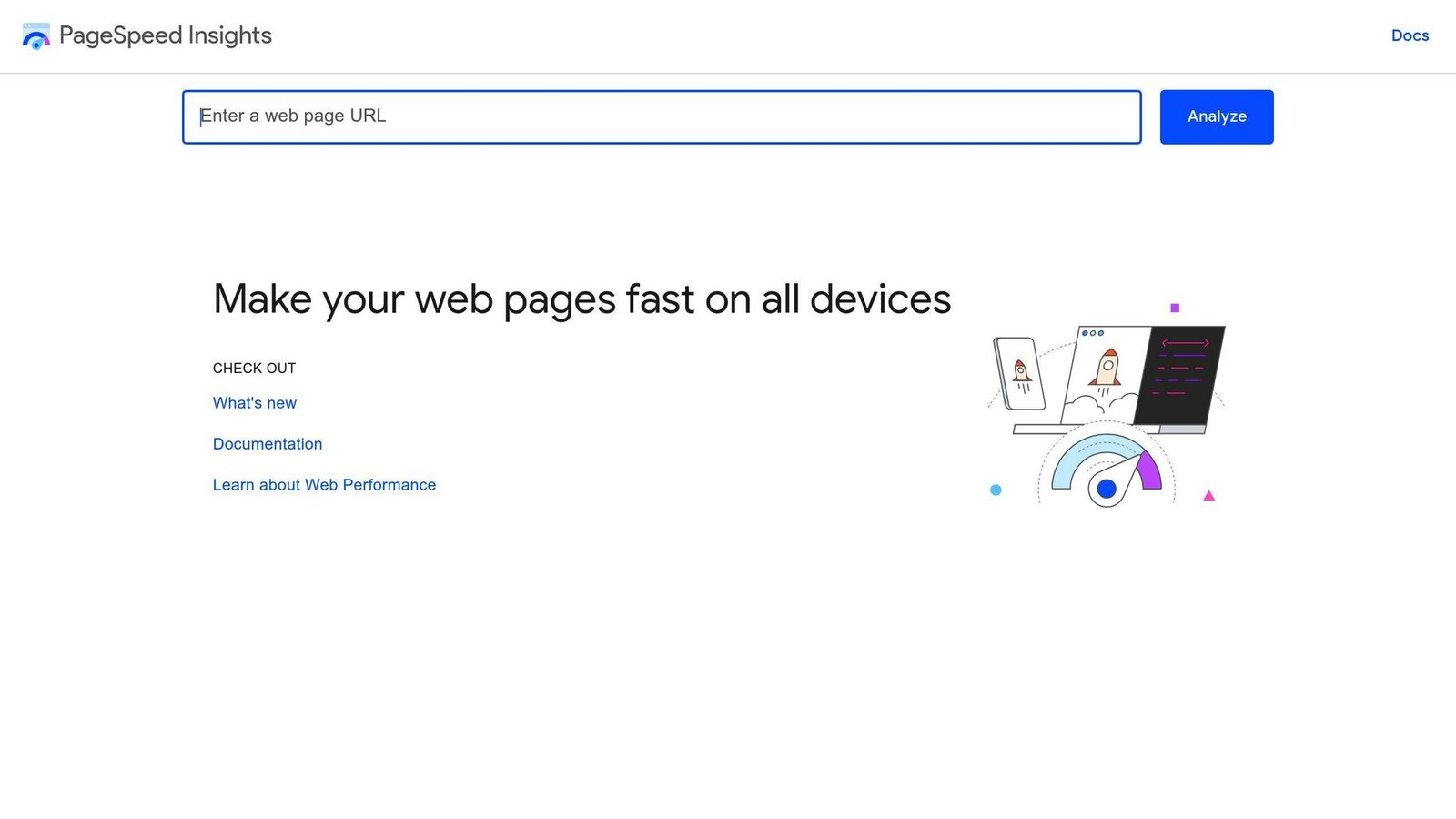
Core Web Vitals Check
Google PageSpeed Insights (PSI) is a free tool that measures page speed on desktop and mobile devices. It provides a report on your website’s performance, including a Core Web Vitals check. The three Core Web Vitals are:
- Largest Contentful Paint (LCP): How quickly the main content loads
- Interaction to Next Paint (INP): How quickly the page responds to user input
- Cumulative Layout Shift (CLS): How stable the page layout is
Note that INP replaced First Input Delay (FID) as a Core Web Vital in 2024. Older guides still referencing FID are out of date.
Performance Reports
PSI generates a report with lab data (calculated using the Lighthouse API) and field data (from real user experiences). The report gives you a Performance Score, which is an average of each speed metric score. This score helps you identify areas to improve.
Optimization Tips
PSI offers tips on how to optimize your website’s performance, such as:
- Compressing images
- Reducing unused JavaScript and CSS
- Enabling text compression
These tips are tailored to your website’s needs, helping you improve page speed and user experience.
User Interaction Insights
PSI provides insights into how users interact with your website, including metrics like:
| Metric | Description |
|---|---|
| Time to Interactive | How long it takes for the page to become interactive |
| Total Blocking Time | How long the page is blocked from responding to user input |
These metrics help you understand the user experience and make data-driven decisions to improve performance and satisfaction.
2. GTmetrix
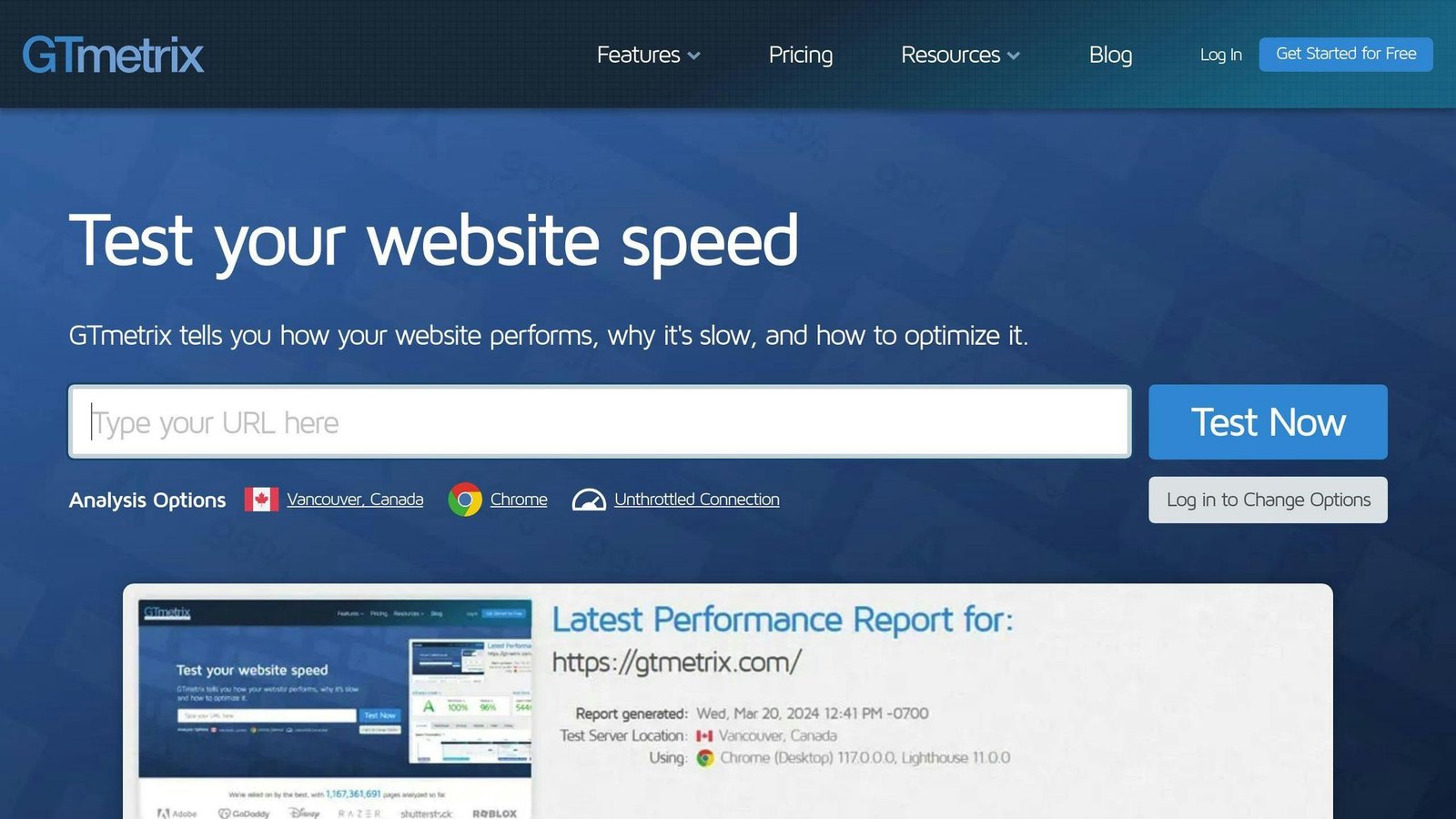
GTmetrix is a popular website speed test tool that provides detailed reports and recommendations to improve your site’s performance.
Performance Reports
GTmetrix generates a report with a Performance Score, which is an average of various speed metrics. The report includes:
- Page load time
- Total page size
- Number of requests
- Core Web Vitals: Largest Contentful Paint, Interaction to Next Paint, and Cumulative Layout Shift
Optimization Recommendations
GTmetrix offers tailored recommendations based on your site’s performance report, such as:
- Compressing images
- Reducing unused JavaScript and CSS
- Enabling text compression
- Using browser caching
- Optimizing server and browser resources
Variability Analysis
GTmetrix analyzes how different factors affect your site’s performance, including:
| Factor | Examples |
|---|---|
| Connection speeds | Broadband, 3G, 4G, LTE |
| Test locations | Servers in multiple regions |
| Device types | Desktop, mobile, tablet |
This analysis helps identify areas for improvement across different scenarios.
Authentication and Security
GTmetrix allows you to input cookie session data to analyze pages that require authentication. It also provides a blacklist and whitelist feature to block or allow specific resources from loading on your website.
3. Pingdom
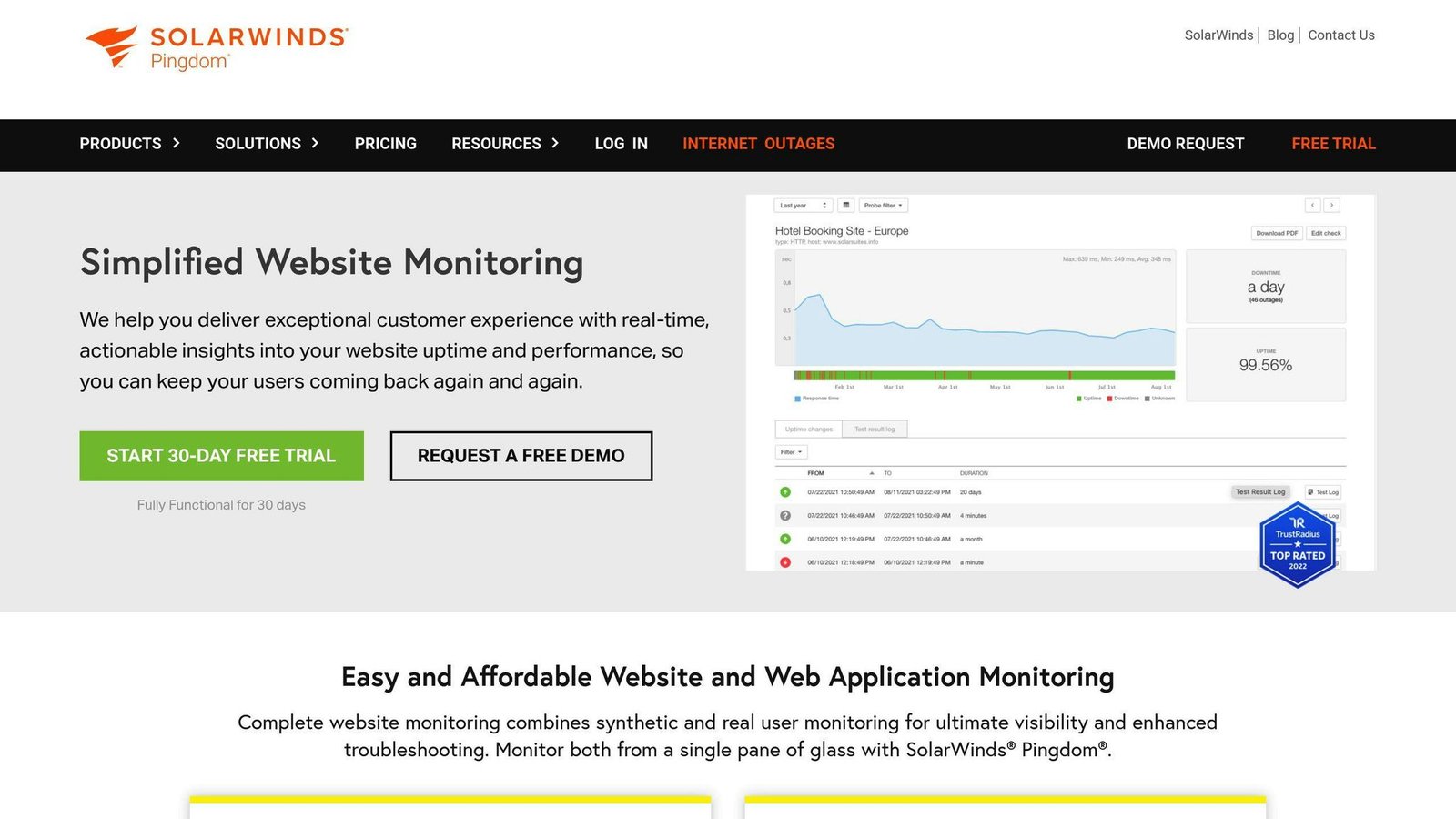
Pingdom is a user-friendly website speed testing tool that provides detailed reports and clear recommendations to improve your site’s performance.
Performance Reports
Pingdom generates a report with a Performance Grade, which is an average of various speed metrics. The report includes:
- Page load time
- Total page size
- Number of requests
- Page speed metrics such as First Contentful Paint and Cumulative Layout Shift
Optimization Recommendations
Pingdom offers tailored recommendations based on your site’s performance report, such as:
| Recommendation | Description |
|---|---|
| Compress images | Reduce image file sizes for faster loading |
| Minimize unused code | Remove unnecessary JavaScript and CSS |
| Enable text compression | Compress text files for quicker transfer |
| Use browser caching | Cache resources to reduce server requests |
| Optimize server and browser | Improve server and browser resource handling |
User Interaction Insights
Pingdom provides insights into user interaction, including:
- User experience metrics like Time to Interactive and Total Blocking Time
- Waterfall analysis to identify bottlenecks in the page load process
- Real User Monitoring (RUM) to analyze user behavior and identify areas for improvement
Pingdom’s features make it a valuable tool for website owners and developers looking to optimize their site’s performance and enhance the user experience.
4. WebPageTest
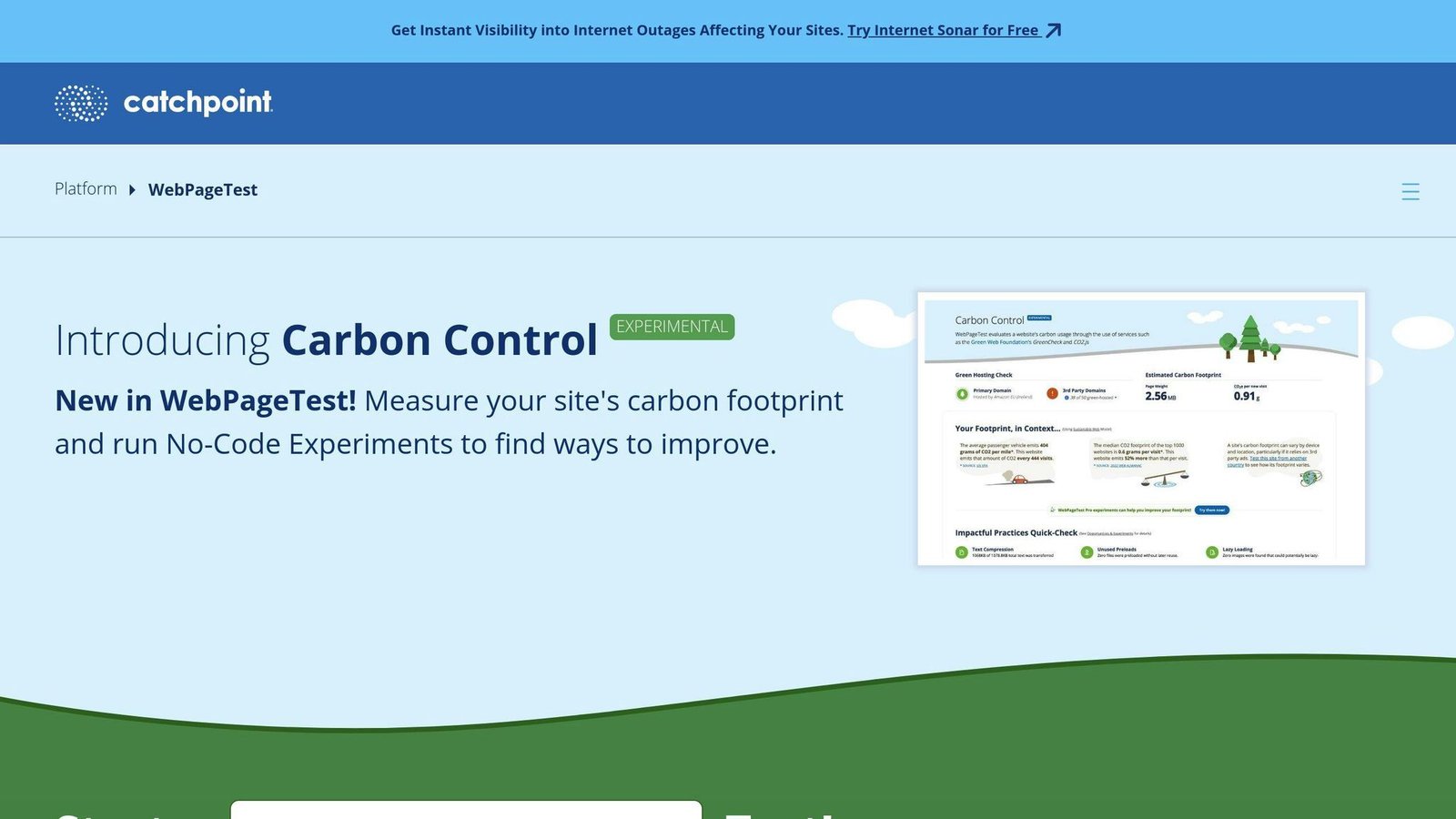
WebPageTest is a handy online tool that lets you test how fast web pages load. It provides detailed data on various aspects of a webpage’s loading speed and performance, like load time, time to first byte (TTFB), render time, and more.
Performance Reports
WebPageTest allows you to simulate how your website loads on different devices, connection speeds, and locations. This gives you insights into how your site performs under various conditions. The tool provides a wealth of data and metrics to help developers and website owners optimize their sites for speed and user experience.
Optimization Recommendations
By using WebPageTest, you can identify areas for improvement and make changes to enhance your website’s performance. The tool offers several features, including:
| Feature | Description |
|---|---|
| Waterfall charts | Visualize the page load process |
| Filmstrip views | See how pages load and identify layout shifts |
| Opportunities & Experiments | Dive into specific areas for improvement |
| Browser and device support | Test on multiple browsers and devices |
WebPageTest is widely regarded as a reliable and powerful tool for analyzing website performance, making it essential for anyone looking to optimize their site’s speed and user experience.
5. Uptrends
Uptrends is a website performance testing tool that helps you optimize your site’s speed and user experience.
Performance Reports
Uptrends provides detailed reports on your website’s:
- Loading speed
- Time to first byte (TTFB)
- Render time
You can test your site from different locations, devices, and browsers to understand its performance comprehensively.
Optimization Recommendations
Uptrends offers recommendations to improve your website’s performance, such as:
| Feature | Description |
|---|---|
| Request waterfall analysis | Identify bottlenecks in the loading process |
| Uptime monitoring | Receive alerts when your site goes down |
User Interaction Insights
Uptrends provides insights into how users interact with your website. Use this information to optimize the user experience and improve conversion rates.
Uptrends is a powerful tool with detailed performance reports, optimization recommendations, and user interaction insights. These features help you improve your website’s speed and user experience.
6. Yellow Lab Tools
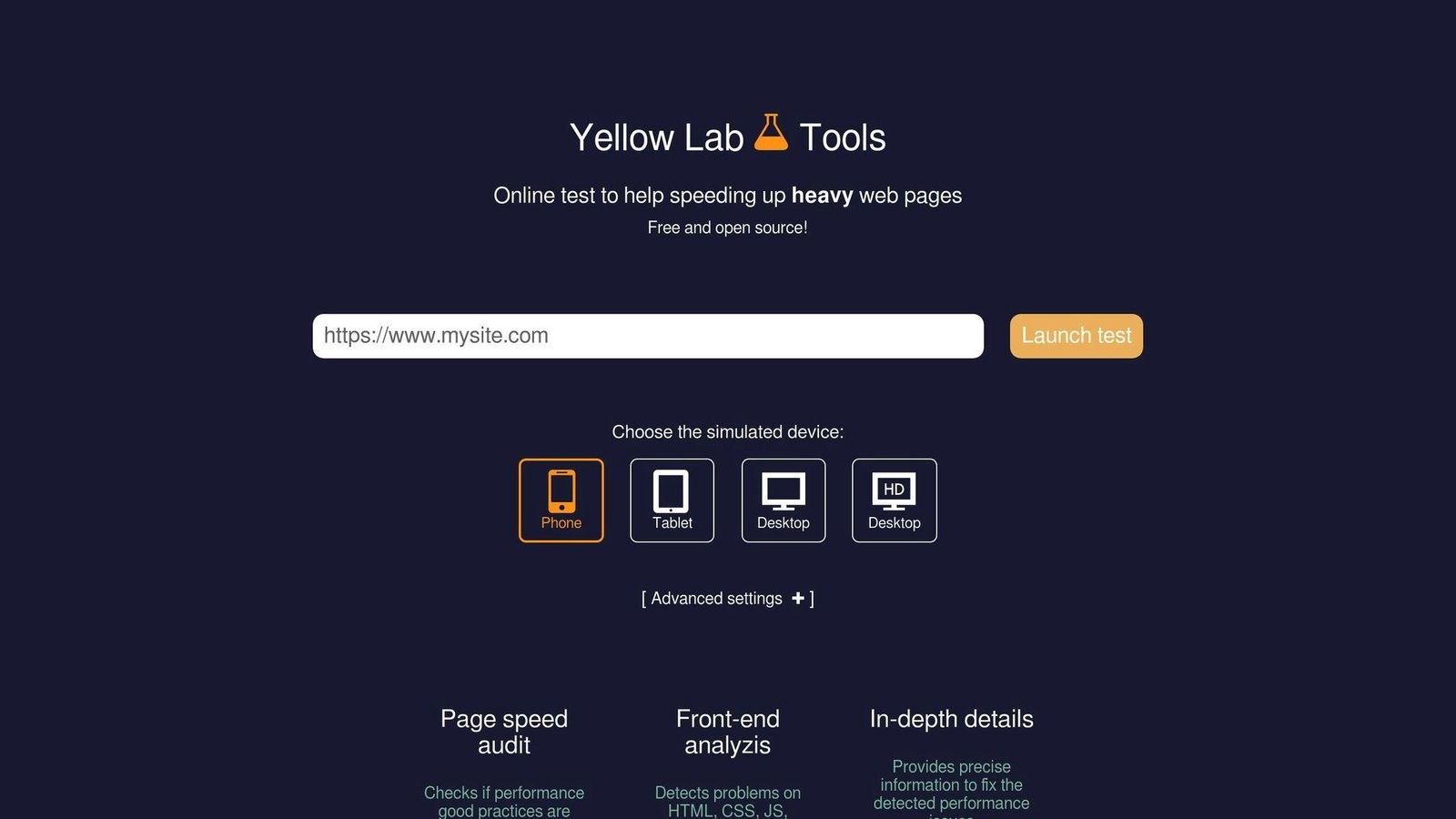
Yellow Lab Tools is a website speed testing tool that provides detailed insights into your site’s performance. It helps detect performance and website quality issues.
Performance Reports
Yellow Lab Tools gives your website a general grade using the standard ‘A-F’ grading system and a ‘1/100’ rating. This overall grade is calculated by breaking down several aspects of your site and grading each one individually. These aspects include:
- Page weight
- Number of requests
- DOM complexity
- JS complexity
- Bad JS
- jQuery usage
- CSS complexity
- Bad CSS
- Web fonts
- Server configuration
Optimization Recommendations
Yellow Lab Tools offers detailed information on file optimization, including how to optimize CSS delivery. It provides breakdowns and tips to improve your website’s performance. Treat its scores as indicative rather than authoritative; cross-check anything surprising against PageSpeed Insights or WebPageTest before acting on it.
Overall, Yellow Lab Tools is a valuable tool for website owners and developers looking to improve their site’s speed and performance. Its detailed reports and optimization recommendations make it a useful choice for enhancing website performance.
7. CountVisits

CountVisits is a web analytics tool aimed at small site owners. It is sold as a one-time payment for lifetime use rather than a monthly subscription, with paid add-ons for higher traffic volumes. When we checked the site in August 2026 the vendor had paused new signups, so confirm it is accepting customers before you plan around it. Check the vendor’s page for the current one-time price.
Performance Reports
CountVisits provides Lighthouse reports, which identify areas for improving website performance. It also sends daily reports and alerts, keeping you informed about your site’s performance.
Optimization Recommendations
Key features of CountVisits include:
| Feature | Description |
|---|---|
| Customizable Dashboards | Tailor the dashboard to your needs |
| Data Visualizations | View data from various sources in visual formats |
| Custom Event Tracking | Track specific events and external link clicks |
These features help you understand your website’s performance and make data-driven optimization decisions.
8. NitroPack

NitroPack is different from most tools on this list. It does not just measure speed, it changes your site to improve it. It is a paid optimization service that sits in front of your pages.
What It Actually Does
NitroPack’s core features are:
- Caching with automatic invalidation
- Image optimization: compression, format conversion, and lazy loading
- Video and font optimization: lazy loading, preloading, and font subsetting
- Code optimization: minification and compression of HTML, CSS, and JavaScript
- Built-in CDN included in the subscription
- Dashboard for site analysis and team access
Core Web Vitals
NitroPack targets the Core Web Vitals directly: Largest Contentful Paint, Interaction to Next Paint, and Cumulative Layout Shift. Because it rewrites how assets are delivered, test it on a staging copy first. Aggressive optimization occasionally breaks scripts that expect a particular load order.
A Caveat
NitroPack is an optimization service, not an analytics product. It does not provide custom event tracking, and it is not an analytics replacement for Google Analytics, Hotjar, or Ahrefs. If you want behaviour data, you still need a separate tool. NitroPack is priced by plan and pageview volume; check the vendor’s pricing page for current rates.
9. Ahrefs

Ahrefs is an SEO suite, not a speed tool. It earns a place here because its site audit surfaces performance problems that hurt search visibility, and because Ahrefs Webmaster Tools is free for verified site owners.
Identifying Performance Issues
The site audit crawls your pages and flags slow-loading pages, large resources, and redirect chains. Where certain pages consistently load slowly, that usually points at oversized images or an excessive number of HTTP requests.
Optimizing Page Content
Ahrefs also helps optimize page titles and meta descriptions for search visibility. Write unique, descriptive page titles that reflect the content, and clear meta descriptions that summarize the page.
Monitoring Performance
Use Ahrefs for the SEO side of performance and a dedicated tool such as PageSpeed Insights or WebPageTest for the timing numbers. The two answer different questions.
| Metric | Description |
|---|---|
| Page Load Time | How quickly a page loads for users |
| Server Response Time | How quickly the server responds to requests |
| Time to First Byte | How long it takes for the first byte of data to be received |
10. Hotjar

Hotjar is a tool for website analytics and user feedback. It includes features like heatmaps, session recordings, and surveys. It is on this list mainly as a warning: Hotjar can slow the page it is measuring.
Performance Impact
Hotjar requires adding a JavaScript snippet to your website code, which can slow down page loading times. Hotjar has optimized its scripts, but a third-party script is still a third-party script. If you run Hotjar, measure your Core Web Vitals with and without it before deciding the trade is worth making.
User Interaction Insights
Hotjar provides insights into how users interact with your website. Features like heatmaps and session recordings can help you:
- Identify areas for improvement
- Optimize page layout
- Reduce bounce rates
- Enhance user experience
Minimizing Performance Impact
To minimize any negative impact on website performance, consider these best practices:
| Best Practice | Description |
|---|---|
| Optimize script placement | Place the Hotjar script at the end of the <head> tag so it doesn’t block critical content from loading. |
| Use asynchronous loading | Hotjar provides an asynchronous loading option for its script, which can prevent it from blocking the loading of other elements on your page. |
| Monitor performance | Regularly monitor your website’s performance using tools like Google PageSpeed Insights or GTmetrix to identify any performance issues related to Hotjar. |
11. Google Chrome DevTools
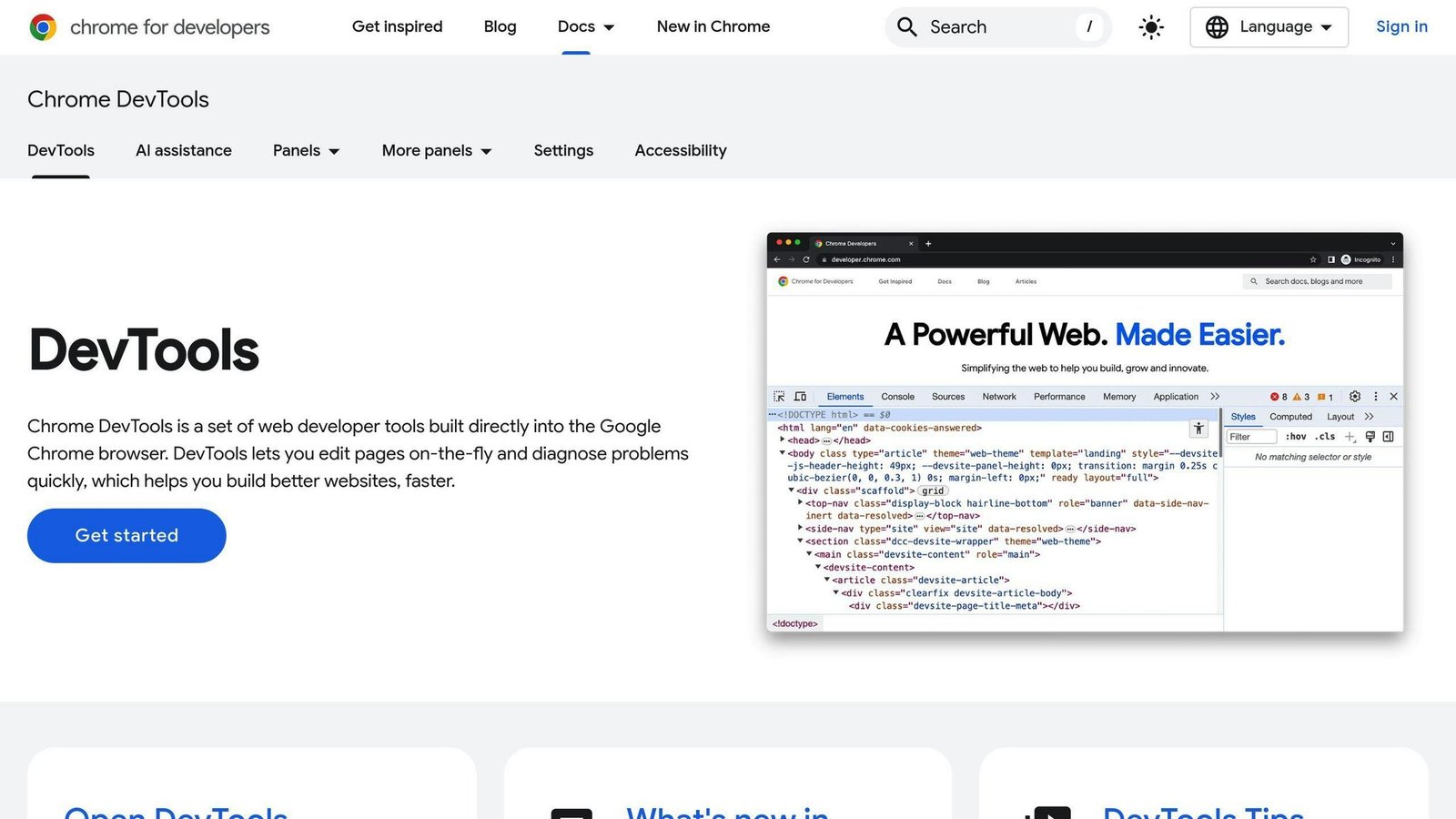
Google Chrome DevTools is a built-in tool that helps you analyze and improve your website’s performance. It’s free and powerful, allowing you to identify issues and enhance the user experience.
Core Web Vitals Assessment
Chrome DevTools includes a Lighthouse test that evaluates your website’s Core Web Vitals, such as loading speed, interactivity, and visual stability. This test provides a detailed report highlighting areas for improvement.
Performance Reports
The Performance tab in Chrome DevTools shows a report on your website’s performance, including loading times, CPU usage, and memory consumption. This report helps you pinpoint performance bottlenecks.
Optimization Recommendations
Based on your website’s performance report, Chrome DevTools offers recommendations for improving loading times, reducing CPU usage, and optimizing images.
| Recommendation | Description |
|---|---|
| Optimize Images | Reduce image file sizes for faster loading |
| Minimize Requests | Reduce the number of HTTP requests |
| Enable Caching | Cache resources to reduce server requests |
| Compress Files | Compress text files for quicker transfer |
12. VWO

Website Performance Optimization
VWO is an A/B testing platform. It is here because A/B testing tools are a common cause of slow pages, and VWO’s asynchronous SmartCode loads in parallel with your site rather than blocking it. Its geo-distributed servers reduce the round trip.
User Interaction Insights
VWO provides insights into how users interact with your website, allowing you to identify areas for improvement. It prioritizes A/B testing changes on your web pages, delaying non-critical content until the page is loaded, which limits the hit to your PageSpeed score.
Optimization Recommendations
VWO’s solution offers recommendations to further enhance website performance:
| Recommendation | Description |
|---|---|
| Delay Non-Critical Content | Delay loading non-critical libraries and files to reduce blocking time and improve PageSpeed Insights Score. |
| Minimize Impact on SEO | By reducing the impact on page load times, VWO helps minimize the effect of using its tool on your website’s search engine optimization (SEO). |
Choosing the Right Tool
Selecting the right website speed optimization tool is crucial. With many options available, it can be confusing to decide which one suits your needs. Here are some key factors to consider:
Website Size and Traffic
The size of your website and the amount of traffic it receives play a big role in determining the right tool. If you have a small website with limited pages and traffic, a free or basic tool might work. However, if your website is large and complex with high traffic, you may need a more advanced tool with features like caching, compression, and content delivery networks (CDNs).
Budget
Your budget is another important factor. Several tools here are free, including PageSpeed Insights, WebPageTest, Yellow Lab Tools, and Chrome DevTools. Others charge a subscription or a one-time fee. Start with the free ones. They will tell you whether you have a problem worth paying to fix.
Technical Knowledge
Consider your level of technical expertise. If you’re not familiar with coding or website development, you may want a tool with a user-friendly interface and minimal technical requirements.
Integration with Existing Tools
If you’re already using tools like content management systems (CMS), e-commerce platforms, or analytics software, look for a website speed optimization tool that integrates well with these tools.
Support and Scalability
Look for a tool with reliable customer support and the ability to scale as your website grows. You’ll want a tool that can adapt to your changing needs and provide timely support when needed.
By considering these factors, you can choose a website speed optimization tool that meets your specific needs and helps improve your website’s performance.
| Factor | Description |
|---|---|
| Website Size and Traffic | Consider the size and complexity of your website, as well as the amount of traffic it receives. |
| Budget | Determine how much you’re willing to spend on a tool, and look for options within your budget. |
| Technical Knowledge | Evaluate your level of technical expertise and choose a tool that aligns with your skills. |
| Integration with Existing Tools | Ensure the tool integrates well with any other tools you’re currently using. |
| Support and Scalability | Look for a tool with reliable customer support and the ability to scale as your website grows. |
Summary
Optimizing website speed is crucial for providing a smooth user experience, improving search rankings, and boosting conversions. With numerous tools available, choosing the right one can be daunting. This article covered 12 website speed optimization tools, each with its own strengths.
From Google PageSpeed Insights to VWO, these tools help identify performance issues, improve page load times, and enhance overall website performance. When selecting a tool, consider factors like:
| Factor | Description |
|---|---|
| Website Size & Traffic | The size, complexity, and traffic volume of your website. |
| Budget | How much you can afford to spend on a tool. |
| Technical Knowledge | Your level of technical expertise. |
| Tool Integration | How well the tool integrates with your existing tools. |
| Support & Scalability | The tool’s customer support and ability to scale as your website grows. |
FAQs
What is the best tool to check website speed?
Google PageSpeed Insights provides an accurate assessment of your site’s Core Web Vitals. Other tools like GTmetrix, Pingdom, and WebPageTest can also accurately evaluate your site’s loading speed.
What is the best tool for optimization?
The best optimization tool depends on your specific needs and goals. Popular options include:
| Tool | Purpose |
|---|---|
| VWO | A/B testing and conversion rate optimization |
| Optimizely | A/B testing and experimentation |
| Crazy Egg | Heatmaps and A/B testing |
| Google Analytics | Website performance and user behavior insights |
| Google Search Console | Search performance and Core Web Vitals reporting |
Google Optimize used to be the obvious free starting point, but Google shut it down on 30 September 2023. If you are working from an older shortlist that includes it, it is no longer available.
What is the best tool to measure website performance?
Google PageSpeed Insights provides an accurate assessment of your site’s Core Web Vitals. Tools like GTmetrix, Pingdom, and WebPageTest can also accurately evaluate your site’s loading speed. These tools help identify areas for improvement and optimize your website’s performance.
More on this topic
Browse all 44 articles on Marketing & Growth, or jump straight to our buying guide: Best Marketing and CRM Tools for Small Businesses.