
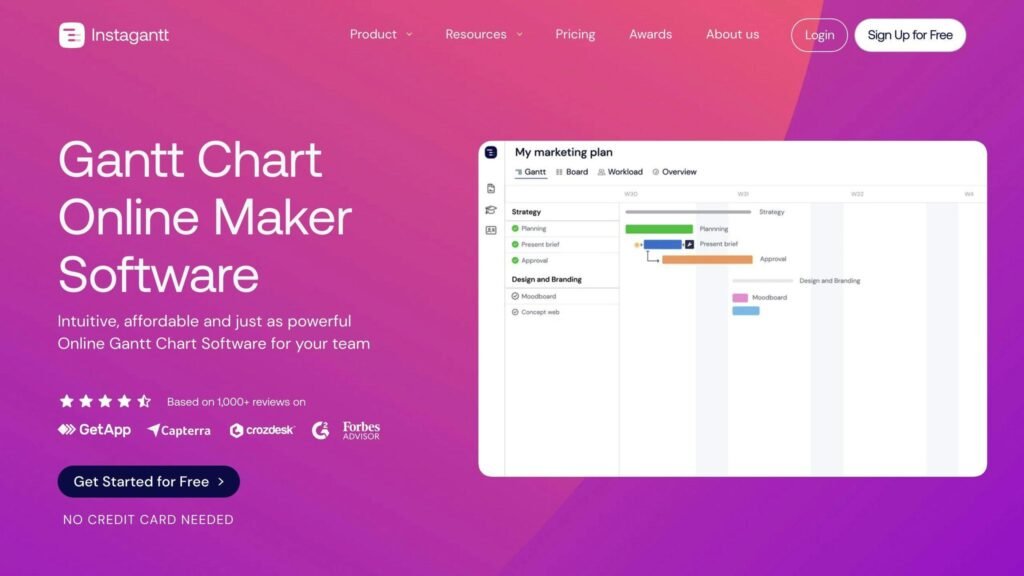
A Gantt chart shows what depends on what, and when the whole thing slips. These ten tools all draw one; the differences are what you pay for it and how the pricing is metered.
Pricing note. Every price below was checked against the vendor’s own pricing page in August 2026. Eight of the ten figures previously published here were wrong, two of them on the unit rather than the number. Confirm rates before budgeting.
We have also removed the “user friendliness” scores out of five that this article used to carry. No method was stated for them and we have not tested these tools side by side.
Quick Comparison
| Software | Entry price (checked Aug 2026) | Unit | Free tier |
|---|---|---|---|
| Instagantt | Individual $10/month billed annually | Per account | Asana version only, 3 projects |
| Smartsheet | Pro $9/member/month billed yearly | Per member | No, trial only |
| Microsoft Planner (formerly Project) | Planner Plan 1 $10/user/month paid yearly | Per user | Basic Planner in Microsoft 365 |
| TeamGantt | Basic $10/project/month billed annually | Per project, not per user | 1 project, 40 tasks |
| ProofHub | Essential $45/month billed annually | Flat, unlimited users | No |
| monday.com | Basic $9/seat/month | Per seat, 3-seat minimum | 2 seats |
| GanttPRO | Core $7/user/month billed annually | Per user | No, 14-day trial |
| Zoho Projects | Per user; rates not displayed | Per user | 5 users, 3 projects |
| Wrike | Team $10/user/month billed annually | Per user | Yes, unlimited users |
| ClickUp | Unlimited $7/user/month billed yearly | Per user | Yes |
Two units are worth pausing on. TeamGantt charges per project, so a small team running many projects pays more than a large team running few. ProofHub charges a flat monthly fee with unlimited users, which makes it the cheapest option here above roughly ten people and poor value below three.
New Trends in Project Management Tools
Simpler interfaces
Project management software has been getting easier to use, mostly by hiding configuration rather than removing it. That matters for Gantt tools specifically, because dependency editing is where non-specialists give up.
Integration over features
The useful change is not new chart types, it is that these tools now read from and write to the systems where work actually happens. If your Gantt chart has to be updated by hand, it will be out of date within a fortnight.
This section previously carried two named quotations about industry trends. Neither was attributed to a publication, date or interview we could locate, so both have been removed rather than repeated.
1. Instagantt
Feature Set
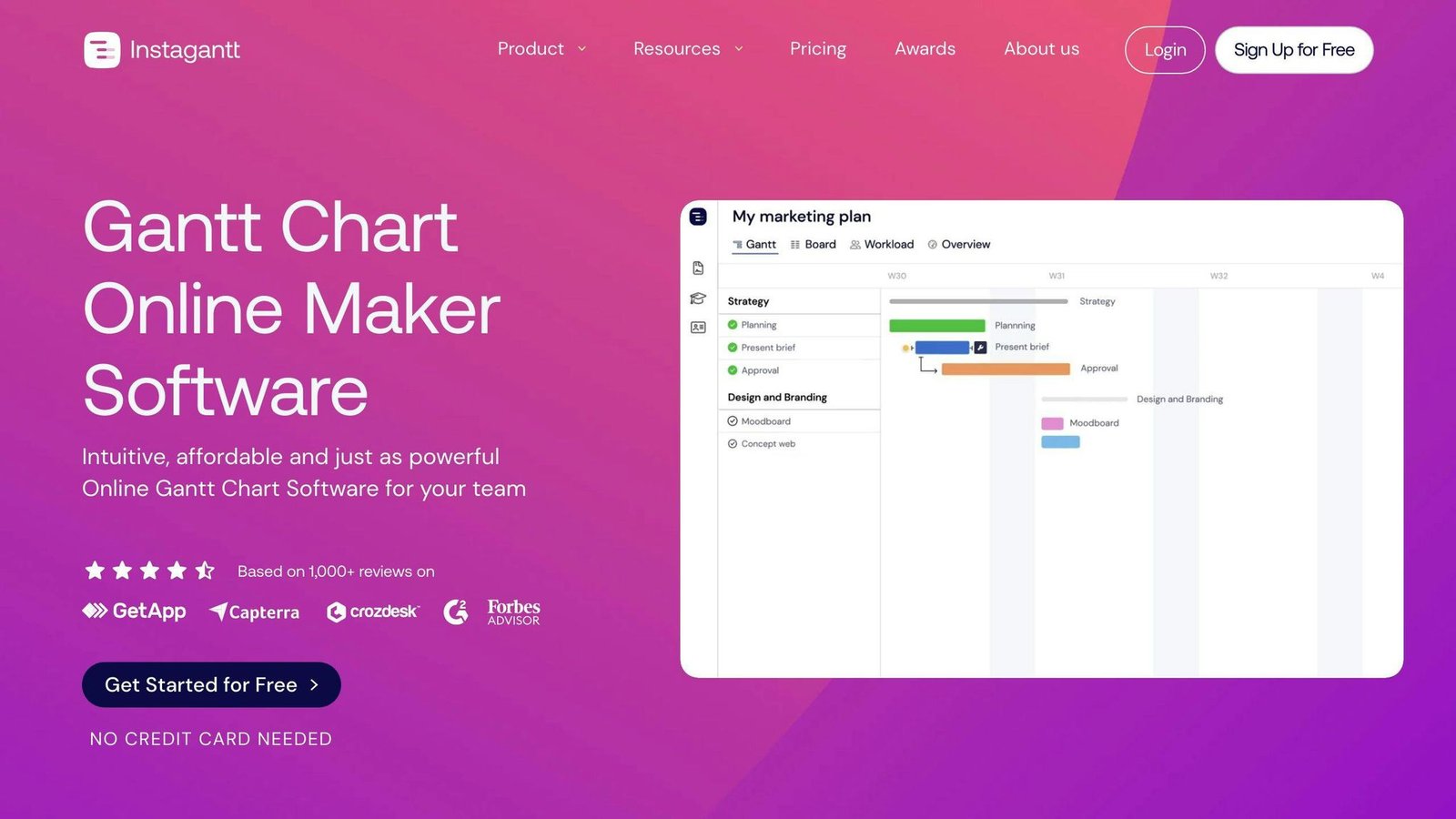
A dedicated Gantt tool, best known as the Gantt layer for Asana. Drag-and-drop scheduling, dependencies, baselines, workload view and shareable client-facing timelines.
Pricing Structure
Not $7 per user. Current rates:
| Plan | Billed annually | Billed monthly |
|---|---|---|
| Free | $0, Asana version, up to 3 projects | $0 |
| Individual | $10/month ($120/year) | $12/month |
| Teams | $20/month ($240/year), includes 3 collaborators | $24/month |
Extra users on Teams are $8 a month each. There is a 7-day trial, no card required.
Integration Capabilities
Asana above all, plus Trello and Google Drive.
User Accessibility
Browser-based. Straightforward if you already work in Asana; less obviously useful if you do not.
2. Smartsheet
Feature Set
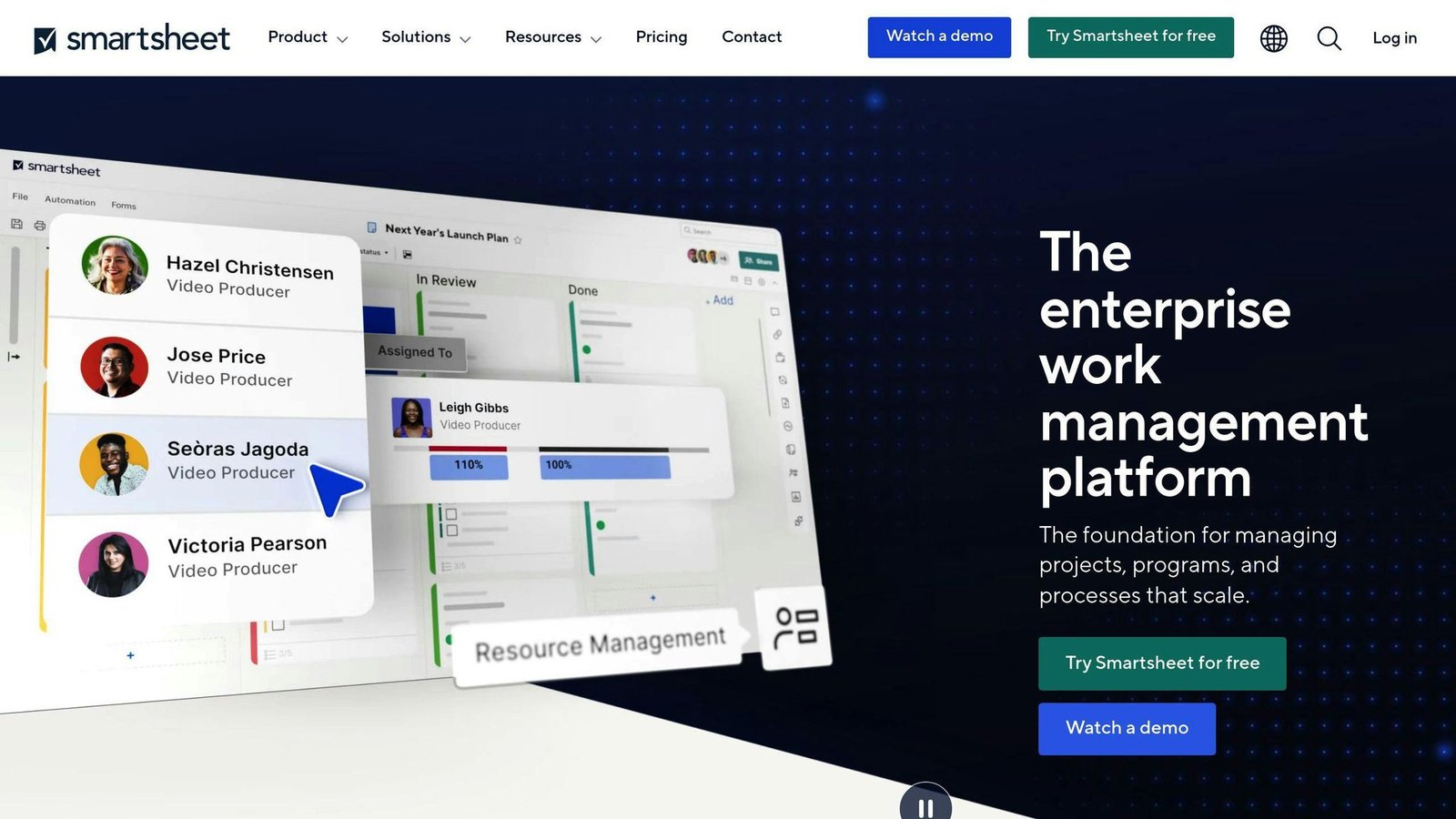
A spreadsheet that behaves like a project tool: Gantt views, dependencies, critical path, resource management, automation and strong reporting.
Pricing Structure
The two figures previously given for Smartsheet in this article ($14 in one table, $7 and $25 in another) contradicted each other and neither matched the vendor. Corrected:
| Plan | Billed yearly | Billed monthly | Members |
|---|---|---|---|
| Pro | $9/member/month | $12/member/month | 1 to 10 |
| Business | $19/member/month | $24/member/month | 3 or more |
| Enterprise | Quoted | Quoted | 10 or more |
There is no free plan, only a trial. The 10-member cap on Pro is the constraint that pushes growing teams onto Business.
Integration Capabilities
Microsoft 365, Google Workspace, Slack, Jira and others.
User Accessibility
Familiar if you think in spreadsheets, and the steepest learning curve here if you do not.
3. Microsoft Planner, formerly Microsoft Project
Name change worth knowing. Project Plan 1 is now sold as Microsoft Planner Plan 1, and Project Plan 3 as Planner and Project Plan 3. If you are working from an older shortlist that says “Microsoft Project”, this is where it went.
Feature Set
Full scheduling: dependencies, critical path, resource allocation, baselines and portfolio-level reporting. Deep integration with Microsoft 365 and Azure DevOps.
Pricing Structure
| Plan | Price |
|---|---|
| Microsoft Planner | Included with Microsoft 365 |
| Planner Plan 1 (formerly Project Plan 1) | $10 per user/month, paid yearly |
| Planner and Project Plan 3 | $30 per user/month, paid yearly |
One thing to check before committing: Microsoft states that Planner and Project Plan 5 moves to end of sale on 1 May 2026, with no new purchases after that. The “$55 per user” tier this article used to list is on the way out.
Integration Capabilities
Microsoft 365, Teams, Power BI and Azure DevOps.
User Accessibility
Powerful and unforgiving. Best where someone owns the schedule as a job.
4. TeamGantt
Feature Set
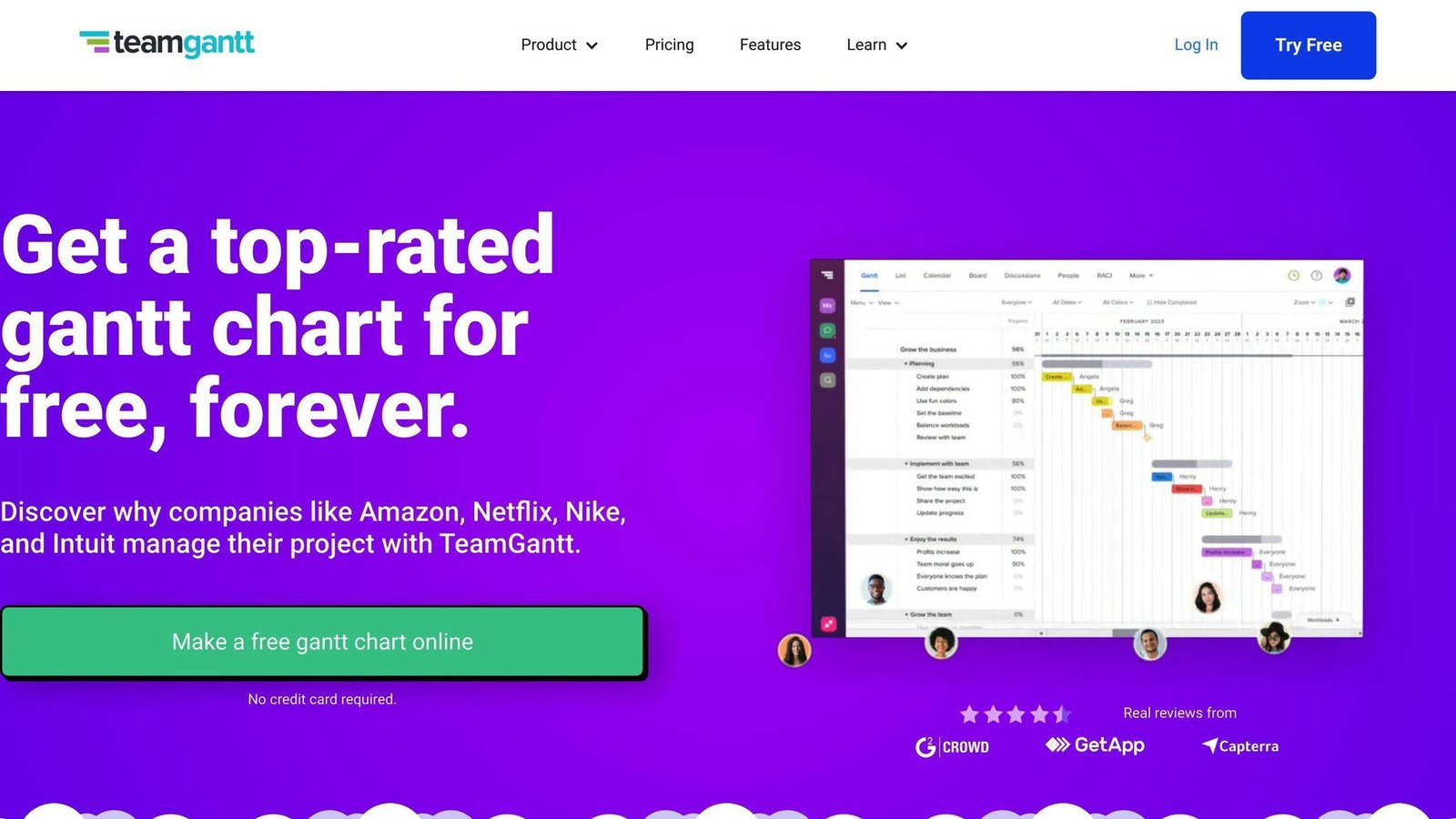
Gantt charts as the main interface rather than an extra view: drag-and-drop scheduling, dependencies, baselines, workload and simple team collaboration.
Pricing Structure
The important correction here is the unit. TeamGantt prices per project, with unlimited manager and collaborator roles — not $12.50 per user as previously stated.
| Plan | Billed annually | Billed monthly | Projects |
|---|---|---|---|
| Free | $0 | $0 | 1 project, 40 tasks |
| Basic | $10 per project/month | $12 per project/month | 2 to 5 |
| Business | $19 per project/month | $24 per project/month | 5 to 20 |
| Builder Edition | $99/month, rising to $199/month after 3 months | 10 projects, construction features | |
| Enterprise | Quoted | Custom | |
Annual billing saves roughly 15%. Educational users can request a free plan from a .edu address.
Integration Capabilities
Slack, Trello, Basecamp and Google Drive.
User Accessibility
The friendliest Gantt interface here for people who have never used one.
5. ProofHub
Feature Set
Project management with Gantt charts, proofing, discussions, time tracking and custom workflows.
Pricing Structure
The $45 figure was right, and the model is the reason to look at it: flat pricing with no per-user fee.
| Plan | Billed annually | Billed monthly | Includes |
|---|---|---|---|
| Essential | $45/month | $50/month | 40 projects, unlimited users, 15 GB |
| Ultimate Control | $89/month for 3 months, then $135/month | $99/month for 3 months, then $150/month | Unlimited projects, unlimited users, 100 GB |
Note the step-up on Ultimate Control: the introductory rate lasts three months. Budget from the standard price, not the offer.
Integration Capabilities
Google Drive, Dropbox, Box and OneDrive.
User Accessibility
Simple enough for mixed teams. The flat fee means you can add clients and reviewers without the bill moving.
6. monday.com
Feature Set
Configurable boards with a Gantt view, dependencies, automation and dashboards.
Pricing Structure
Not $19.99 per user — that figure matched no current plan. Work Management rates, per seat per month:
| Plan | Price |
|---|---|
| Free | $0, up to 2 seats |
| Basic | $9/seat/month, minimum 3 seats |
| Standard | $12/seat/month, minimum 3 seats |
| Pro | $19/seat/month, minimum 3 seats |
| Enterprise | Quoted |
The three-seat minimum makes the real entry cost $27 a month. Gantt-style timeline views sit on the paid tiers.
Integration Capabilities
Slack, Google Drive, Microsoft 365 and a large app marketplace.
User Accessibility
Visual and quick to learn; the configuration depth is what overwhelms people later.
7. GanttPRO

Feature Set
A dedicated Gantt tool: dependencies, critical path, baselines, workload, budgeting and time tracking, with templates by project type.
Pricing Structure
The $7.99 / $12.99 / $19.99 tiers previously listed here do not match GanttPRO’s plans. Current rates, billed annually with a 20% discount:
| Plan | Price per user/month | Minimum users |
|---|---|---|
| Core | $7 | None stated |
| Advanced | $10 | None stated |
| Business | $17 | None stated |
| Enterprise | $25 | 5, annual only |
Monthly billing is offered but the rates were not displayed when we checked. GanttPRO also discounts per-user pricing for larger teams. There is a 14-day trial and no free plan.
Integration Capabilities
Jira, Slack, Google Drive and Microsoft Teams.
User Accessibility
The best balance here of dedicated Gantt features against a manageable learning curve.
8. Zoho Projects
Feature Set
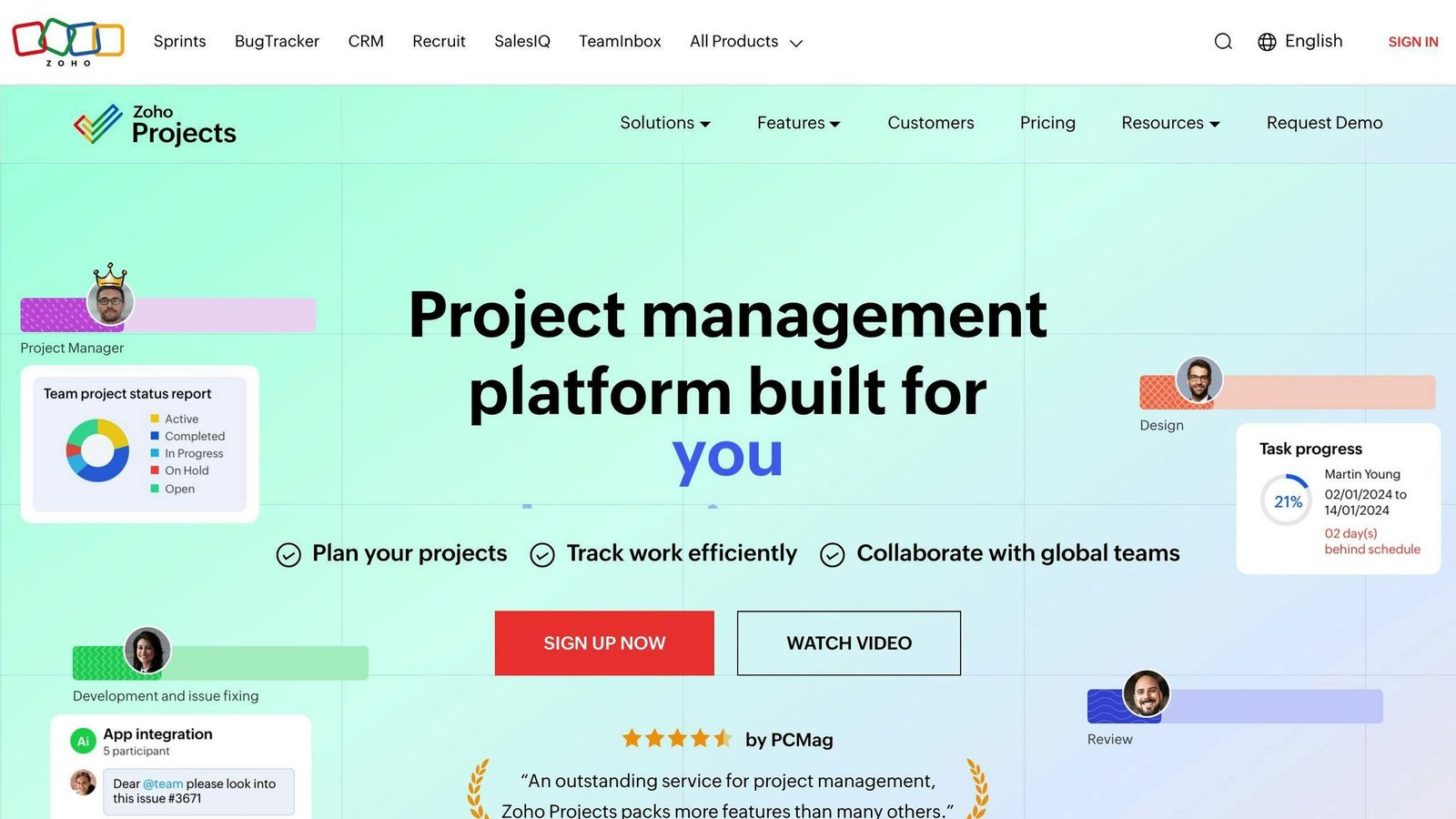
Task management with Gantt charts, dependencies, milestones, timesheets and issue tracking, tied into the rest of Zoho.
Pricing Structure
This article previously gave two contradictory prices for Zoho Projects — “$4/user/month” in one table and “$25/project/month” in another. Both have been removed.
What we can confirm: there is a Free plan for up to 5 users covering 3 projects and 5 GB of storage, then Premium, Enterprise and Ultimate tiers priced per user, with Zoho advertising a saving of over 15% for yearly billing. The dollar figures did not render on the pricing page when we checked in August 2026, and Zoho displays rates in local currency by region in any case. Get the figure for your own market from Zoho.
Integration Capabilities
Zoho’s own suite, plus Google Workspace, Microsoft 365, Slack and GitHub.
User Accessibility
Sensible default if you already run Zoho. Less compelling as a standalone purchase.
9. Wrike
Feature Set
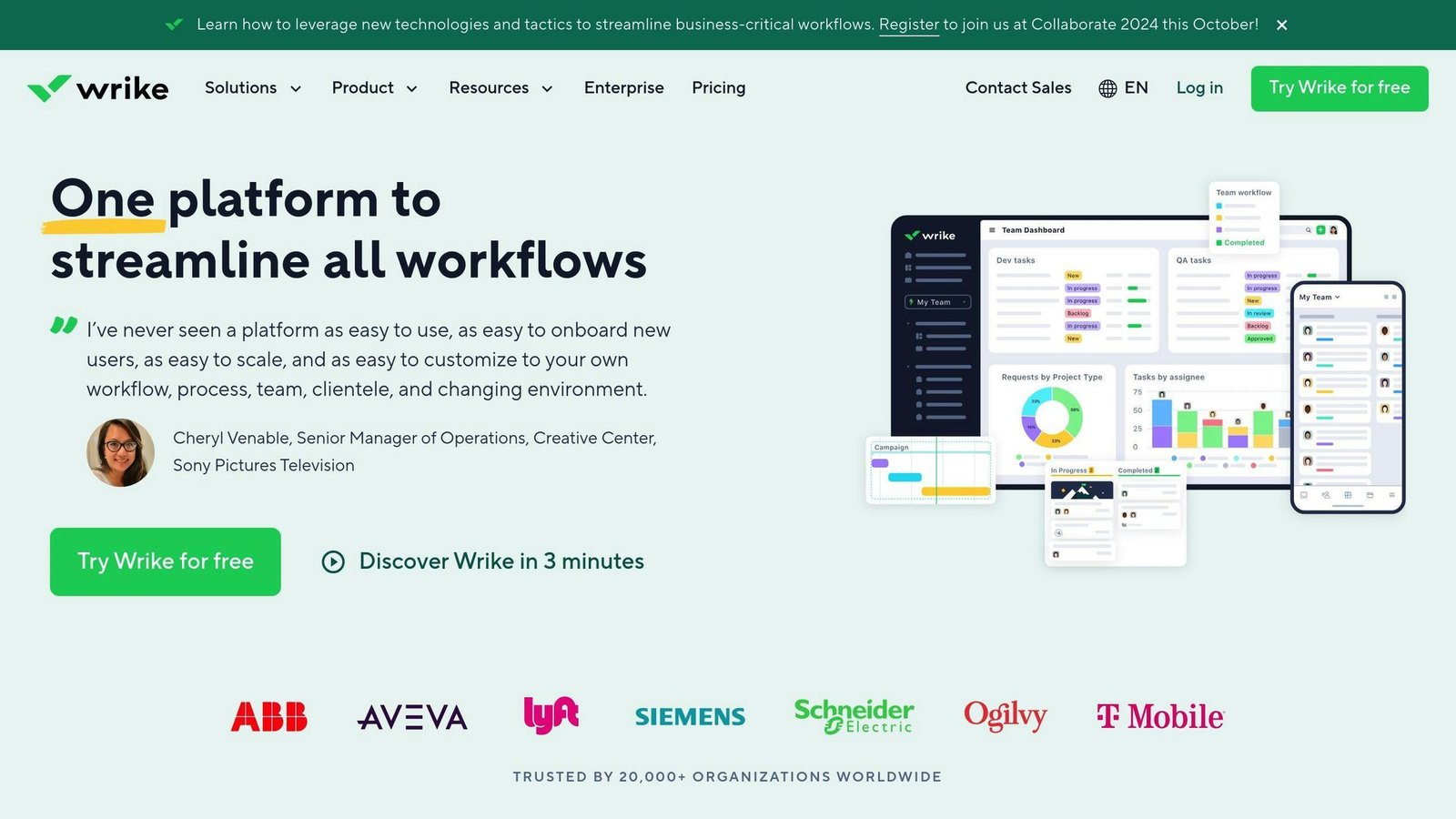
Gantt charts, dependencies, custom dashboards, workload management, proofing and workflow automation.
Pricing Structure
The “$9.80” and “$24.80” tiers previously quoted do not appear on Wrike’s pricing page.
| Plan | Price | Users |
|---|---|---|
| Free | $0 per user/month | Unlimited |
| Team | $10 per user/month, billed annually | 2 to 15 |
| Business | $25 per user/month, annual only | 5 to 200 |
| Pinnacle and Apex | Quoted | Contact sales |
The 15-user cap on Team is the thing to watch: crossing it means moving to Business at two and a half times the rate.
Integration Capabilities
Microsoft 365, Google Workspace, Salesforce, Slack and Jira.
User Accessibility
Capable, and heavier than the dedicated Gantt tools.
10. ClickUp
Feature Set
Gantt view alongside lists, boards and calendars, with dependencies, critical path, time tracking and automation.
Pricing Structure
Not $5 and $9 — neither figure is published by ClickUp.
| Plan | Billed yearly | Billed monthly |
|---|---|---|
| Free Forever | $0 | $0 |
| Unlimited | $7 per user/month | $10 per user/month |
| Business | $12 per user/month | $19 per user/month |
| Enterprise | Quoted | Quoted |
AI features are billed separately from $9 per user per month.
Integration Capabilities
Google Drive, Slack, GitHub and a large integration list.
User Accessibility
Browser and apps on every platform. The free tier includes Gantt views, which makes it the cheapest way to try one properly.
Software Comparison Table
| Software | Entry price | Unit | Best for |
|---|---|---|---|
| Instagantt | $10/month billed annually | Per account | Asana users needing a Gantt layer |
| Smartsheet | $9/member/month billed yearly | Per member, 10-member cap on Pro | Spreadsheet-minded teams, heavy reporting |
| Microsoft Planner | $10/user/month paid yearly | Per user | Microsoft 365 shops |
| TeamGantt | $10/project/month billed annually | Per project | Few projects, many collaborators |
| ProofHub | $45/month billed annually | Flat, unlimited users | Larger teams, client access |
| monday.com | $9/seat/month | Per seat, 3 minimum | Visual, configurable workflows |
| GanttPRO | $7/user/month billed annually | Per user | Dedicated scheduling on a budget |
| Zoho Projects | Not displayed | Per user | Existing Zoho customers |
| Wrike | $10/user/month billed annually | Per user, 15-user cap on Team | Mixed project and creative work |
| ClickUp | $7/user/month billed yearly | Per user | All-round value, real free tier |
Choosing the Right Gantt Chart Software
Start with the unit, not the price
Three different meters appear on this page and they invert each other:
- Per user or seat — GanttPRO, ClickUp, Wrike, Smartsheet, monday.com, Microsoft, Zoho. Cheap for a small team, expensive at scale.
- Per project — TeamGantt. Cheap for a big team with few projects, expensive for a small team juggling many.
- Flat — ProofHub. Cheapest per head above roughly ten people.
Run your own headcount and project count through all three before comparing anything.
Then check the caps
Smartsheet Pro stops at 10 members. Wrike Team stops at 15 users. monday.com will not sell you fewer than 3 seats. These limits move the real cost more than the headline rate does.
Project requirements
If you need critical path, baselines and resource levelling, look at Microsoft, Smartsheet, GanttPRO and Wrike. If you need a shared timeline people will actually update, TeamGantt, ClickUp or monday.com.
Integration
The Gantt chart is only current if the tasks feeding it are. Pick the one that connects to where work already happens.
All prices in this article were checked against vendor pricing pages in August 2026 and should be confirmed before budgeting.
FAQs
What is the best Gantt chart software?
There is no single answer, but the cheapest way to try a real Gantt chart is ClickUp’s free tier. For dedicated scheduling, GanttPRO at $7 per user per month is the lowest-cost serious option. For a team that wants unlimited users on one bill, ProofHub at $45 a month.
Which tool should I use to make a Gantt chart?
| Tool | Best for |
|---|---|
| Instagantt | Adding a Gantt view to Asana, and client-facing timelines |
| TeamGantt | Teams with a handful of projects and lots of collaborators |
| GanttPRO | Dedicated scheduling with dependencies and baselines |
| ClickUp | Trying a Gantt chart without paying for one |
| Microsoft Planner and Project | Organisations already on Microsoft 365 |
| Zoho Projects | Existing Zoho customers |
More on this topic
Browse all 40 articles on Project & Team Management, or jump straight to our buying guide: Best Project Management Tools for Small Teams.