Quick facts
| Best for | Startups, agencies and small ops teams who want docs and tracking in one assembled workspace. |
|---|---|
| Category | Productivity and Collaboration |
| Pricing from | USD 10 per member / month |
| Free plan | Yes |
| Team size | solo, 2-10, 11-50, 51-200 |
| Last verified | 18 August 2026 — how we verify |
Quick verdict
Consider it if: Writing and structured data need to sit side by side and someone will own the structure.
Look elsewhere if: You need a rigid process out of the box, clean exports, or nobody wants to maintain the setup.
Compiled from the vendor’s own documentation and pricing pages, checked on the date above. We have not tested this product hands-on. How we evaluate software.
Compare Notion with Asana and ClickUp · Not sure what you need?
Notion is a single workspace that combines documents, a company wiki, databases and project tracking, with AI built through the middle of it. Every page is made of blocks you can rearrange, and any list of pages can become a database with typed properties and multiple views. That flexibility is the whole point: rather than shipping a fixed “projects” app and a fixed “docs” app, Notion gives you parts you assemble into whatever your team actually needs, which is why two companies using it can end up with workspaces that look nothing alike.
What you can actually do with it
Most small teams adopt Notion for one job and then keep adding to it. The building blocks below are what that expansion is made of:
- Write and share documents. Clean nested pages for meeting notes, SOPs, proposals and specs, with comments, mentions and page-level permissions.
- Run an internal wiki. Onboarding guides, policies and team handbooks in one searchable place, with verification badges and owners so pages do not silently go stale.
- Build databases instead of spreadsheets. Tables with typed fields, relations between databases and rollups, viewable as a board, calendar, timeline, gallery or list without duplicating the data.
- Track projects and tasks. Sprint boards, roadmaps and task lists built from those same databases, filtered per person or team.
- Collect input with forms. Public or internal forms that write responses straight into a database, useful for requests, applications and intake.
- Use AI across your own content. Ask questions of your workspace, draft and summarise text, take AI meeting notes, and search connected apps such as Slack, Google Drive and GitHub from one bar.
- Publish simple sites. Any page can be published to the web, which is enough for a changelog, a help centre or a lightweight public roadmap.
Who it fits best
Notion suits startups, agencies and small operations teams — roughly two to a few hundred people — who want documentation and project tracking in one place and have at least one person willing to design the structure. Founders, chiefs of staff, operations managers and product teams tend to get the most out of it, along with consultants and solo professionals who use it as a personal second brain.
It fits less well if you need a rigid, opinionated process out of the box, or if nobody on the team wants to own the setup. A blank Notion workspace is a lot of freedom, and freedom without an owner turns into a sprawl of half-finished pages that people stop trusting.
Things worth knowing before you commit
- Setup effort is real. The templates get you started, but a workspace that stays useful after a year needs someone maintaining structure, naming conventions and archiving.
- Offline support is partial. Offline access works in the desktop and mobile apps rather than the browser, has to be enabled per page or device, and databases only sync a limited slice of rows, so treat it as a fallback rather than a true offline mode.
- Large databases slow down. Very big tables with many relations and rollups can feel sluggish, and Notion is not a substitute for a real application database.
- Pricing is per member, with AI on top. Billing scales with the number of members, guests are handled differently, and the AI features sit in the higher tiers or as an add-on, so cost grows with headcount.
- Exports are imperfect. You can export to Markdown, HTML or CSV, but relations, views and formatting do not survive intact, which matters if you ever want to move out.
Alternatives to compare it against
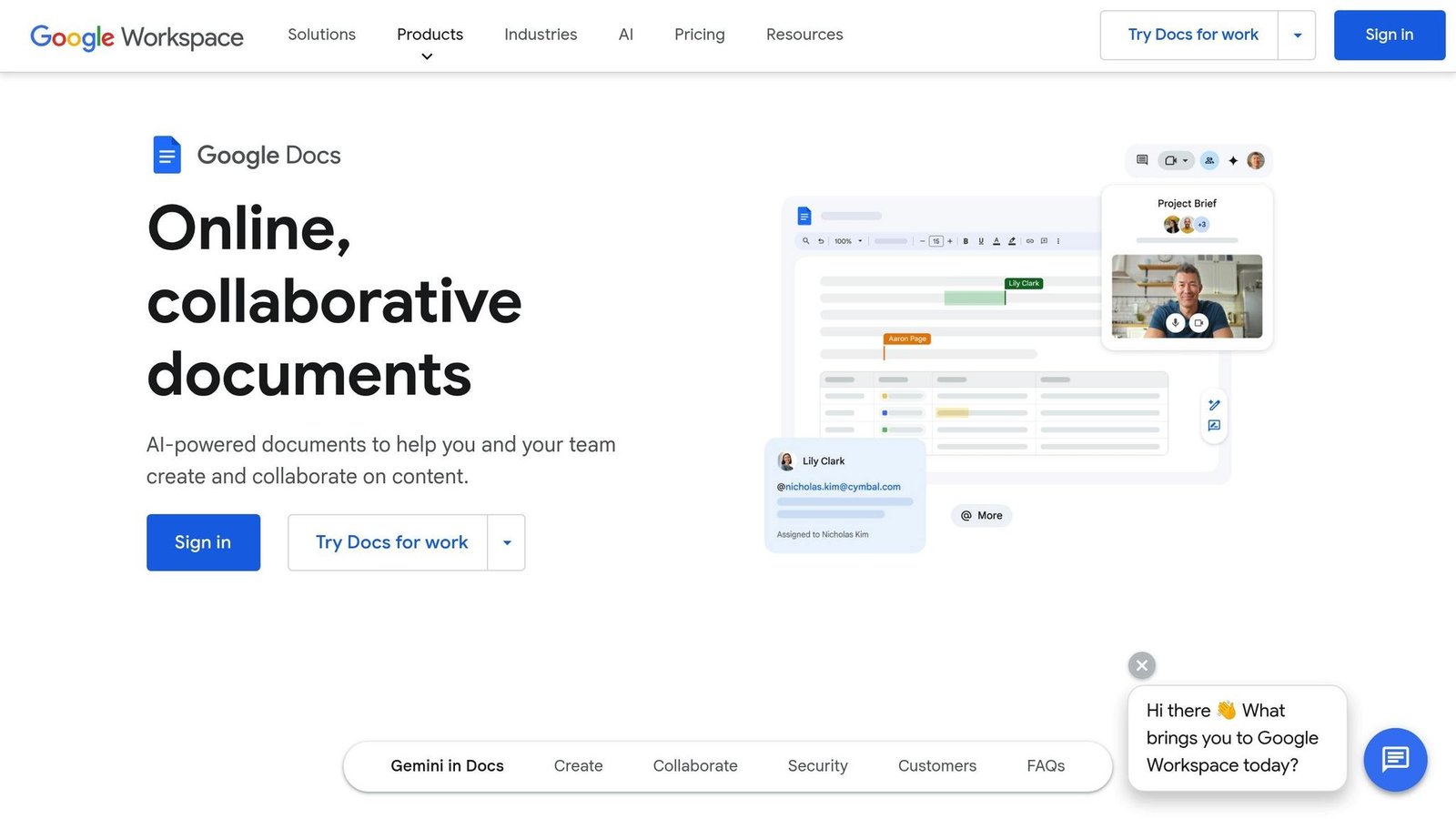
If you mainly need task management with a fixed methodology, a dedicated project tool such as Asana or ClickUp will impose more structure and less setup. If your team’s centre of gravity is already Microsoft 365 or Google Workspace, Confluence, Loop or Google Docs plus a tracker may be a cheaper and better-integrated fit. If you want database-first records with strong automation rather than documents, Airtable is the closer comparison. Notion wins when writing and structured data need to live side by side.
Plan tiers, AI inclusions and per-member pricing change regularly. Check Notion’s own pricing page before you commit.
Further reading
- 8 Best Task Management Tools 2026 — the dedicated alternatives to building your task tracking out of Notion databases.
- The 7 Best Project Management Software for Businesses in 2024 — worth reading if you want an opinionated process rather than a blank workspace.
- Task Tracking for Teams: 10 Tips for 2024 — conventions that keep a self-built board from sprawling, which is Notion’s main failure mode.
- Top 8 Document Collaboration Tools for Teams — covers the wiki and document half of what Notion replaces.
Have you used Notion?
One sentence is enough. Would you pick it again, and why or why not? We publish the critical reviews too — that is the point.