Disclosure: This page contains commercial links. BizBot may earn a commission from qualifying purchases. Paid placements do not buy a better ranking. Read our affiliate disclosure.
Looking for an e-commerce theme? Here’s what matters:
- E-commerce themes are pre-built templates that control your online store’s look and functionality
- Key trends: mobile-first design, AI integration, interactive features, bold visuals
- Must-have features: fast loading, mobile-friendly, customizable, secure
- Popular designs: minimalist layouts, dark mode, virtual try-ons, eco-friendly aesthetics
- Maintenance: regular updates, security checks, performance work
When choosing a theme:
- Prioritize speed
- Ensure mobile responsiveness
- Look for customization you can do without a developer
- Check the update and support terms, and what happens when they lapse
Prices, Checked August 2026
An earlier version of this article listed a price for one of these themes that matched nothing the vendor charges, and described the other two only as “Free/Paid” and “Paid only”. Here are the actual rates from each vendor’s own pricing page. Confirm before buying — theme vendors run frequent sales, and two of the three were discounted when this was checked.
| Theme | Platform | List price | Licence covers |
|---|---|---|---|
| Booster | Shopify | $199/year, or $299 one-time for a lifetime licence. Both were on sale when checked, at $159/year and $229 respectively. | Per store. Lifetime licence includes one year of support. |
| GeneratePress | WooCommerce | Free theme in the WordPress.org directory. GP Premium adds features at $59/year. The GeneratePress One bundle, which adds GenerateBlocks Pro and GenerateCloud, is $149/year. | The paid licence covers up to 500 sites, including client sites. |
| Shoptimizer | WooCommerce | $99/year, discounted to $49/year when checked. No free version. | Updates and support for one domain. The theme is GPL-licensed, so it can run on more sites, but each needs its own licence for automatic updates. |
Correction detail. The previous figure of $248/year for Booster does not correspond to any plan the vendor offers. It has been replaced with the published rates above. GeneratePress does have a genuinely free version — the theme in the WordPress theme directory, with over 500,000 active installations — and the paid tiers are add-ons rather than a different theme.
Note what “per year” buys in this category. Renewal fees on themes generally pay for updates and support, not for the right to keep using the theme. If you stop paying, your site keeps working but stops receiving updates — which, for a theme handling payments, becomes a security problem rather than a feature problem. Budget for the renewal.
How to Pick the Right Theme
Speed and Loading Time
Speed affects conversion. That much is well established, and it is the reason theme vendors lead on performance claims.
The numbers that used to be here have been removed. Earlier versions of this article stated that a store making $30,000 a month loses $25,000 a year from a one-second delay (given twice), that a one-second delay causes a 7% drop in conversions and 16% less customer satisfaction, that 47% of shoppers expect pages to load in two seconds, that 79% of smartphone users have bought something on their phone, and that 58% of web traffic is mobile. None carried a source. Several trace to marketing infographics more than a decade old. They have been removed rather than re-attributed.
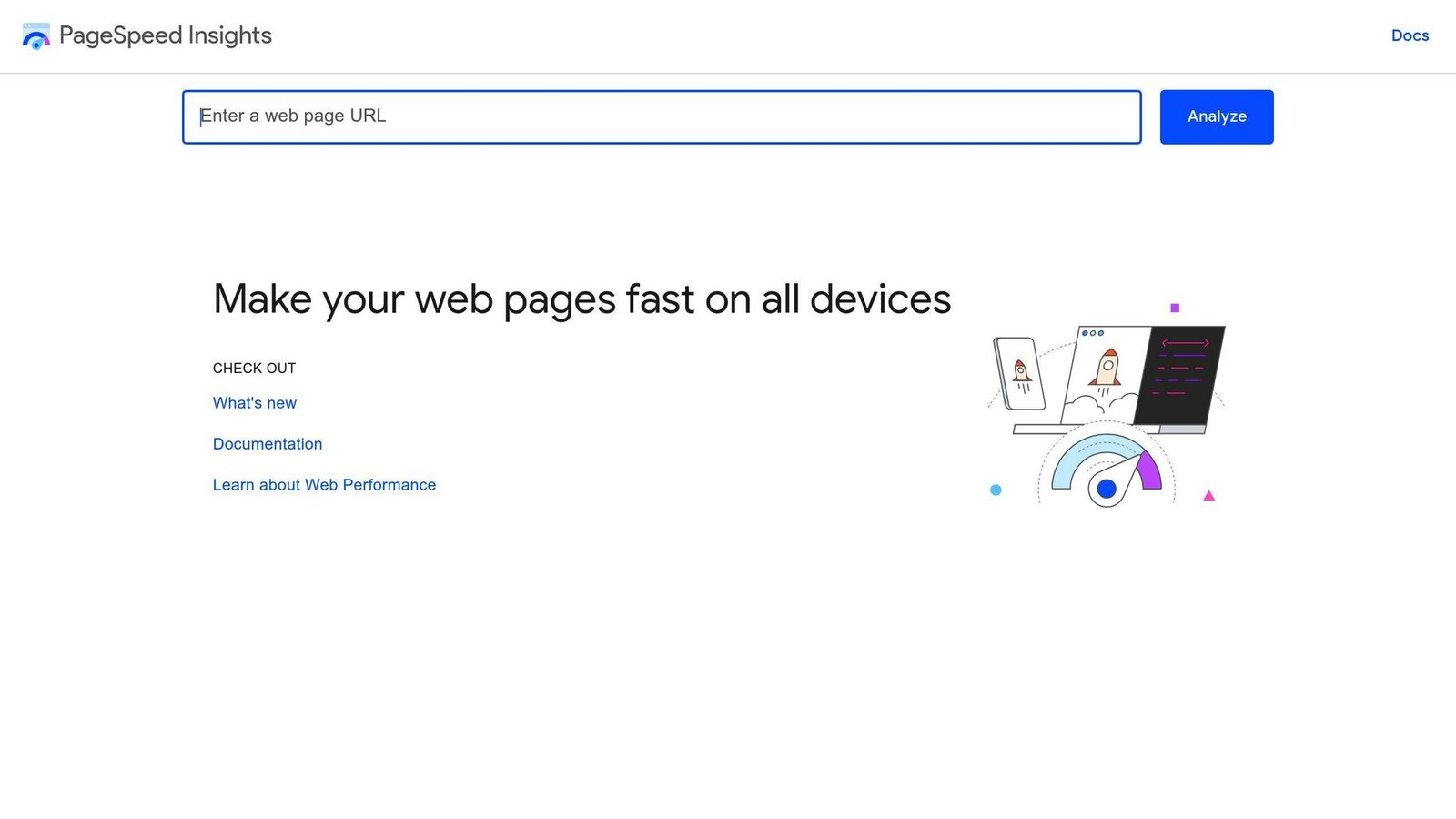
What to do instead of trusting a benchmark: measure your own store. Run Google PageSpeed Insights against your live product pages, not your homepage, on mobile. Then run it against the demo site of any theme you are considering. That comparison tells you something about the theme. A published score does not.
Why theme speed scores are unreliable. An earlier version reported that one theme “scores 91/100 on mobile and loads in 2.1 seconds” and that another loads in “2.2s desktop, 2.4s mobile”. Those figures have been removed too, because a theme does not have a load time. A demo site with three products, optimised images and no apps installed has a load time. Your store, with your catalogue, your hosting, your tracking scripts and your plugins, will not reproduce it. Treat vendor performance figures as a description of their demo, which is what they are.
The things that actually determine your store’s speed, roughly in order of impact:
- Image weight and format
- Number of third-party scripts, especially tracking and chat widgets
- Hosting quality
- Number and quality of plugins or apps
- The theme itself
The theme matters, but it is rarely the biggest term. A fast theme on cheap hosting with eleven tracking scripts is a slow store.
Mobile Display Quality
Most e-commerce traffic is mobile for most stores, though the proportion varies enough by sector that you should check your own analytics rather than accept a general figure.
When assessing mobile quality:
- Test on real devices, not just a desktop browser’s responsive mode
- Check the checkout flow specifically, not just product pages
- Check tap target sizes and form field behaviour on a small screen
Customization
You want a theme you can change without writing code.
Look for themes that let you:
- Change colours and fonts
- Rearrange sections
- Edit header and footer layout
Shopify themes have a built-in visual editor with live preview, which suits people who do not want to touch code. WooCommerce themes vary more: GeneratePress is built around configuration, while some competitors assume you will use a page builder plugin, which is an additional dependency and an additional performance cost.
Security
Good themes should have:
- SSL support
- Compatibility with PCI-compliant payment handling
- An active update schedule
Be clear about where responsibility sits. On Shopify, the platform handles payment security and PCI scope. On WooCommerce you are running the software, and theme and plugin updates are your job. That difference is the single biggest practical distinction between the two platforms for a small merchant, and it matters more than any theme feature.
Theme Comparison
| Theme | Platform | Suits | Watch out for |
|---|---|---|---|
| Booster | Shopify | Merchants who want conversion features bundled rather than added app by app | The bundled-app value claim is the vendor’s own arithmetic. Check which of those apps you would actually have bought. |
| GeneratePress | WooCommerce | Anyone wanting a lightweight base to build on, including on no budget | It is deliberately minimal. Expect to add what you need rather than switch features off. |
| Shoptimizer | WooCommerce | Stores wanting a conversion-oriented layout out of the box | One domain per licence for updates. Price the number of sites you run. |
Theme Features Worth Having
Product Search and Filters
Shoppers who cannot find a product do not buy it. What you need:
- A search box that suggests as you type
- Filters on the attributes people actually shop by — price, size, colour
Filter design matters more than search on a catalogue under a few hundred items, and search matters more above that. An earlier version of this article held up a specific named retailer’s search box as an example. The claim could not be verified and has been removed; look at stores in your own category instead, which is more useful anyway.
Product Recommendations
- Suggest products based on browsing or purchase history
- Add a “frequently bought together” block
Recommendation engines need traffic and catalogue depth to beat a hand-picked bestseller list. On a small store with a hundred products, curate manually. An earlier version credited a specific named brand with a particular abandoned-cart programme; that claim was unsourced and has been removed.
Checkout
Cart abandonment is the number worth knowing here, and this one is sourced. The Baymard Institute puts the documented average at 70.22%, calculated across 50 separate studies published between 2006 and 2025.
Some of that is people browsing with no intent to buy, which no checkout change will fix. The part you can influence:
- Allow guest checkout — forced account creation is a well-documented drop-off point
- Show total cost including shipping early, not at the final step
- Keep the form short and the steps few
- Offer the payment methods your customers use
Social Commerce
- Selling directly from social posts where the platform supports it
- Share buttons on product pages
Pricing and Promotions
- Countdown timers on genuine time-limited offers
- Promotional pricing and discount rules
One caution. “Dynamic pricing” that varies the price by customer using their personal data is now regulated in several US states, and a countdown timer that resets on refresh for an offer that never expires is a deceptive practice regardless of what your theme makes easy. Discounting a single published price is a different thing from personalised pricing, and it is the safer route.
Popular Theme Designs
Simple Layouts and Dark Mode
Clean layouts sell better because they get out of the way. Products stand out and navigation is obvious.
Dark mode is worth offering as an option rather than imposing. It suits some product photography and actively harms other kinds — anything shot on white will look wrong. Test with your own images before committing.
An earlier version of this section quoted two sources, “Gem Media” and “WPExplorer”, on dark mode and eco-friendly design. Neither quote was linked or attributable to a specific article, and both restated the surrounding text. They have been removed.
Virtual Try-On and AR
Augmented reality lets customers see a product in their room or on themselves. It is genuinely established in furniture, eyewear and cosmetics, and largely absent elsewhere.
The claimed benefits are higher conversion and fewer returns. Both are plausible, and this article has no sourced figure for either, so none is quoted. If a vendor offers you one, ask which product category it came from — a return-rate improvement in eyewear tells you nothing about hardware.
An earlier version carried a quote attributed to a named agency executive describing interactive product content. It has been removed: the quote made a general claim that the article states directly anyway, and quoting a vendor about the value of the thing they sell adds nothing a reader can rely on.
Eco-Friendly Aesthetics
If sustainability is genuinely part of your business, the design should say so.
| Element | What it looks like |
|---|---|
| Colours | Earth tones, greens, blues |
| Images | Nature photography and illustration |
| Icons | Recycling symbols, leaves |
| Content | Sections explaining sourcing and materials |
A caution worth stating plainly: green visual design on a business with no environmental substance behind it is greenwashing, and it is increasingly a regulatory matter rather than a taste one. The design should follow the practice, not substitute for it.
Making Themes Faster
Speed Tests and Fixes
Test with Google PageSpeed Insights and a second tool for a cross-check. Test product pages on mobile, because that is where most of your traffic and most of your problems are.
Then, in order of return on effort:
Compress images. Compress product photos before uploading and serve modern formats. On most stores this is the single largest win available.
Audit third-party scripts. Every tracking pixel, chat widget and review embed costs load time. Remove the ones nobody looks at.
Enable lazy loading so off-screen images load later.
Reduce HTTP requests by cutting the number of separate elements each page loads.
| Action | Typical impact | Difficulty |
|---|---|---|
| Image compression | High | Low |
| Removing unused third-party scripts | High | Low |
| Lazy loading | Medium | Medium |
| Minimizing HTTP requests | High | Medium |
| Using a CDN | High | Medium |
Plugins and Apps
Add-ons extend a store and slow it down. Keep them current, audit them periodically, and remove anything unused — an inactive plugin is still an attack surface.
Test new plugins on a staging site before installing them on the live store. Plugin conflicts on a live storefront are found by customers, which is the expensive way to find them.
Theme Updates
Back up before updating. Test on staging where you can. Check compatibility with your current WordPress and WooCommerce versions before applying, not after.
Automatic updates are a reasonable default for security patches. For major version changes, update deliberately, because a theme major version can change layout in ways you will want to review before customers do.
Maintaining Your Theme
Common Problems
Slow loading: compress images, enable lazy loading, cut page elements, and check what third-party scripts are running.
Broken product images: confirm supported file types, check the theme handles variant images, and disable third-party apps one at a time to find the conflict.
Checkout problems: test cart and checkout after every update, on mobile and desktop. This is the one flow where a fault costs money immediately.
Security
Stay current. Run the latest theme, platform core and plugin versions. Most compromises of WooCommerce stores exploit known vulnerabilities in outdated components rather than novel attacks.
Back up before changes, and keep backups somewhere other than the server they came from.
Use security tooling such as Wordfence or Sucuri on self-hosted stores.
Secure admin accounts with unique passwords and two-factor authentication. Remove accounts for people who have left.
Getting Help
Documentation covers most common problems.
Community forums for WordPress and Shopify are worth searching before asking.
Vendor support — check it is still active on your licence. This is what the renewal fee buys.
Backups should be automatic and tested. An untested backup is a hope, not a plan. If you take orders daily, back up daily.
Wrap-Up
The important points:
Speed and mobile. Measure your own store rather than trusting published theme benchmarks. The theme is one factor among several, and usually not the largest.
Checkout. Documented average cart abandonment is 70.22% across 50 studies, per Baymard. Guest checkout and early, honest total costs are the fixes with the best evidence behind them.
Security and updates. On WooCommerce this is your responsibility, and lapsed theme licences mean no updates. On Shopify the platform carries more of it.
Price. Booster is $199/year or $299 lifetime. GeneratePress is free, with GP Premium at $59/year and the One bundle at $149/year. Shoptimizer is $99/year for one domain. All checked August 2026, all subject to frequent sales, all worth confirming on the vendor’s page before you buy.
| Action | Frequency | Impact |
|---|---|---|
| Update theme and plugins | Monthly, or immediately for security patches | High |
| Test checkout end to end | After every update | Critical |
| Optimize images | Ongoing | Medium |
| Review site speed on mobile product pages | Quarterly | High |
| Audit plugins and third-party scripts | Quarterly | High |
| Security audit | Twice a year | Critical |
More on this topic
Browse all 44 articles on Marketing & Growth, or jump straight to our buying guide: Best Marketing and CRM Tools for Small Businesses.