Disclosure: This page contains commercial links. BizBot may earn a commission from qualifying purchases. Paid placements do not buy a better ranking. Read our affiliate disclosure.
Disclosure: Some links in this article are affiliate links. If you sign up through one, BizBot may earn a commission at no extra cost to you. It does not change which tools we list, or what we say about them — including the parts that are critical. How we evaluate software.
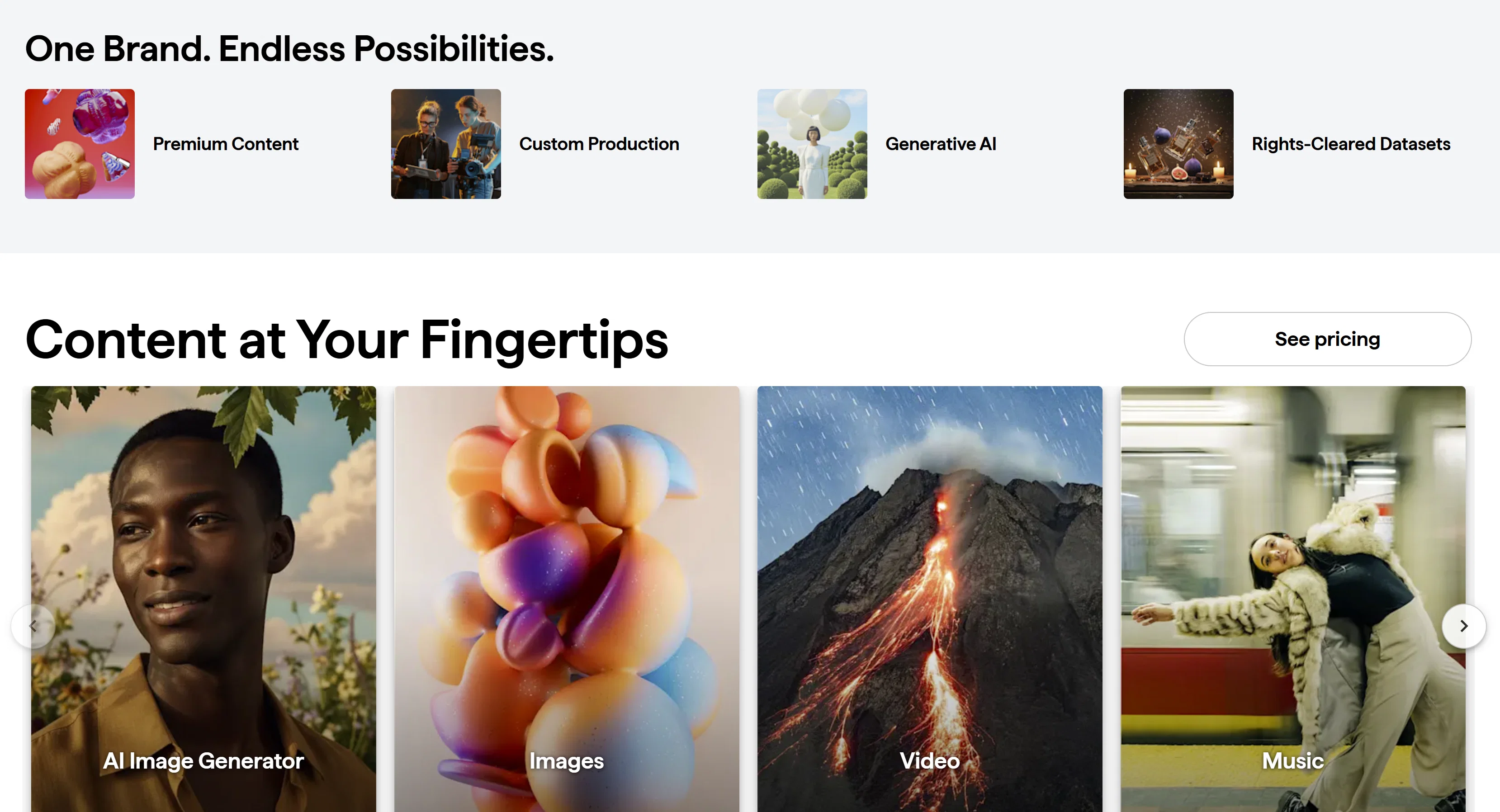
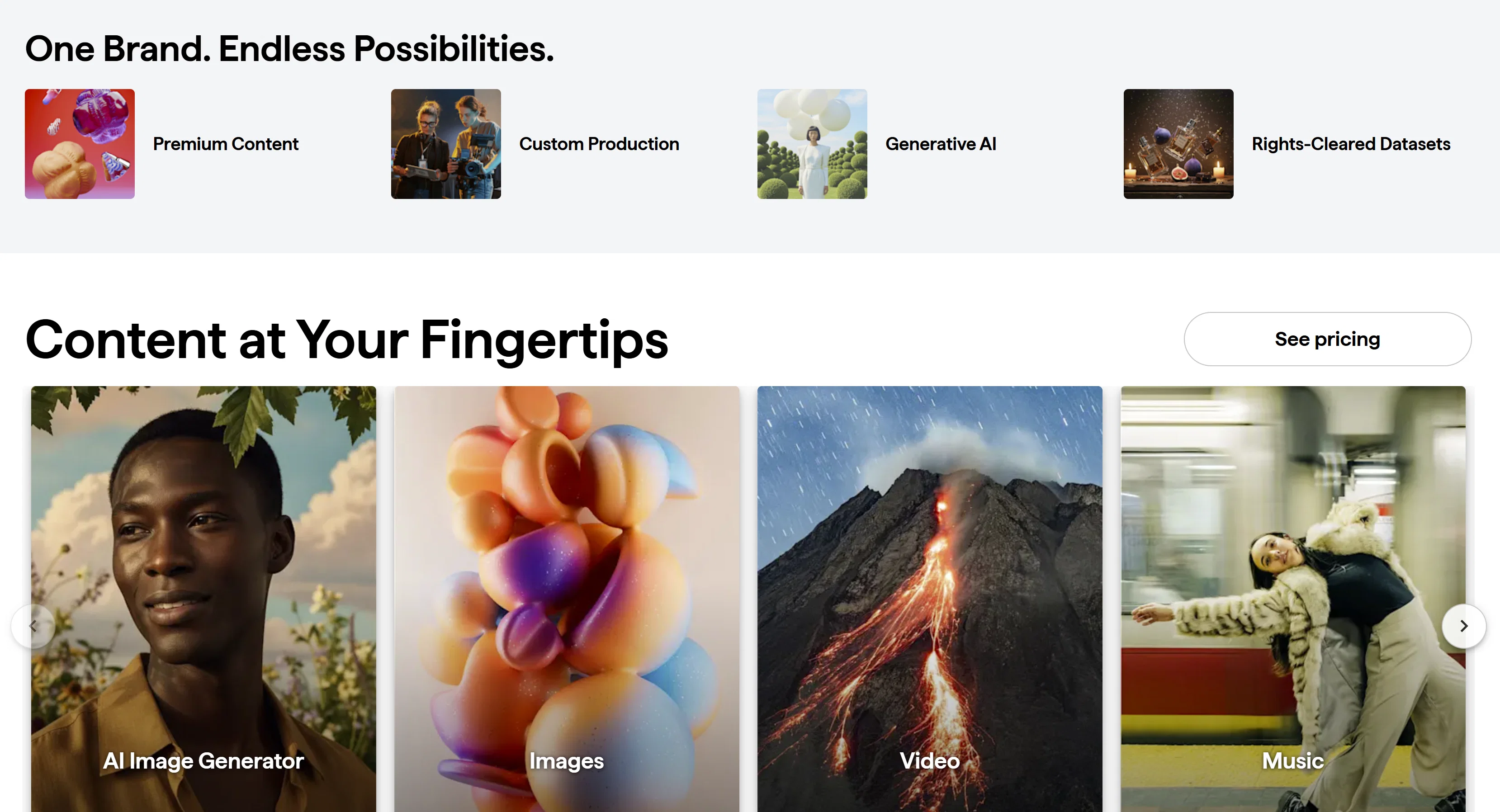
Shutterstock is a useful visual content tool for tech businesses because it provides instant access to licensed images, videos, and design assets that support marketing, product, and communication needs. Instead of commissioning production for every asset, teams source professional visuals and focus on execution.
For tech companies that move fast, content is about consistency, speed, and clarity. What most teams underestimate is the licensing side: the gap between the plan you bought and the use you actually need is where stock libraries cause problems.
What Is Shutterstock and Why It Matters for Tech Businesses
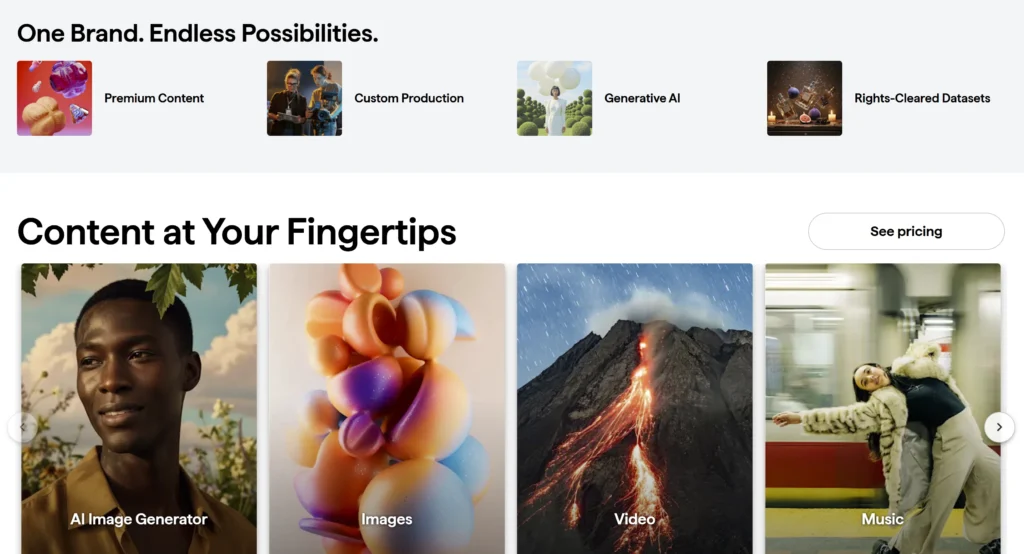
Shutterstock is a creative asset platform that allows businesses to search, license, and use millions of stock images, videos, illustrations, and music tracks.
For tech companies, visual content is used everywhere—from onboarding screens and product pages to blog content and investor presentations. Without a centralized source, teams rely on scattered files, which slows workflows and creates an audit problem: nobody can say afterwards which images were licensed, by whom, and under what terms. A single platform keeps the licence record in one account.
How Shutterstock Supports Content Workflows for Tech Teams
Marketing, product, design, and support often need visuals at the same time, and delays in one area slow the whole workflow.
Faster Content Production
Instead of waiting on design requests or external vendors, teams find and download visuals that fit their needs. This is especially useful for time-sensitive campaigns, product launches, or last-minute updates where speed matters.
Streamlined Content Planning
Teams can prepare visuals in advance for blog posts, campaigns, and social media schedules, reducing last-minute work and improving consistency—especially when following a structured content strategy.
Consistent Branding Across Channels
With access to a wide range of curated assets, teams maintain a consistent visual style across websites, ads, emails, and social media. The practical version of this is a shared collection inside the account — a shortlist of approved photographers or styles that everyone pulls from — rather than each person searching the whole library independently.
Reduced Dependency on Design Teams
Design teams become bottlenecks as demand increases. Shutterstock lets marketers, product managers, and content teams source visuals without advanced design skills.
Better Collaboration Between Teams
Assets can be shared and reused across departments, keeping messaging and presentation aligned.
Supports Multi-Channel Content Distribution
Tech companies publish across blogs, landing pages, social media, email campaigns, and ads. One licence generally covers use across those channels, which is simpler than tracking permissions per placement.
Scalable for Growing Teams
As content demands grow, teams handle higher volume without a proportional increase in workload. The caveat is seats: subscriptions are typically per-user, and sharing one login across a team is a licence breach rather than a cost saving.
Explore free images and videos on Shutterstock and start enhancing your content with professional visuals today.
What the Licence Actually Permits
This is the part teams skip and later regret. Shutterstock sells two main image licences, and the gap between them is not quality — the same image is available under either — but permitted use.
| Standard licence | Enhanced licence | |
|---|---|---|
| Print run in books and magazines | Up to 500,000 copies | Unlimited |
| Merchandise for resale | Not permitted | Permitted |
| Use inside templates you sell | Not permitted | Permitted |
| Out-of-home advertising | Capped at 500,000 gross impressions | Unlimited |
| Film and TV production budget | Capped at $10,000 | Uncapped |
| Indemnification per image | $10,000 | $250,000 |
Both are perpetual and worldwide, so ordinary web, ad, email and social use sits comfortably inside the standard licence. The four cases that push you to Enhanced are physical merchandise, templates or themes you resell, large-format outdoor campaigns, and anything with real production money behind it.
Two further restrictions catch people out. Content marked Editorial Use Only cannot be used commercially at all — no advertising, no merchandise, no product packaging — and each licence covers a single editorial context, such as one article. And the standard licence prohibits portraying a depicted person in a way a reasonable person would find offensive, which explicitly includes political endorsement, tobacco, adult services, and illustrating a medical condition or ailment. A health-tech company using a stock portrait to illustrate a diagnosis is a common and expensive mistake.
You also cannot use a stock image as a trademark or logo. If it is going on your letterhead permanently, commission it.
Why Shutterstock Is Useful for Scaling Content
As output increases, so does the need for consistent visuals. Stock makes volume possible without commissioning each asset, which works best combined with SEO content marketing strategies that focus on consistency and long-term growth.
Key Use Cases of Shutterstock in Tech Businesses
Website and Product Pages
Visuals help explain features and make pages more engaging, especially when your content is optimized to rank and attract consistent traffic on Google. Screenshots of your own product still beat stock for anything explaining how the product works.
Marketing Campaigns
Stock makes it cheap to run several creative variants against each other rather than betting on one.
Social Media Content
Consistent visuals improve engagement and make content more shareable.
Presentations and Internal Communication
Professional visuals enhance reports, pitch decks, and internal documentation — and internal use is the lowest-risk place to start, since nothing is published.
Cost Efficiency Compared to Traditional Production
Commissioning a photographer or designer for every piece of content is expensive and slow; subscriptions give predictable budgeting instead. The trade-off is downloads you never use. Most stock subscriptions allocate a monthly download allowance, and unused capacity does not always carry forward. If your actual usage is spiky — nothing for two months, then forty images for a launch — on-demand image packs usually cost less over a year than a subscription sized for your peak. Track downloads for a quarter before committing to an annual plan.
When Tech Businesses Should Use Shutterstock
It is most useful when you have multiple campaigns running at once, a regular publishing cadence, and a brand style to hold consistent across channels. Visual content does affect engagement, though the figures quoted on that subject are usually second-hand and worth treating with caution.
It is the wrong tool when the image is the product. For your own software, team, and customers, nothing licensed will do the job. Those are the shots worth a photographer, and there are usually fewer of them than people assume — a dozen good originals plus stock for everything else is a sensible split.
Limitations to Consider
- Sameness. Popular images appear everywhere, including on competitor sites. Before committing an image to a landing page, run a reverse image search on it. Sorting results by newest rather than most relevant also pulls you away from the images everyone else has already used.
- Generic beats wrong, but loses to specific. For product-focused or highly branded visuals, custom design is still required.
- AI-generated assets carry different terms. Shutterstock has offered indemnification covering AI-generated images, but that protection has been positioned at the enterprise tier rather than applied to every plan. Check what your specific plan covers before putting generated imagery into paid advertising.
- Vendor stability is worth a glance. Getty Images and Shutterstock agreed to merge in January 2025, but the deal was terminated on 7 July 2026 after the UK Competition and Markets Authority required Shutterstock to divest its editorial business and Getty declined to proceed. The two remain separate companies, and existing licences were unaffected — but it is a reminder to keep downloaded assets in your own storage rather than treating a vendor library as your archive.
A balanced approach—combining stock assets with original content—delivers the best results. If your visuals are product photography for a store rather than editorial imagery, an AI product-image tool such as SellerPic solves a different problem and is worth pricing against per-image licensing.
Frequently Asked Questions
What is Shutterstock used for in tech businesses?
Sourcing licensed images, videos, and graphics for marketing, product pages, presentations, and internal communication, without commissioning custom production for each one.
Can Shutterstock content be used commercially?
Yes, under both the standard and enhanced licences — with exceptions. Anything marked Editorial Use Only is non-commercial by definition, merchandise for resale requires the enhanced licence, and no licence lets you use an image as a trademark.
Do I need the Enhanced licence?
Only for four situations: merchandise you sell, templates or themes you resell, out-of-home advertising above 500,000 gross impressions, or a print run above 500,000 copies. Standard covers ordinary web, social, email and digital advertising use.
Is Shutterstock worth it for startups?
It depends on cadence rather than size. If you publish weekly, a subscription usually pays for itself. If you need images in bursts around launches, on-demand packs are normally cheaper than an annual plan sized for your busiest month.
What happens if I cancel my subscription?
Images already licensed stay licensed — the standard and enhanced licences are perpetual. What you lose is access to download new ones, so keep local copies of anything in active use rather than re-downloading from the library on demand.
Final Thoughts
The teams that get value from it treat it as one input among several: stock for most illustrative imagery, originals for the things only you can show, and a clear internal rule about which licence applies to which use.
Trying Shutterstock for free is a reasonable way to check whether the library covers your subject matter — the real question, and one no review can answer for your niche.
More on this topic
Browse all 44 articles on Marketing & Growth, or jump straight to our buying guide: Best Marketing and CRM Tools for Small Businesses.