Dynamic content personalization lets small businesses tailor what a customer sees using real-time data: demographics, behaviour, location, purchase history. Done well it lifts conversions and repeat business. Done badly it is a lot of setup work for a marginal gain, so it is worth being clear about which is which before you buy anything.
Key Takeaways:
- Personalization adapts content instantly based on user data (e.g., location, device, purchase history).
- The realistic benefits are better email engagement and fewer irrelevant offers, not a step change in revenue.
- Tools like Mailchimp, HubSpot, and OptinMonster include personalization features you may already be paying for.
- Start simple: welcome emails, product recommendations, and location-based promotions.
A note on the examples we removed. This article previously carried five worked examples – an unnamed retailer up 25% on order value, a coffee shop up 30% on foot traffic, two different anonymous e-commerce retailers running weather-based recommendations with different results attributed to each, and a skincare brand up 15% on conversion. None named a company, none linked to a source, and the two weather examples were the same story told twice with the numbers changed. They have been removed. What replaces them is one properly sourced study and a description of how the mechanism works.
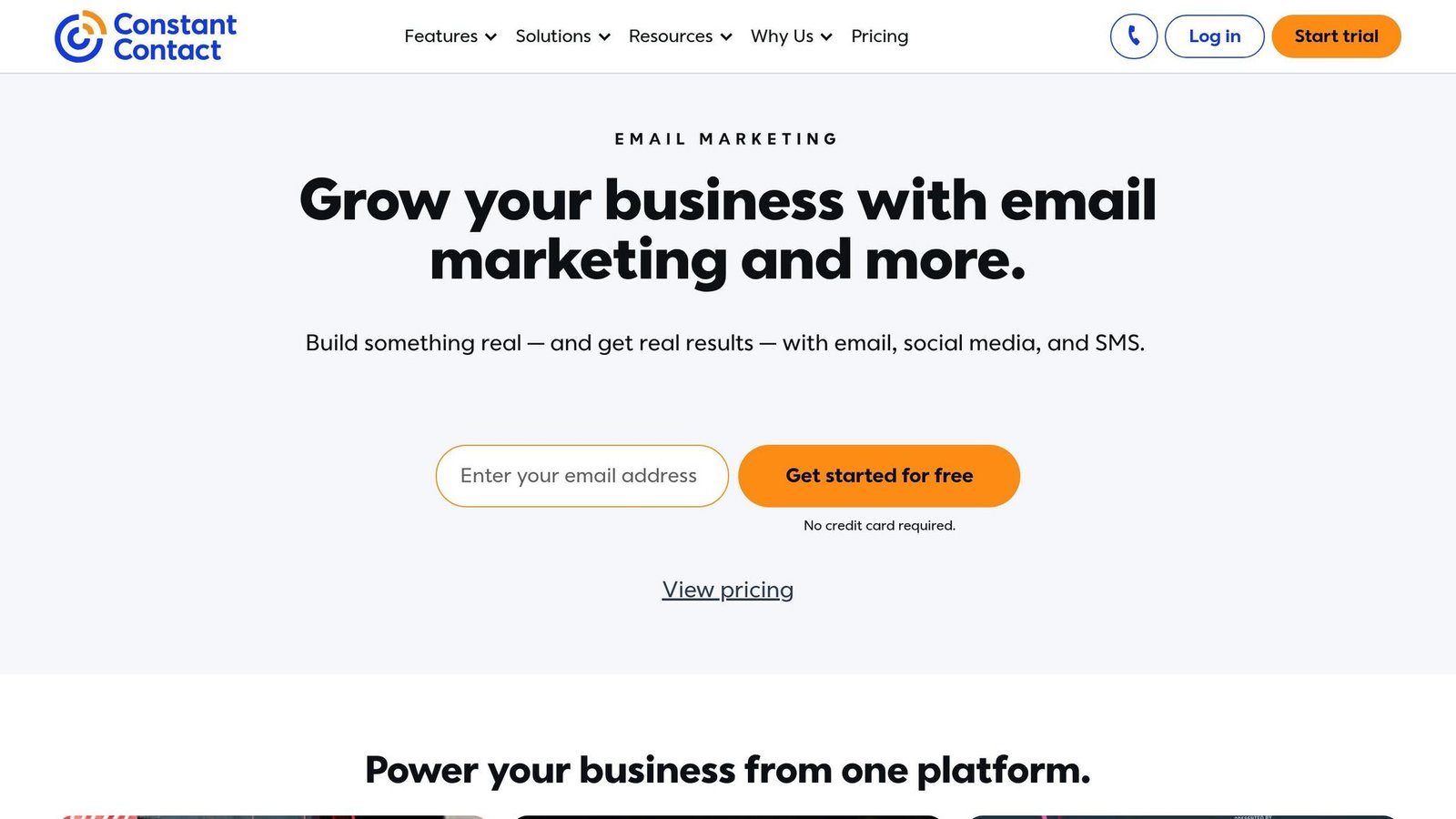
How to Use Dynamic Content to Personalize Your Email Marketing | Constant Contact
How to Set Up Dynamic Content Personalization
Dynamic content personalization doesn’t have to be complicated. With a clear plan, even small businesses can create automated experiences that feel personal. Here’s how to get started.
Set Clear Personalization Goals
Before collecting data or building automations, define what you want to achieve. Your goals should be specific, measurable, and tied to your business. Start by identifying the problem you actually have. Are repeat purchases low? Do visitors leave without acting? Are email campaigns being ignored?
Pick one target and write it down as a number you will measure against your own baseline – a lift in average order value, or in repeat visits, over a defined period. Do not borrow a target from an industry benchmark. Your starting point determines what is achievable, and a business with no segmentation at all has far more headroom than one already sending decent triggered email.
Begin with one goal that matters. A small e-commerce store might focus on product page engagement. A local service provider might prioritize appointment bookings driven from the website. A narrow scope is what makes the result readable.
Gather and Organize Customer Data
The foundation of personalization is good data. Collect first-party data – information customers share with you directly. It is more reliable than bought data and much easier to defend under privacy rules.
Key data points to focus on include:
- Purchase history
- Website browsing behavior
- Email engagement metrics
- Demographics like location, age, or job title
You already have most of this. Website analytics track browsing. CRM systems hold purchase history and interactions. Email platforms report opens and clicks. Point-of-sale data shows transaction patterns.
Organization is where it usually falls down. Segment customers on traits that change what you would send them. A small retailer might use “frequent buyers of eco-friendly products”, “price-sensitive shoppers”, and “browsers who rarely purchase”. If two segments would receive the same message, they are one segment.
You don’t need expensive tools to start. A spreadsheet works until it doesn’t. Platforms like HubSpot or Mailchimp add segmentation as you grow.
Create Triggers and Automate Content Delivery
Triggers are the if-this-then-that rules that decide when personalized content goes out. Common ones:
- Cart abandonment
- Location-based offers
- Inactivity, such as customers who haven’t visited in 30 days
- Behavior-based recommendations tied to previous purchases
Mailchimp can send recommendations based on browsing history; site tools can swap homepage banners by location; Zapier connects apps that do not talk to each other natively.
Start with a welcome series for new subscribers. It is the highest-engagement email you will ever send and the easiest to get right. Add behavioural triggers once you can see the welcome series working.
One warning worth more than any statistic: a trigger firing on stale or wrong data is worse than no personalization. Recommending a product someone already bought, or greeting a long-standing customer as new, does measurable damage. Check your data quality before you automate on top of it.
Real-World Uses of Dynamic Content Personalization
Personalized Email Campaigns
Email is where personalization has the clearest published evidence behind it. Experian Marketing Services’ 2013 Email Market Study, published in February 2014, found that “personalized emails generate six times higher transaction rates and revenue per email than nonpersonalized email”, that personalized promotional mailings had 29% higher unique open rates and 41% higher unique click rates than nonpersonalized ones, and that only 7% of marketers were personalizing based on communication preferences at all.
Read those numbers carefully, because this article previously got them wrong. Experian reported open rates 29% higher in relative terms. An earlier version of this page presented that as an absolute open rate of 29.3% versus 17.6% for non-personalized email, which is not what the study says. The study is also over a decade old and predates Apple Mail Privacy Protection, which has made open-rate data much less trustworthy since 2021. Treat the click and transaction findings as the durable part.
In practice: use subject lines that reflect what the person actually did. “Sarah, your favourite skincare products are 20% off today” works because it references a real preference, not because the first name is in it. Merge-tag personalization on its own does very little.
Recommendations based on purchase history are the other reliable win. Someone who bought running shoes is a plausible buyer of socks, insoles, or a race entry. Someone who bought a mattress is not a plausible buyer of another mattress, and retargeting them for weeks is the single most common personalization failure.
Segmentation carries most of the benefit here. A skincare brand sending acne products to one group and anti-ageing products to another is doing the work that matters. Dynamic blocks inside a single template are just a more convenient way to do the same thing.
Website Personalization
Website personalization changes what a visitor sees based on who they appear to be. First-time visitors might see social proof and reviews; returning customers might see loyalty offers. Which of those helps depends entirely on why people leave your site, which is why measuring your own bounce and conversion by segment comes before implementing anything.
We previously claimed adaptive websites lift conversion by an average of 20%. There is no source for that figure and it is gone. The honest position is that the effect ranges from substantial to zero depending on how differentiated your audience is. A shop selling one product to one kind of person has almost nothing to personalize.
Dynamic elements worth trying: banners and calls to action that change for returning visitors, landing pages matched to the ad that sent the traffic, and pre-filled forms for known customers. Form pre-fill is the least glamorous and usually the most effective, because it removes work rather than adding persuasion.
Layout adjustments for mobile and desktop are responsive design, not personalization. Do them anyway, but do not count them towards a personalization business case.
Location-Based Offers and Promotions
Location data, usually derived from IP address, lets you serve regionally relevant content. A clothing retailer can push summer stock to warm regions and winter stock to cold ones. A sports retailer can promote running gear in a city hosting a marathon.
Weather-triggered offers work on the same principle: rain gear during a storm, outdoor equipment on a clear weekend. This is genuinely effective for weather-sensitive stock and pointless for everything else. We removed two case studies claiming specific results from weather-based recommendations because neither named a company and the two accounts contradicted each other.
Two practical cautions. IP-based location is often wrong for VPN users and mobile networks, so never make an offer that looks foolish if the location is inaccurate. And localized copy like “Hey, [City Name] residents” is easy to overdo; it reads as automation the moment a customer sees the same template with a different city.
Tools to Make Personalization Easier
Using BizBot to Find Personalization Tools
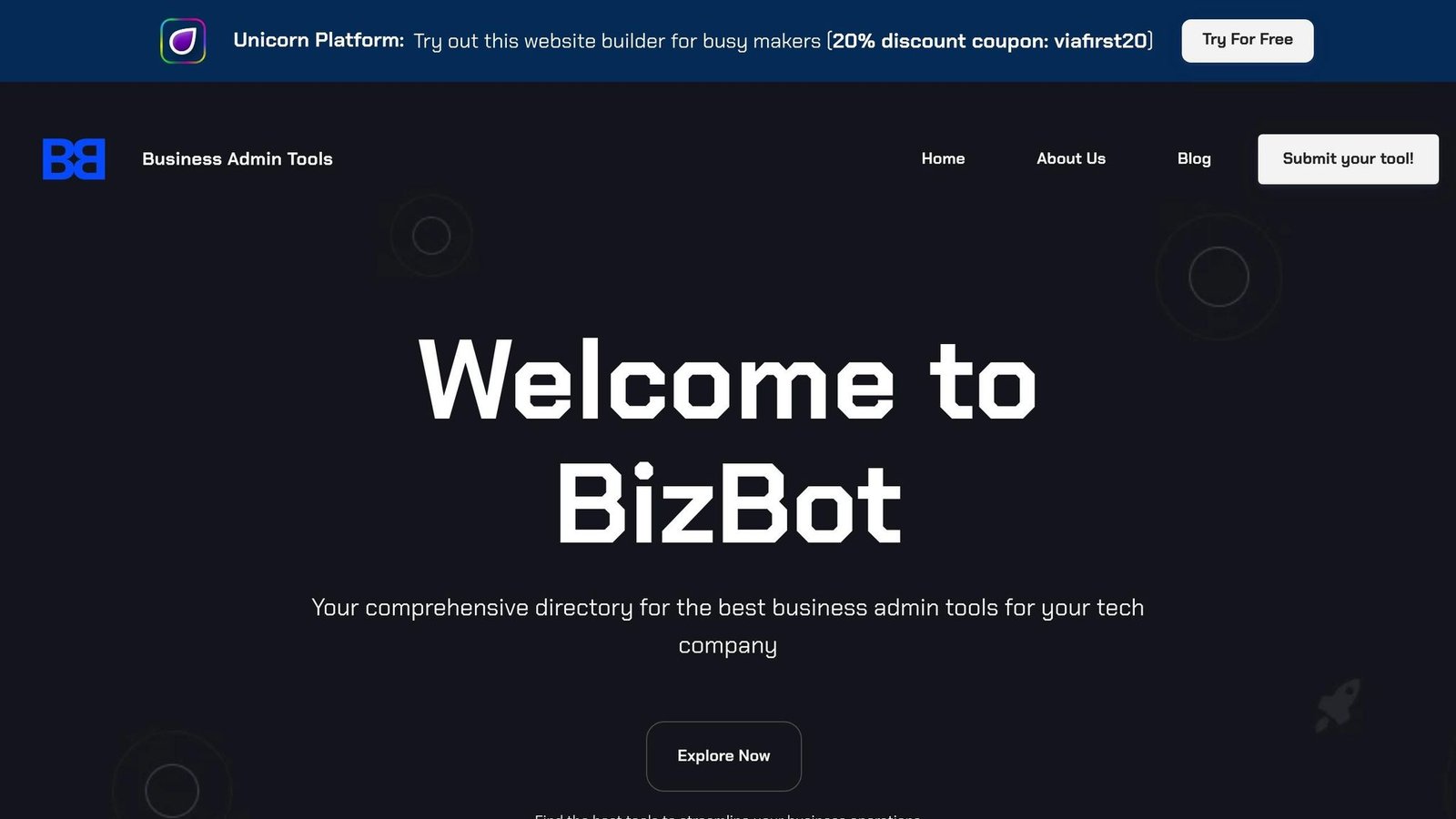
BizBot lists business administration software, including marketing automation and customer data tools, with an emphasis on options priced for freelancers and small businesses rather than enterprises.
When browsing, focus on CRM, marketing, and customer service tools with built-in personalization, and check what they integrate with. Personalization depends on data flowing between your store, your email tool, and your CRM. A tool that cannot read your order history cannot recommend anything useful, however good its editor is.
Automation Tools for Small Teams
Automation is what makes personalization feasible without a technical team. Choose tools that are easy to operate, because the ongoing maintenance is the real cost.
For email, Mailchimp and Constant Contact both ship templates and automation workflows that handle behaviour-based campaigns without code.
For website personalization, OptinMonster and Dynamic Yield offer visual editors for rules based on location, device, or browsing. Note the gap in scale between them: OptinMonster is priced for small sites, Dynamic Yield is enterprise software and will feel like it.
To centralize data, HubSpot and Zoho CRM act as the hub that other tools read from. This is the piece worth getting right first.
Prefer tools with native integrations for Shopify, WordPress, or QuickBooks, and with analytics good enough to tell you whether any of this is working. Start with personalized subject lines or a location-based banner, measure, then expand. Use A/B testing from the beginning rather than as an afterthought.
Measuring and Improving Your Personalization Results
Track Key Performance Indicators (KPIs)
Track click-through rate, conversion rate, customer retention rate, average session duration, and pages per session. Establish a baseline before you change anything – if your email campaigns currently average a 2.5% CTR, that is the number every later claim gets compared to.
Industry benchmarks are a weak guide. They mix businesses with nothing in common, and the ones quoted in marketing content are frequently unsourced. Compare against your own past performance instead.
Match the metric to the tactic. Personalized email: opens and clicks. Website personalization: bounce rate and time on site. Location-based promotions: regional sales and local engagement.
Segment the results as well as the content. Personalized recommendations often work for returning customers and do nothing for first-time visitors, and you will only see that if you split the numbers.
Use A/B Testing for Better Results
A/B testing is how you find out whether personalization is doing anything. Build two versions – one personalized, one generic – and split the audience randomly.
Test one variable at a time. Change the headline or the recommendation logic, not both. Multi-variable changes tell you something moved without telling you what moved it.
Run tests long enough for the result to mean something: at least a week for email, several weeks for website changes on modest traffic. Small businesses frequently call a test after 200 visitors and act on noise.
Be prepared for generic content to win. It happens often enough that it should not surprise you, and it usually means the segmentation is wrong rather than that personalization does not work.
Retest periodically. Preferences shift, seasons change, and a rule that worked last year can quietly stop working.
Make Changes Based on Analytics Data
Your KPI tracking and testing results are only worth the actions you take from them. Look for patterns: which segments respond, which channels, which times.
Dig into drop-off points and split by customer type, location, device, and time of day. Personalization that works on mobile and fails on desktop is a common and fixable finding.
An earlier version of this section credited a specific conversion lift and order-value gain to an unnamed skincare brand. There was no source, so it has been removed. The underlying tactic – splitting a skincare list by the problem the customer is trying to solve rather than by demographics alone – is sound, and you can test it on your own list in a fortnight.
Avoid tracking too many metrics or acting on tests that never reached significance. Pick a few KPIs tied to your goal and make sure your sample sizes support the conclusion.
Getting Started with Personalization for Small Businesses
Start with the data you already hold: email lists, website analytics, a basic CRM system.
Set an objective first. Higher email open rates, more conversions, better retention – pick one. A local bakery might look at purchase history and send offers to regulars who have not been in for a month. Review your existing data sources for patterns worth acting on: location, past purchases, engagement.
Then start small. A personalized welcome email or a location-based banner takes an afternoon. So does tagging customers by the product category they buy most and sending that group a relevant promotion – no technical skill required, and the result is readable within a month.
Platforms like BizBot let you compare marketing tools by features, pricing, and user reviews to find something that fits your budget.
Tactics worth trying first:
- Automated cart abandonment emails.
- Product recommendations based on browsing history.
- Location-based offers for customers in specific areas.
If resources are tight, work with the data you have and target the segment with the most to gain – usually existing customers who have bought once. Acquiring attention is expensive; using what you already know about buyers is not.
One thing to keep in mind: transparency matters. Tell customers how their data is used and give them an easy way to opt out. It is a legal requirement in most markets and it is also the difference between personalization that feels helpful and personalization that feels like surveillance.
FAQs
How can small businesses use dynamic content personalization effectively without needing a big budget or technical skills?
Start with basic customer data – purchase history, browsing habits, location – and use it to tailor content. Many email marketing platforms and website builders include personalization features already, so no coding is needed.
Choose tools with free or low-cost tiers aimed at small businesses. Personalize email subject lines, recommend products based on past purchases, adjust website banners for returning visitors. Then watch the numbers and drop whatever is not moving them. Most personalization programmes fail by adding rules faster than they retire the ones that stopped working.
What tools can small businesses use to collect and organize customer data for personalized experiences?
CRM software is the usual starting point: it keeps interactions, purchase history, preferences, and contact details in one place.
Email marketing platforms add analytics and segmentation, so you can target messages by how people actually engaged. Platforms like BizBot help organize business data more broadly, which supports personalization indirectly by keeping records consistent enough to segment on.
How can small businesses track the success of their dynamic content personalization strategies?
Track KPIs that match your objective: conversion rates, click-through rates, and engagement levels show how people respond to personalized content.
Use A/B testing to compare personalized against non-personalized versions, and watch customer retention over a longer window, since the loyalty effect shows up later than the click effect. Review regularly and be willing to conclude that a tactic is not earning its maintenance cost.
More on this topic
Browse all 44 articles on Marketing & Growth, or jump straight to our buying guide: Best Marketing and CRM Tools for Small Businesses.


![E-commerce Personalization: Complete Guide [2024]](https://bizbot.com/wp-content/uploads/2026/08/662e9e5db17fd355c0be37e7-6b9799a37e5bf25bac30efcc2c0f1eed.png "E-commerce Personalization: Complete Guide [2026]")