Marketing Resource Management (MRM) software helps small businesses streamline marketing efforts and optimize resource allocation. Here are the top 5 MRM software options:
Prices below come from each vendor’s own pricing page and were checked in August 2026. Two of these five publish rates; the other three quote. We have removed the user ratings this article used to show, because they were attributed to Capterra without a link and the figures in the tables contradicted the figures in the text.
| Software | Key Features | Pricing |
|---|---|---|
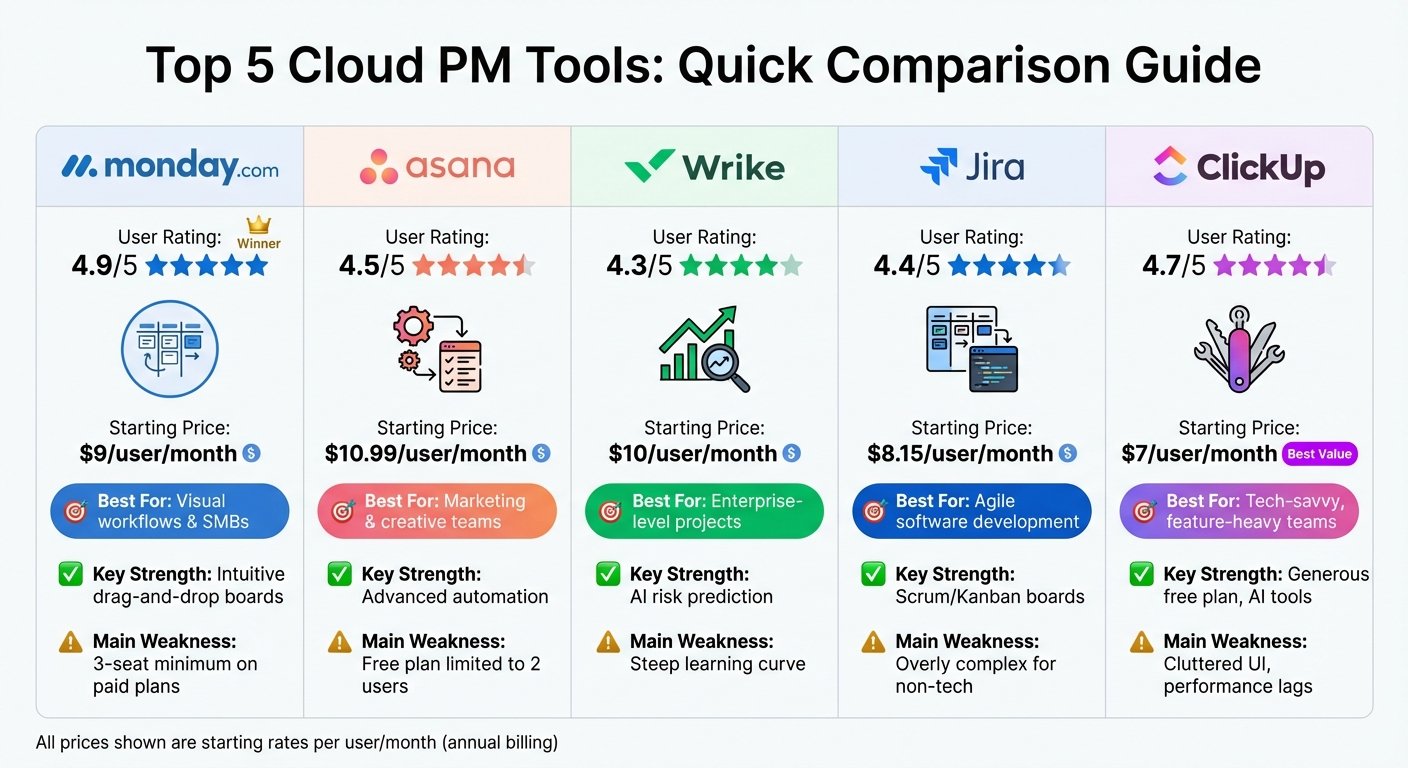
| monday.com | Project management, workflow automation, digital asset management | Free for up to 2 seats; Work Management Basic $9 per seat per month, billed annually, 10-seat minimum |
| Bynder | Digital asset management, brand management, workflow automation | Not published; quoted per customer |
| Brandfolder | Digital asset management, metadata search, customizable asset groups | Not published; quoted per customer |
| CoSchedule Marketing Suite | Campaign management, marketing intelligence assistant, customizable templates | Marketing Suite is quoted. The published CoSchedule tiers are Free Calendar $0, Social Calendar $19 per user per month billed annually, Agency Calendar $59 |
| Filecamp | Digital asset management, customizable branding, file sharing | Basic $29 per month for the whole account, unlimited users |
When choosing an MRM software, consider your marketing needs, budget, and user reviews. Evaluate the features, pricing, and user satisfaction to select the best fit for your small business.
Choosing the Right MRM Software
When selecting an MRM software for your small business, consider the following key factors to ensure you choose the right fit for your marketing needs.
Features Suited for Small Businesses
Look for MRM software that offers features specifically designed for small businesses. These may include:
| Feature | Description |
|---|---|
| Project management | Streamline your marketing projects and campaigns with ease. |
| Budgeting and forecasting | Manage your marketing budget effectively and make informed decisions. |
| Asset management | Centralize your marketing assets and ensure easy access for your team. |
| Collaboration tools | Facilitate communication and collaboration among team members. |
Affordable Pricing Options
Small businesses often have limited budgets, so it’s vital to choose an MRM software that offers affordable pricing options. Consider the following:
| Pricing Factor | Description |
|---|---|
| Scalability | Opt for a software that scales with your business, offering flexible pricing plans. |
| Seat minimums | Check whether the vendor charges per seat and enforces a minimum. monday.com’s cheapest paid plan requires 10 seats, so the real floor is ten times the headline figure. |
| Cost-effectiveness | Calculate the total cost of ownership, including implementation, training, and support. |
Positive User Feedback
Read reviews and testimonials from existing users to get an idea of the software’s performance, user experience, and customer support. Look for:
- Ratings and reviews: Check the overall rating and read reviews on platforms like G2, Capterra, or TrustRadius. Check the rating on the platform itself rather than trusting a figure quoted in an article, including this one; scores move and review counts get copied wrongly.
- Case studies: Explore success stories and case studies from businesses similar to yours.
By considering these factors, you can make an informed decision and choose an MRM software that meets your small business’s unique needs and budget.
1. monday.com
Feature Set
monday.com is a popular work management platform that offers a range of features suitable for small businesses. These features include:
| Feature | Description |
|---|---|
| Project management | Streamline your marketing projects and campaigns with ease. |
| Time tracking | Track the time spent on tasks and projects. |
| Collaboration | Facilitate communication and collaboration among team members. |
| Automation | Automate repetitive tasks and workflows. |
With monday.com, you can centralize your marketing assets, streamline your workflow, and align your team’s actions.
Pricing
The plans below are monday.com Work Management, which is the product most marketing teams start on. Prices are per seat per month at the annual rate, which is about 18 per cent below monthly billing. Note the 10-seat minimum on every paid tier: Basic is $9 a seat, but the smallest Basic invoice is $90 a month. There is no $8 Individual plan. monday.com also sells CRM, Service and Dev as separate products at different rates. Checked August 2026; confirm before budgeting.
| Plan | Price (per seat/month, billed annually) | Minimum seats |
|---|---|---|
| Free | $0 | Up to 2 |
| Basic | $9 | 10 |
| Standard | $12 | 10 |
| Pro | $19 | 10 |
| Enterprise | Custom pricing | Varies |
The platform also offers a free trial, allowing you to test its features before committing to a paid plan.
What users say
Users praise the platform’s interface, customizable templates, and customer support. Common complaints are that it is heavier than it needs to be for simple task management, and that the per-seat cost mounts quickly once a team grows. We have removed the star rating this article used to carry: the number in the text disagreed with the number in the comparison table, and neither was sourced.
2. Bynder
Feature Set
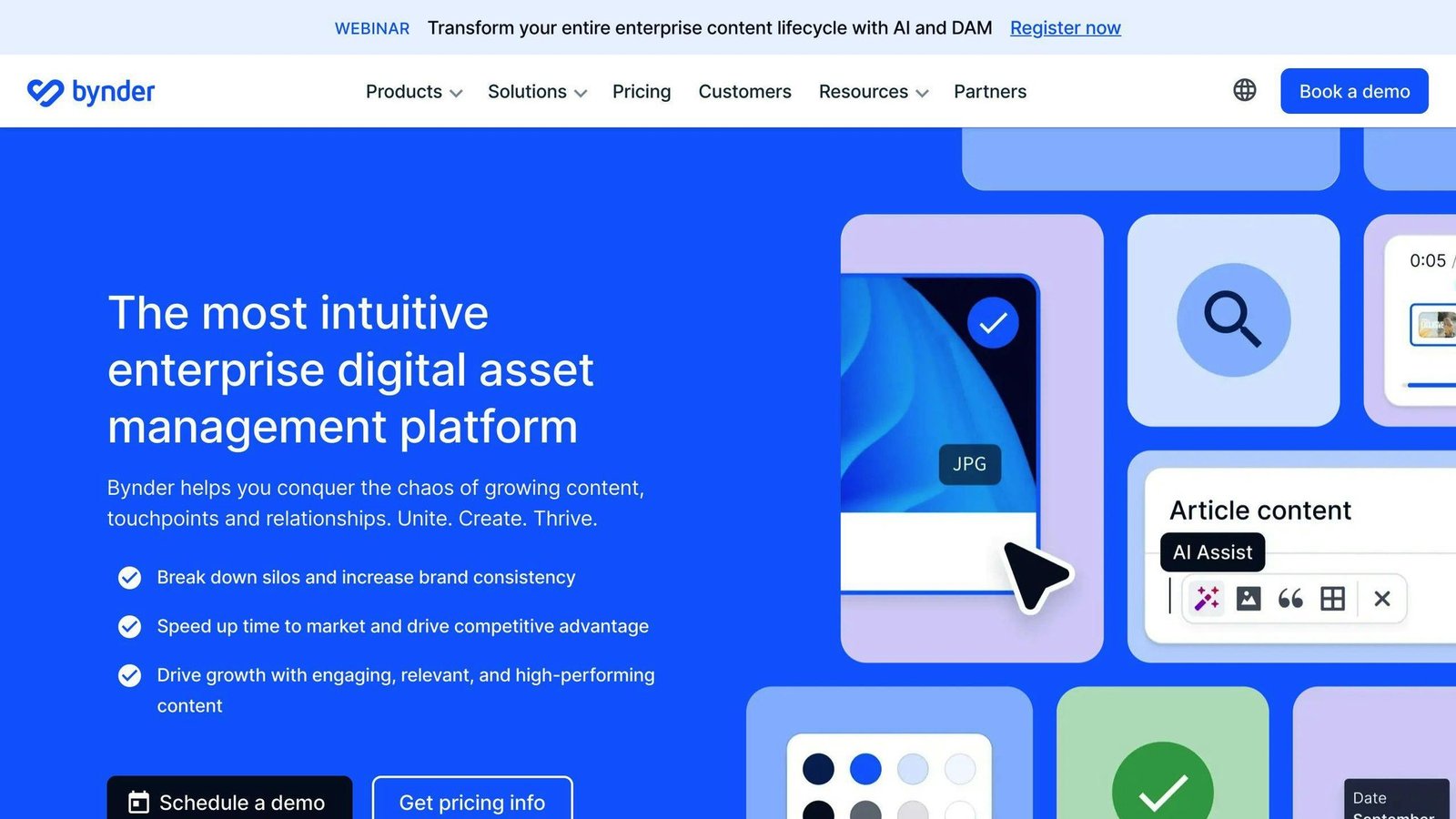
Bynder is a marketing resource management software that helps teams control and manage their process. It provides a range of features to streamline marketing activities. These include:
| Feature | Description |
|---|---|
| Version Control | Manage different versions of your marketing assets. |
| Strategic Planning | Plan and organize your marketing strategies effectively. |
| Content Management | Centralize and manage your marketing content. |
| Video Content | Create and manage video content for your marketing campaigns. |
| Search | Easily search and find marketing assets within the platform. |
| Approval Process Control | Control and manage the approval process for marketing assets. |
| Brand Management | Manage your brand’s identity and consistency across all marketing channels. |
| Approval Workflow | Streamline the approval process for marketing assets and campaigns. |
Pricing
Bynder does not publish rates. It sells modular packages priced on the number of users, storage, which products you take, and support level, so the only way to get a figure is to ask. That also means a like-for-like comparison against the two vendors here that do publish is not possible. Checked August 2026.
What users say
Users praise the search functions, the way assets are organized and displayed, and how well it scales. The star rating this article used to quote was unsourced and contradicted the figure in the comparison table, so it has been removed.
3. Brandfolder
Feature Set
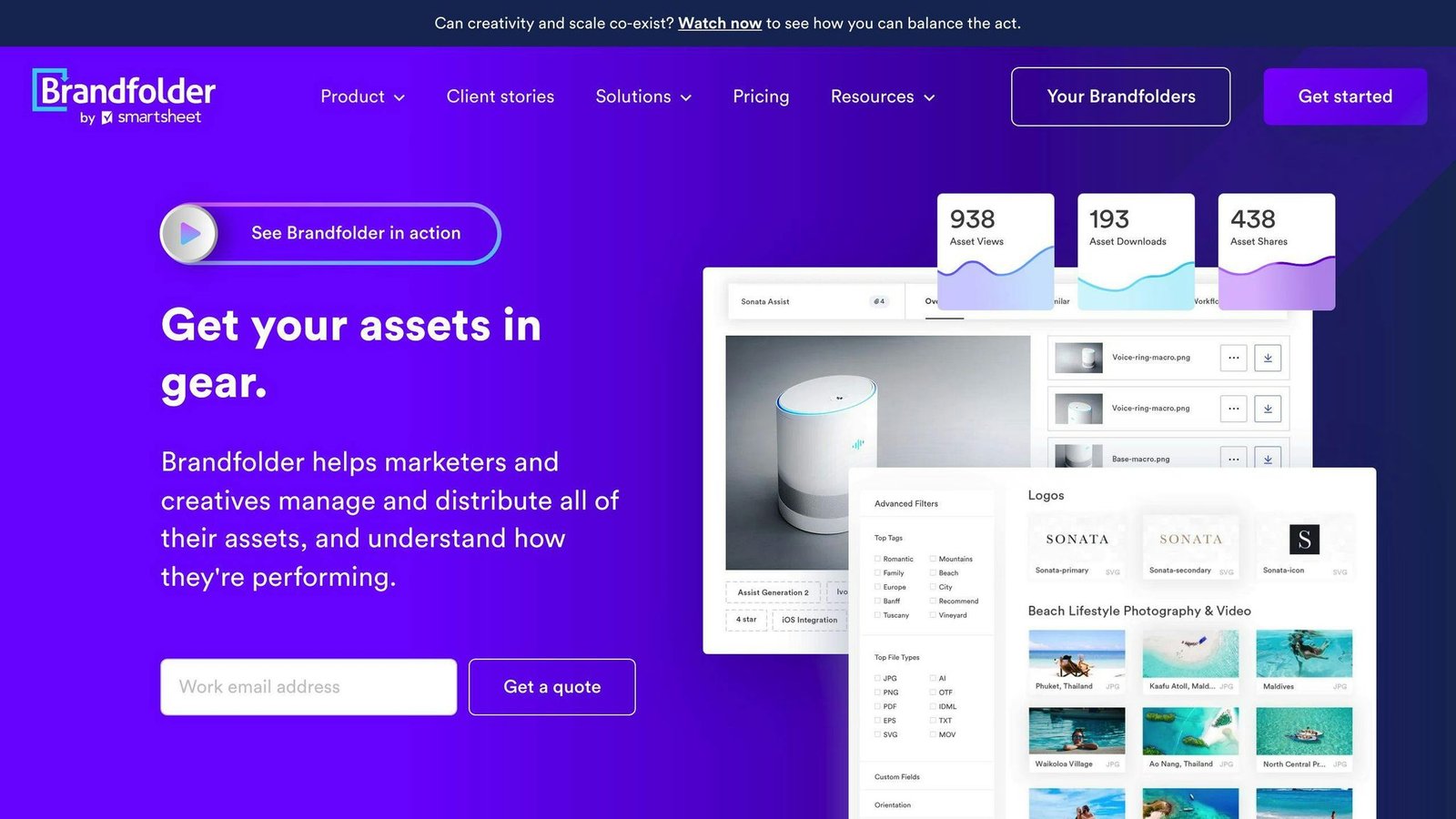
Brandfolder is a marketing resource management software that helps you store, search, review, and edit various campaign-related documents in one place. You can add images, videos, documents, and 3D renderings to ensure your team can easily find what they need.
It is now sold as Brandfolder by Smartsheet, so if you are working from an older shortlist that lists Brandfolder as an independent vendor, that is the same product under new ownership.
This MRM tool allows you to manage your assets and ensure they meet brand guidelines. It supports multiple file types, offers metadata search, and lets you customize asset groups based on themes or categories.
Features
| Feature | Description |
|---|---|
| Multi-file support | Store images, videos, documents, and 3D renderings. |
| Metadata search | Easily find assets using metadata. |
| Customizable asset groups | Organize assets by theme or category. |
Pricing
Brandfolder does not publish rates. The site routes you to a quote request. Checked August 2026.
What users say
Users praise the search functions, the organization and display of assets, and scalability. The star rating this article used to quote was unsourced, and its review count was identical to the one given for Filecamp, which suggests it was copied rather than checked. It has been removed.
4. CoSchedule Marketing Suite
Feature Set
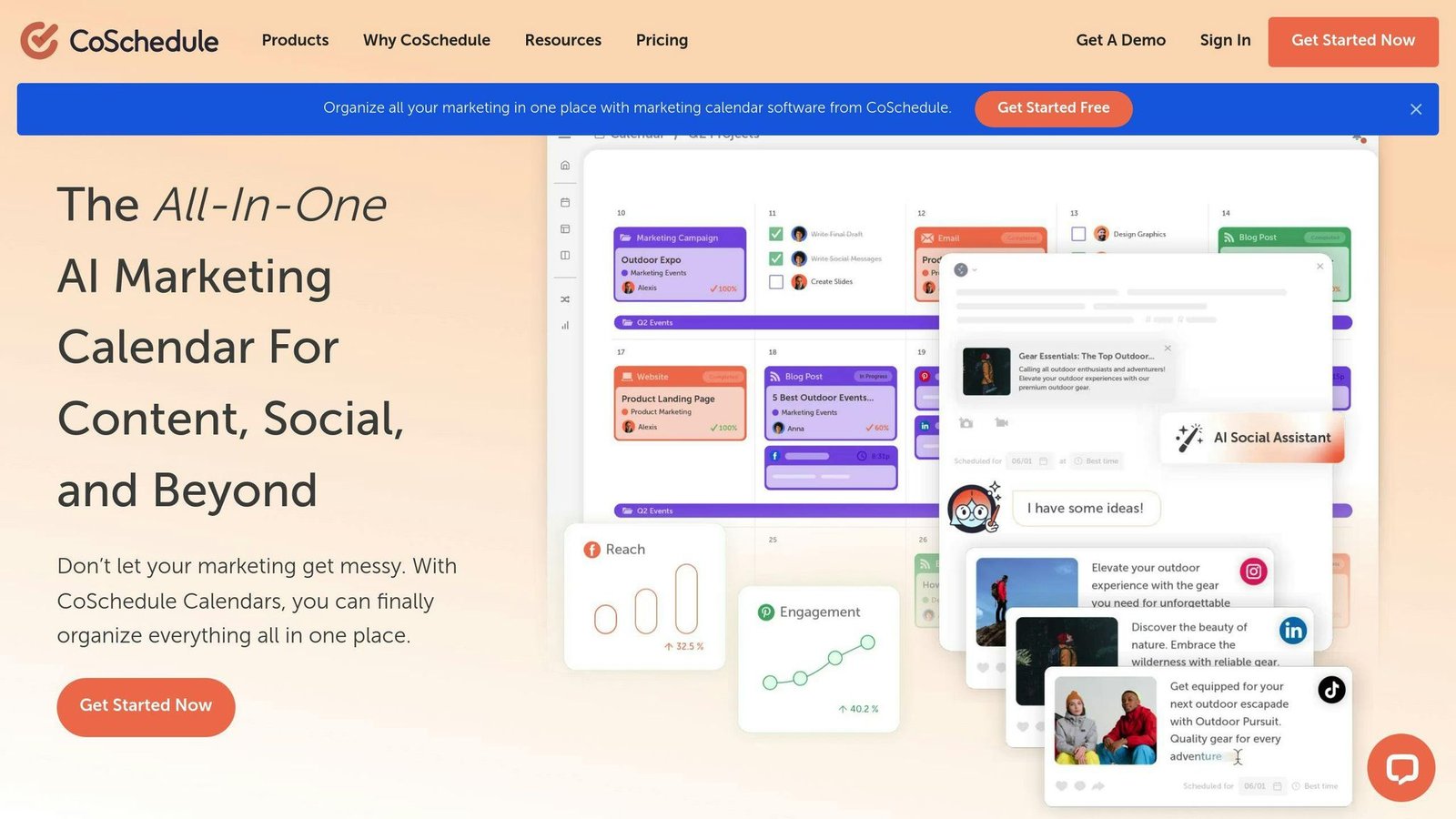
CoSchedule Marketing Suite is an all-in-one marketing project management tool that helps streamline content scheduling across various social media channels. It offers a range of features, including:
| Feature | Description |
|---|---|
| Marketing Intelligence Assistant | Get insights to improve your marketing strategy. |
| Campaign Management | Manage multiple campaigns from a single platform. |
| Customizable Templates | Create templates that fit your brand’s style. |
The platform integrates with multiple applications, such as Constant Contact, Google Forms, Google Analytics 360, and more.
Pricing
Marketing Suite is quote-only, with custom user limits rather than a fixed seat count. There is no $9 plan; that figure appeared in this article’s comparison tables and contradicted its own text, and we could not source it. What CoSchedule does publish sits below Marketing Suite: Free Calendar at $0, Social Calendar at $19 per user per month billed annually or $29 billed monthly, and Agency Calendar at $59 billed annually or $69 monthly. Content Calendar, like Marketing Suite, is quoted. Checked August 2026.
| Plan | Price |
|---|---|
| Free Calendar | $0 |
| Social Calendar | $19 per user per month billed annually, $29 monthly |
| Agency Calendar | $59 per user per month billed annually, $69 monthly |
| Content Calendar | Quoted |
| Marketing Suite | Quoted |
What users say
Users praise its ease of use, the way it pulls scattered marketing work into one calendar, and the support. The star ratings this article used to quote disagreed with each other and had no source, so they have been removed.
5. Filecamp
Feature Set
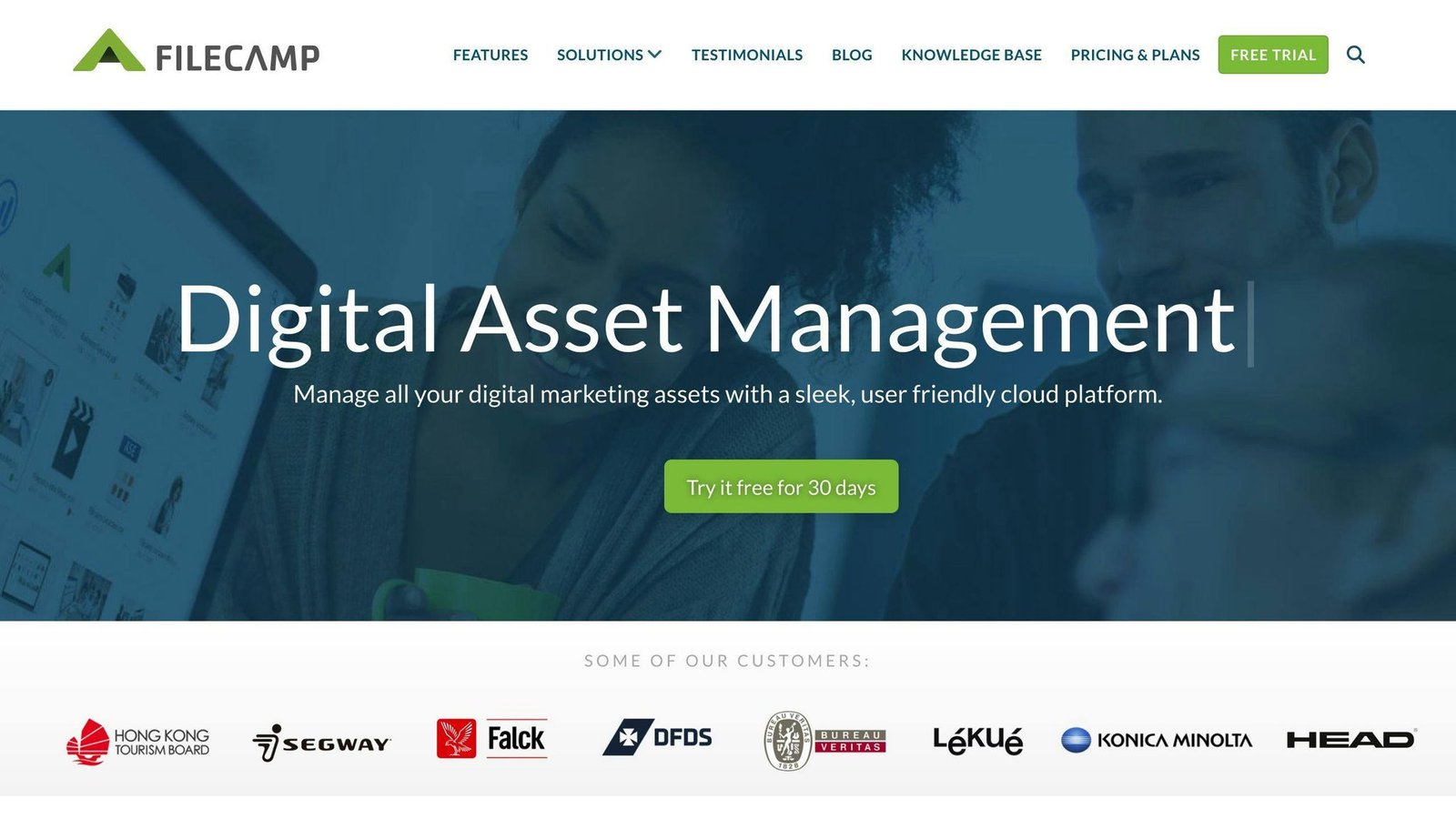
Filecamp is a cloud-based digital asset management platform designed for marketing professionals. It offers the following features:
| Feature | Description |
|---|---|
| Digital Asset Management | Organize, share, tag, and distribute images, videos, and documents. |
| Customizable Branding | Personalize the platform with your own branding elements, including logos, colors, and background images. |
| File Sharing | Share files internally or externally with partners or stakeholders, with options for public folders and customized license agreements. |
| Search and Tagging | Use powerful tagging and search features to quickly find and locate files. |
| Collaboration | Collaborate with team members and clients through easy file sharing and custom branding options. |
Pricing
Filecamp does publish rates, contrary to what this article used to say. It charges per account rather than per user, and every plan includes unlimited users, which makes it the cheapest option here for a team of any size. What you are really buying is storage. Extra storage is sold separately, from $10 a month for 10 GB. Checked August 2026.
| Plan | Monthly | Annual | Storage |
|---|---|---|---|
| Basic | $29 | $348 | 20 GB |
| Advanced | $59 | $708 | 50 GB |
| Professional | $89 | $1,068 | 100 GB |
What users say
Users praise its ease of use, value for money, and customer support. The star rating and review count this article used to carry were unsourced and duplicated the ones given for Brandfolder, so they have been removed.
Comparing MRM Software Options
When choosing the best MRM software for your small business, it’s crucial to compare the features, pricing models, and user reviews of different options. Here’s a summary of the top MRM software solutions:
| MRM Software | Key Features | Pricing |
|---|---|---|
| monday.com | Project management, workflow automation, digital asset management | Free up to 2 seats; Basic $9 per seat per month billed annually, 10-seat minimum |
| Bynder | Digital asset management, brand management, workflow automation | Not published; quoted |
| Brandfolder | Digital asset management, brand management, workflow automation | Not published; quoted |
| CoSchedule Marketing Suite | Project management, workflow automation, digital asset management | Quoted. Lower CoSchedule tiers run $19 to $59 per user per month billed annually |
| Filecamp | Digital asset management, customizable branding, file sharing | $29 to $89 per month per account, unlimited users |
This table provides a concise overview of the key features and pricing models for each MRM software option. Prices were checked in August 2026; confirm with the vendor before budgeting.
Choosing the Right MRM Software for Your Business
When selecting a Marketing Resource Management (MRM) software for your small business, it’s essential to consider your specific marketing needs and goals. With many options available, it’s crucial to choose a system that aligns with your requirements and helps you achieve your objectives.
Evaluate Your Marketing Needs
Before choosing an MRM software, identify your marketing goals and requirements. Consider the following:
- What are your marketing objectives?
- What are your team’s strengths and weaknesses?
- What are your budget constraints?
Compare MRM Software Options
Compare the top MRM software options, as outlined in the comparison table. Evaluate the key features, pricing, and user reviews of each option to determine which solution best fits your business needs.
Key Considerations
When evaluating MRM software, consider the following key factors:
| Factor | Description |
|---|---|
| Features | Does the software offer the features you need to achieve your marketing goals? |
| Pricing | Is the pricing model aligned with your budget constraints? Three of these five will not tell you until you talk to a salesperson. |
| Pricing unit | Per seat, per account, or per storage tier. Filecamp charges per account with unlimited users; monday.com and CoSchedule charge per seat. For a growing team that difference matters more than the headline rate. |
| User Reviews | What do existing users say about the software’s performance and customer support? |
By considering these factors, you can make an informed decision about which MRM software is best for your business.
Make an Informed Decision
Ultimately, the right MRM software will help you streamline your marketing processes, improve collaboration and productivity, and provide valuable insights into your marketing performance. By choosing a system that meets your specific needs, you can maximize your return on investment and drive business growth.
More on this topic
Browse all 44 articles on Marketing & Growth, or jump straight to our buying guide: Best Marketing and CRM Tools for Small Businesses.