Choosing a business cloud storage service comes down to three things: what it costs per seat once minimums are applied, whether it plugs into the tools you already run, and whether the vendor can read your files. Here’s a rundown of five popular options. Every price below was checked against the vendor’s own pricing page in August 2026 and should be confirmed before you budget. A statistic about US enterprise cloud adoption that opened this article previously has been removed — it could not be traced to a source.
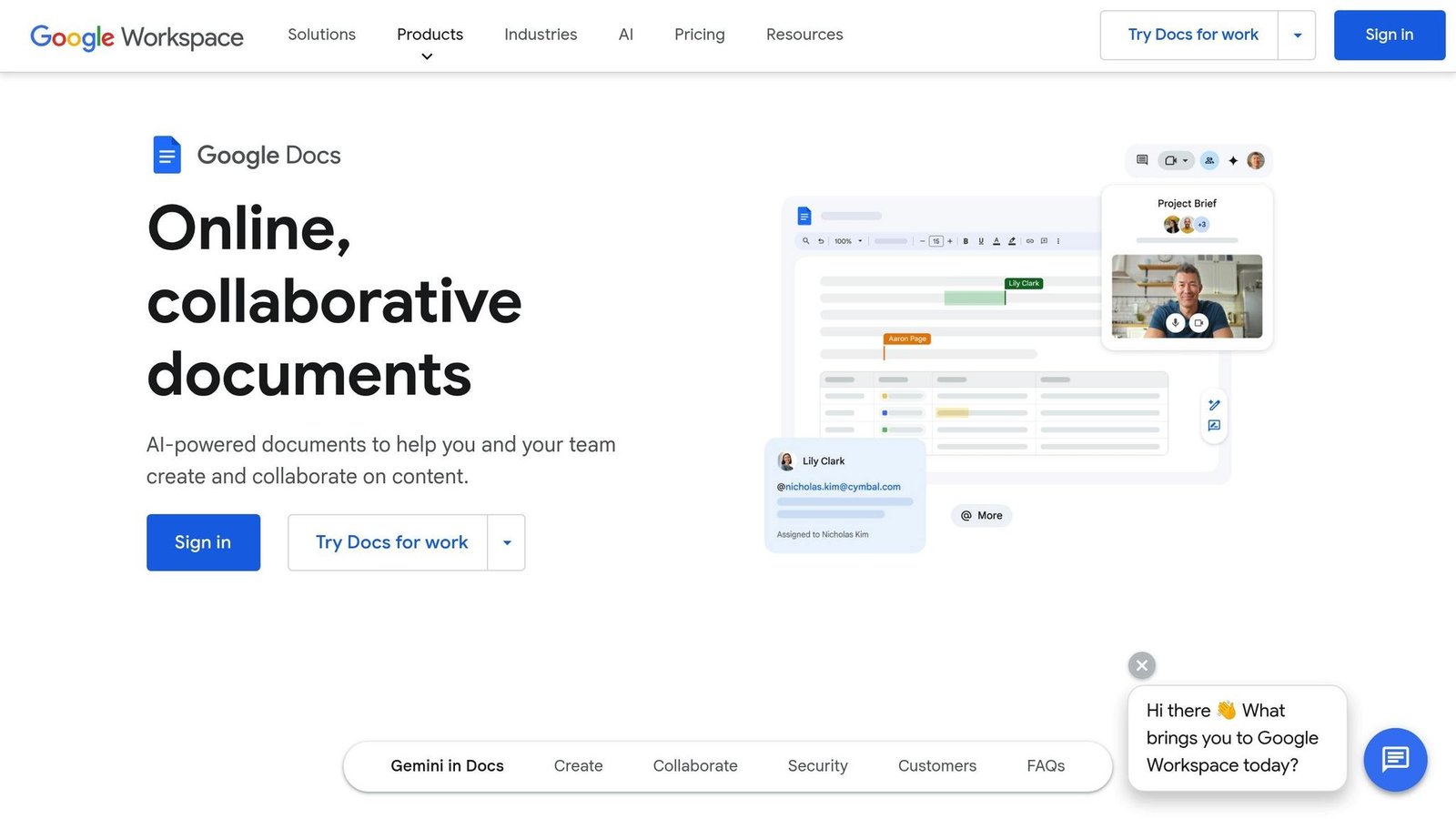
- Google Workspace (Google Drive): Best for Google users, with real-time collaboration and integration with Gmail, Docs and the rest. Google does not publish flat prices on its pricing page; you get a figure from its own calculator.
- Microsoft OneDrive for Business: Ideal for Microsoft 365 users. Now sold only inside Microsoft 365 bundles — 1TB per user, from $7/user/month on Microsoft 365 Business Basic with an annual commitment.
- Box Business: Geared toward enterprises needing advanced security and compliance. Unlimited storage from $15/user/month, annual billing, three-user minimum. A cheaper Business Starter tier is $5/user/month with 100GB.
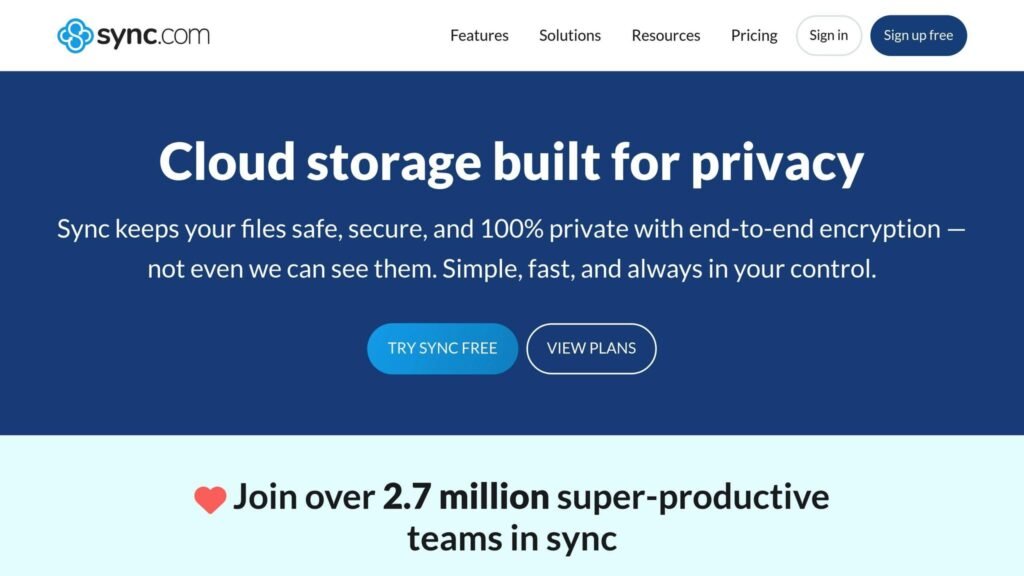
- Sync.com for Teams: Privacy-focused, with end-to-end encryption. Teams 1TB is $6/user/month billed yearly, three-user minimum.
- IDrive Business: Designed for secure backups across unlimited devices. Business plans now start at 500GB for $239.88/year — the 250GB tier this article previously quoted no longer exists.
Quick Comparison
| Service | Starting Price | Storage | Key Strengths | Best For |
|---|---|---|---|---|
| Google Workspace | Not published as a flat rate | 30GB-5TB pooled per user | Google integration, collaboration | Teams using Google tools |
| OneDrive | From $7/user/month (M365 Business Basic, annual) | 1TB per user | Office integration, affordability | Microsoft-based organizations |
| Box Business | $15/user/month, annual, 3-user minimum | Unlimited | Security, compliance | Large enterprises |
| Sync.com | $6/user/month yearly, 3-user minimum | 1TB-10TB per user | Privacy, encryption | Security-conscious businesses |
| IDrive Business | From $239.88/year | 500GB+ | Backup and recovery | Backup-focused organizations |
Each service has strengths and trade-offs. Your choice should align with your team’s tools, collaboration needs, and data security requirements.
1. Google Workspace (Google Drive)
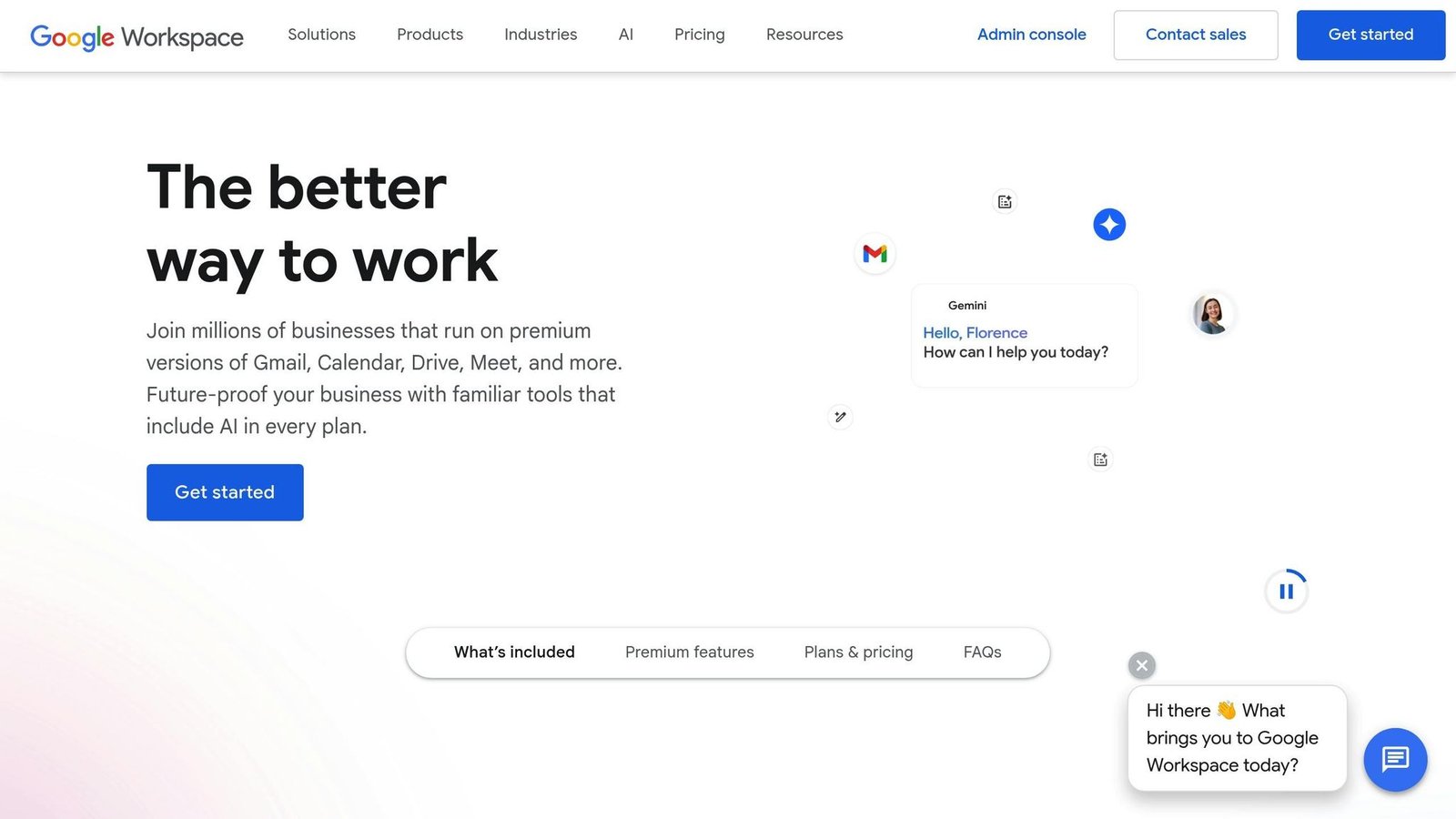
Google Workspace is the default choice for businesses already living in Google’s ecosystem, and the connection between Drive and the productivity apps is the whole reason to pick it. A global user-count figure that appeared here previously has been removed as unsourced.
Integration Capabilities
Google Workspace’s tight integration with tools like Gmail, Calendar, Docs, Sheets, and Slides makes managing workflows incredibly efficient. For example, you can link Calendar events directly to shared documents, keeping everything organized in one place. Beyond Google’s native apps, Drive also works well with third-party tools such as Salesforce, Slack, and Trello, allowing businesses to manage campaigns and assets more effectively.
For those who need extra customization, Google Apps Script enables automation between Drive and other business tools, eliminating repetitive manual tasks. These integrations not only save time but also enhance productivity across teams.
Security & Compliance
When it comes to security, Google Workspace employs a solid framework. Features like two-factor authentication, encryption (both in transit and at rest), and detailed access controls help protect your data. The platform also meets key compliance standards, including SOC 2/3 and ISO/IEC 27001. However, it’s worth noting that Google Drive doesn’t offer end-to-end encryption. Since Google retains access to data for compliance and support, businesses with strict privacy requirements might find this a drawback.
On the administrative side, the centralized console gives IT teams the tools they need for user management, device control, and enforcing security policies across the organization. This setup ensures that security and collaboration can coexist without compromise.
Collaboration Features
Google Workspace shines in real-time collaboration. Multiple users can edit documents simultaneously, with updates appearing instantly. Built-in chat, commenting, and suggestion features in Docs and Sheets make communication straightforward. Additionally, granular permission settings let you control who can view, comment, or edit your files, making it easier to maintain control over shared content.
Scalability & Pricing
Google Workspace publishes plan tiers and storage allocations, but not flat dollar prices — its pricing page runs an interactive calculator, and the figures do not appear in the page itself. That is why the per-user rates this article previously listed have been removed rather than carried over. The structure is:
| Plan | Storage per User | Monthly Cost | Features |
|---|---|---|---|
| Business Starter | 30GB pooled per user | See Google’s calculator | Custom email, basic meetings, basic security |
| Business Standard | 2TB pooled per user | See Google’s calculator | Enhanced collaboration, increased storage |
| Business Plus | 5TB pooled per user | See Google’s calculator | Advanced security, eDiscovery tools |
| Enterprise | 5TB pooled per user, more on request | Contact sales | Advanced admin controls |
Two structural details matter more than the headline rate. Storage is pooled, not per-seat: Business Standard gives the organisation 2TB multiplied by your licence count, shared. And the Business tiers cap at 300 users, so a growing company eventually has to move to Enterprise. An annual commitment saves 16% against flexible monthly billing, which is the usual trade of price against the ability to drop seats.
The recurring criticism is privacy rather than function: Google retains access to your data for support and compliance, so Drive is not the right answer if you need the provider to be unable to read your files. Star ratings previously quoted here have been removed as unsourced.
2. Microsoft OneDrive for Business

Microsoft OneDrive for Business is the obvious pick for companies already invested in the Microsoft ecosystem. One thing to know up front: it is no longer sold as a standalone product with its own tiers. A Fortune 500 adoption statistic that appeared here previously has been removed as unsourced.
Integration Capabilities
OneDrive for Business is tightly woven into the fabric of Microsoft 365. It allows users to open, edit, and collaborate on files directly within Word, Excel, PowerPoint, Outlook, and Teams. It is also the storage layer underneath Teams, so conversations, meetings and shared documents all land in the same place.
However, when it comes to integrating with third-party tools, OneDrive for Business is somewhat limited compared to some competitors. APIs and connectors exist, but businesses running mostly non-Microsoft systems will find the connections thinner than Box’s.
These integration features also play a role in enhancing data security.
Security & Compliance
OneDrive for Business prioritizes security with file-level encryption, ensuring data remains protected both during transfer and while stored. Features like multi-factor authentication, data loss prevention, and detailed audit logs help businesses monitor and safeguard their files.
For industries with strict regulations, OneDrive for Business adheres to major standards such as HIPAA, GDPR, and ISO 27001. Administrators can use advanced tools to set retention policies, manage legal holds, and protect sensitive data according to compliance requirements.
However, it’s worth noting that OneDrive for Business does not offer end-to-end encryption. Microsoft retains access to data for compliance and support purposes, which might raise concerns for organizations with stringent privacy needs.
To further enhance security, the platform includes remote wipe capabilities, allowing IT teams to erase company data from lost or stolen devices while leaving personal information untouched.
Collaboration Features
With real-time co-authoring, multiple users can edit Word, Excel, and PowerPoint files simultaneously, with updates appearing instantly. Centralized document management tools make it easy to organize files, set permissions, and control access through shared workspaces and link expiration options.
The platform also supports offline file access, enabling users to work without an internet connection and sync changes once they’re back online. Automatic version control ensures teams always have access to the latest document versions, reducing the risk of errors or outdated files.
These collaboration tools are paired with flexible pricing plans to accommodate businesses of all sizes.
Scalability & Pricing
Here is the change that catches people out. Microsoft no longer sells OneDrive for Business Plan 1 or Plan 2 as separate SKUs, and there is no longer an unlimited-storage tier. OneDrive now comes bundled inside Microsoft 365, at 1TB per user across the business plans. Prices below are per user per month on an annual commitment, checked August 2026:
| Plan | Storage per User | Monthly Cost | Key Features |
|---|---|---|---|
| Microsoft 365 Business Basic | 1TB per user | $7.00 | Web and mobile Office apps, Teams, OneDrive |
| Microsoft 365 Apps for business | 1TB per user | $10.00 | Desktop Office apps plus OneDrive, no Teams |
| Microsoft 365 Business Standard with Copilot | 1TB per user | $23.50 | Full Office apps, Teams, OneDrive and Copilot |
Every plan gives 1TB per user. If you need more than that, OneDrive is not the answer any more — the unlimited option is gone. Microsoft also sells versions of some plans without Teams at slightly lower rates, which is worth asking about if you already run something else for chat.
The sensible comparison is not OneDrive against Dropbox, it is Microsoft 365 Business Basic at $7 against whatever you are paying separately for storage, email and video calls. If you already pay for those, the bundle usually wins on price alone.
The consistent praise is for Microsoft 365 integration and reliable syncing; the consistent complaint is that non-Windows users get a thinner experience. Star ratings previously quoted here have been removed as unsourced.
3. Box Business
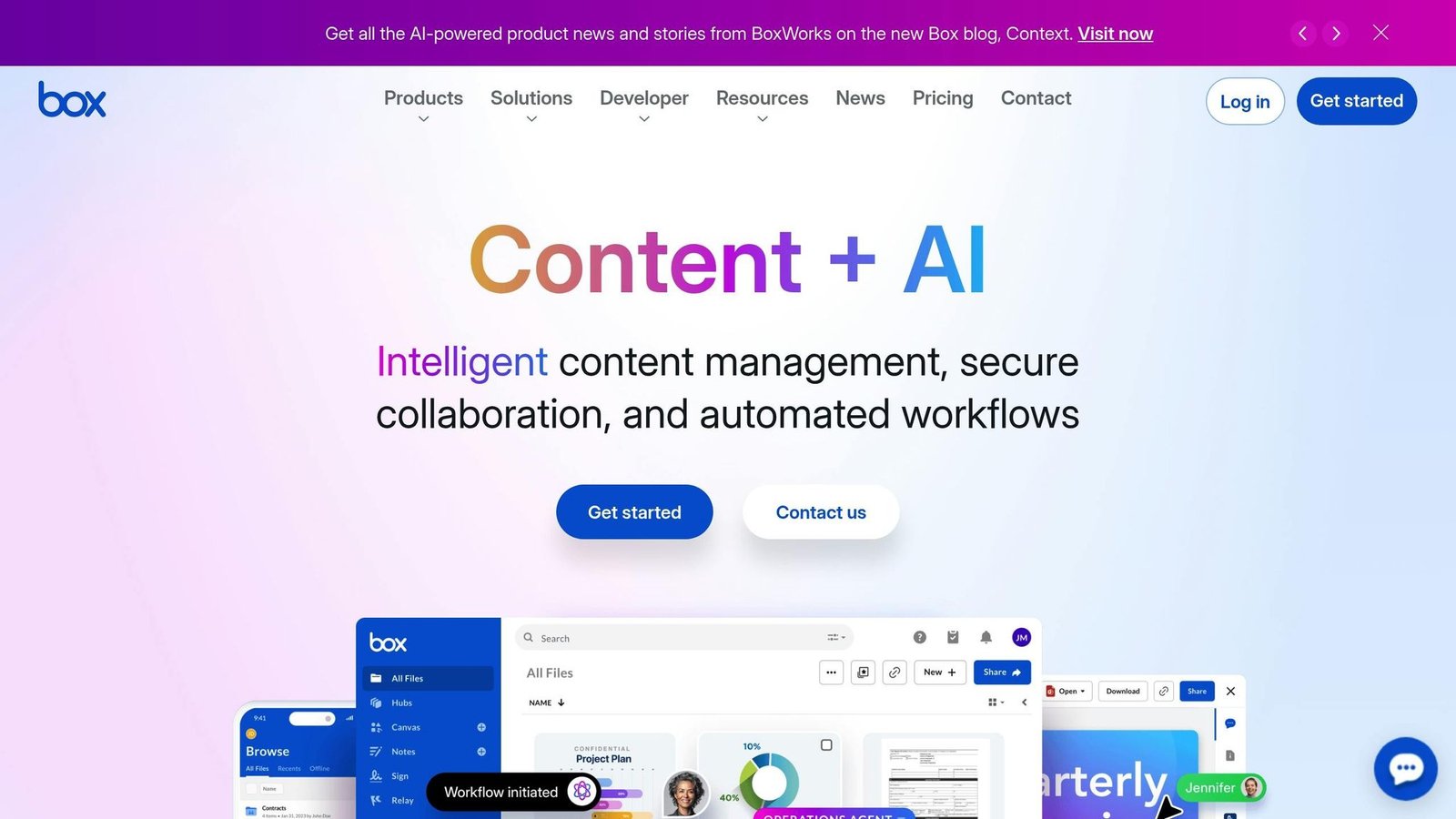
Box Business is built for enterprises, offering strong security measures and a wide range of integrations to simplify workflows.
Integration Capabilities
Box Business integrates with over 1,500 third-party applications, including widely-used tools like Microsoft Office, Google Workspace, Salesforce, Slack, and Copilot. It ensures real-time synchronization, so changes made in one app are instantly reflected across connected platforms. With support for workflow automation through tools like Microsoft Power Automate, businesses can eliminate repetitive tasks and create smoother workflows.
Security & Compliance
Security is a top priority for Box Business. It employs advanced threat detection, detailed permission settings, and automated controls to keep data safe. Data Loss Prevention (DLP), audit logs and detailed monitoring make up the security framework. For industries with strict regulations, Box Business meets compliance standards such as SOC 1, SOC 2, SOC 3, HIPAA, and FedRAMP. These certifications make it a dependable choice for sectors like healthcare, government, and finance, where data protection is critical.
Collaboration Features
Box Business makes teamwork easy with tools for real-time collaboration. Users can share folders, create unlimited Notes, brainstorm with whiteboarding, and even sign documents electronically. Teams can co-edit files, leave comments, and assign tasks directly within the platform. Workflow automation features allow businesses to set up processes for tasks like document approvals, contract management, or onboarding new employees. For secure external sharing, administrators can set access levels, expiration dates, and password protections.
Scalability & Pricing
Box provides unlimited storage on its Business tiers. Two things the table does not show and the sales page buries: every business plan carries a three-user minimum, and these are annual rates. There is also a cheaper Business Starter tier at $5 per user per month with 100GB, which is missing from most comparisons of Box. Rates checked August 2026.
| Plan | Monthly Cost per User | Storage | Key Features |
|---|---|---|---|
| Business | $15.00 | Unlimited | Core integrations and essential tools |
| Business Plus | $25.00 | Unlimited | Advanced security and added functionality |
| Enterprise | $35.00 | Unlimited | Full API access and premium integrations |
Box is the most expensive option here for a small team, and the file upload size limits rise with the tier, which is the detail that quietly forces upgrades. If you do not have a compliance requirement driving the choice, you are probably paying for certifications you will never use.
4. Sync.com for Teams
Sync.com for Teams provides a secure cloud storage solution tailored to support business workflows, all while ensuring end-to-end encryption. It’s known for combining enterprise-level security with tools that make collaboration both efficient and secure.
Integration Capabilities
Sync.com syncs across devices and platforms and shares out to external partners and clients. Be clear-eyed about the trade-off, though: end-to-end encryption is exactly why Sync has a much shorter integration list than Box or Google. A service that cannot read your files cannot index them for a third-party app either.
Security & Compliance
Sync.com implements end-to-end encryption, so files are encrypted before they leave your device. Its own marketing puts it plainly:
“Sync keeps your files safe, secure, and 100% private with end-to-end encryption – not even we can see them.”
This means that even Sync.com employees cannot access your data. Built on enterprise-grade infrastructure, the platform adheres to global security and privacy standards. It also provides real-time backups, offering protection against ransomware, hardware failures, or accidental deletions. Administrators can manage permissions effectively, ensuring that sensitive files and folders are only accessible to the right people. These features make secure collaboration possible without compromising control.
Collaboration Features
Sync.com for Teams prioritizes secure teamwork. Teams can share files and collaborate using centralized folders that are accessible to both internal and external users. For added professionalism, businesses can use custom-branded client file portals to display their logo during file sharing, helping to build trust with clients.
Scalability & Pricing
Sync.com for Teams prices per user, by storage tier:
| Plan | Monthly Cost per User | Storage | Key Features |
|---|---|---|---|
| Teams 1TB | $6.00 | 1 TB per user | Advanced sharing and admin account |
| Teams 2TB | $9.00 | 2 TB per user | More storage per seat |
| Teams 10TB | $15.00 | 10 TB per user | Custom branding, admin delegation, Sync RBAC |
Those are per-user rates billed yearly, with a three-user minimum, checked August 2026. Note that the top tier is 10TB per user, not unlimited — an earlier version of this article said unlimited, which was wrong. Sync.com was advertising a heavy first-year discount at the time of checking, so budget on the standard rate. Enterprise pricing is quote-only above 100 users.
5. IDrive Business
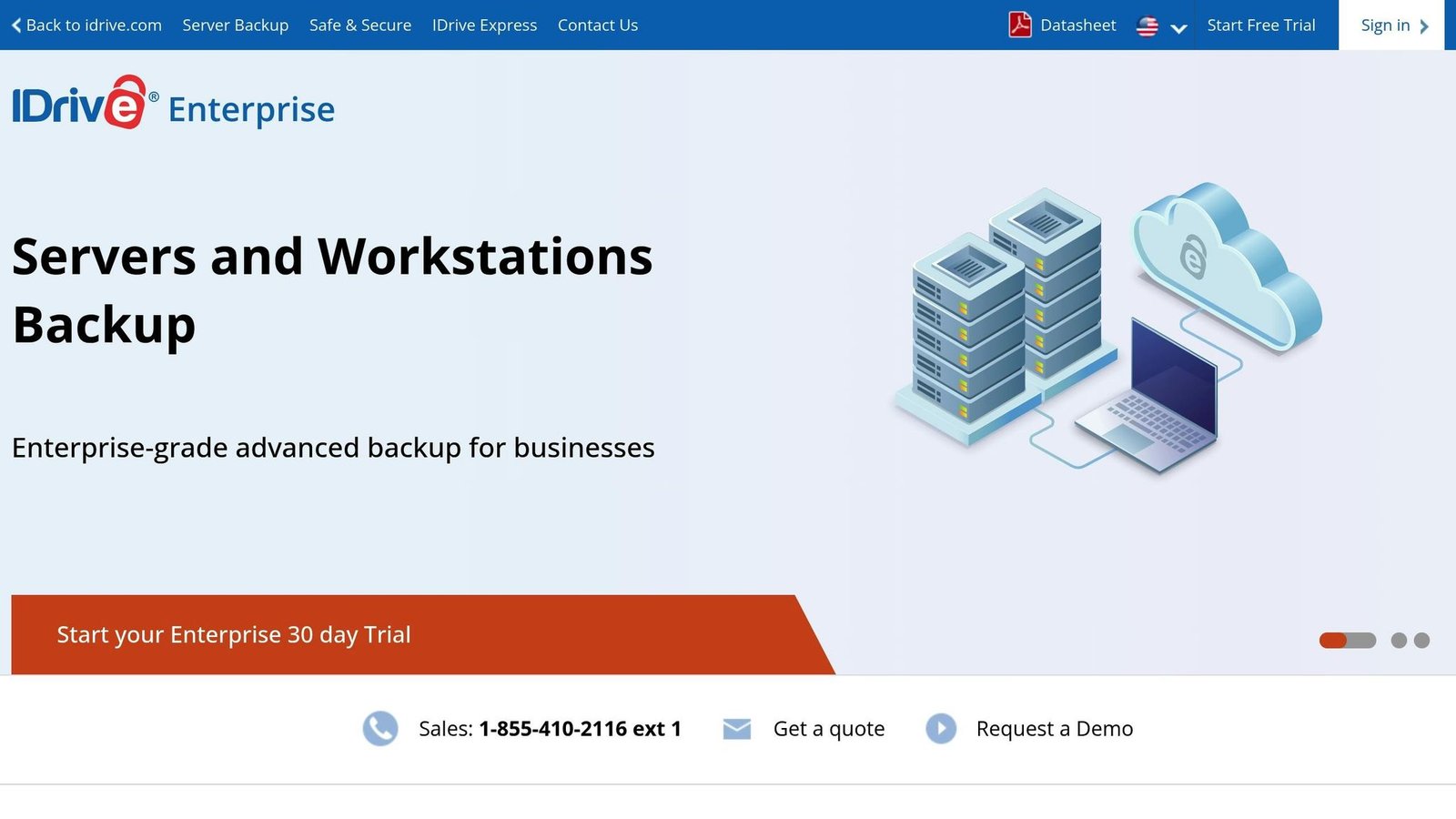
IDrive Business stands out as a cloud storage solution tailored to organizations that prioritize data protection and backup over collaboration. It’s built to meet the needs of businesses requiring a dependable backup strategy.
Integration Capabilities
IDrive Business runs on Windows, macOS, Linux and mobile devices. It also integrates with Microsoft 365 and Google Workspace, enabling businesses to back up and sync data from their existing productivity tools.
While it doesn’t focus heavily on workflow automation, IDrive Business excels in providing secure and reliable data backup. Its ability to support unlimited devices ensures smooth backup and synchronization for servers, desktops, and mobile devices alike. This emphasis on integration for backup purposes makes it a strong choice for businesses that value data security over real-time collaboration.
Security & Compliance
Security is a cornerstone of IDrive Business. It employs 256-bit AES encryption for data both in transit and at rest, with the added option of setting a private encryption key for even greater protection. The service supports compliance with HIPAA, SOX, GLBA and GDPR. A customer example previously given here was anonymous and unsourceable, so it has been removed. If you are buying for a compliance reason, get the Business Associate Agreement or equivalent in writing before you sign — a compliance badge on a marketing page is not a contract.
Additional security features include two-factor authentication, continuous data protection, and regular backup snapshots, which are particularly useful for recovering from ransomware attacks.
Collaboration Features
Unlike platforms designed for real-time collaboration, IDrive Business focuses on secure backup and file management. While it offers basic file sharing and backup management, it does not include features for live document editing.
Administrators benefit from a centralized console, which allows them to manage user access, assign roles, set permissions, and monitor backup activity. This ensures that sensitive data remains accessible only to authorized users.
Scalability & Pricing
IDrive Business supports unlimited users and devices under a single account, which is the reason to consider it: you pay for storage, not seats. The tier structure has changed since this article was first written. Business plans now start at 500GB, not 250GB, and the entry price is considerably higher than previously stated here. Rates checked August 2026:
| Plan | Annual Cost | Storage | Key Features |
|---|---|---|---|
| Business 500GB | $239.88 | 500 GB | Unlimited users and devices, 256-bit AES encryption |
| Business 1.25TB | $599.88 | 1.25 TB | Same features, more capacity |
| Business 2.5TB | $959.88 | 2.5 TB | Same features, more capacity |
| Business 5TB | $1,799.88 | 5 TB | Same features, more capacity |
Billing is annual and tiers run up to 100TB. Compare it on the right basis: at 500GB for $239.88 a year it is not cheap against a per-seat tool for a small team, but for a business backing up twenty machines it is far cheaper than twenty seats of anything else. That is the trade — capacity pricing instead of seat pricing, and no real-time collaboration.
Pros and Cons
When it comes to choosing a cloud storage service, each option comes with its own set of strengths and trade-offs. Here’s a quick breakdown of the key features, limitations, and ideal use cases for some of the top services available.
Google Workspace (Google Drive) stands out for integration within the Google ecosystem and genuinely good real-time collaboration. Google does not publish flat per-user prices; use its calculator. It lacks end-to-end encryption.
Microsoft OneDrive for Business is a natural fit for organisations already using Microsoft 365, with 1TB per user from $7 per user/month on Business Basic with an annual commitment. The downsides: thinner functionality outside Windows, no end-to-end encryption, and no unlimited-storage option any more.
Box Business caters to enterprise needs with strong security, a large integration catalogue and unlimited storage. It costs more, starting at $15 per user/month on annual billing with a three-user minimum, so the smallest real bill is $540 a year.
Sync.com for Teams prioritises privacy with end-to-end, zero-knowledge encryption, at $6 per user/month billed yearly with a three-user minimum. An earlier version of this article said $5 here and $6 elsewhere; $6 is correct. It offers fewer third-party integrations and fewer collaboration tools, which is the direct consequence of the encryption.
IDrive Business is priced by capacity rather than by seat, which suits businesses backing up a lot of machines. Plans begin at $239.88/year for 500GB with unlimited users and devices. It offers little in the way of integrations or collaboration.
Here’s a side-by-side comparison to make your decision easier:
| Service | Key Strengths | Main Weaknesses | Best For |
|---|---|---|---|
| Google Drive | Deep Google integration, real-time collaboration, pooled storage | Lacks end-to-end encryption | Google Workspace users |
| OneDrive for Business | Strong Microsoft 365 integration, 1TB per user, bundled with Office and Teams | Limited functionality outside Windows, no end-to-end encryption, 1TB cap | Microsoft-based organizations |
| Box Business | Advanced security, 1,500+ integrations, unlimited storage | Higher cost, complexity for small businesses | Enterprises with compliance needs |
| Sync.com for Teams | End-to-end encryption, privacy-first, predictable per-seat pricing | Limited integrations, fewer collaboration tools | Privacy-focused organizations |
| IDrive Business | Backup-focused, supports unlimited devices, competitive storage options | Basic integrations, limited collaboration features | Backup-focused businesses |
Selecting the right service boils down to your priorities — integration, security, or cost per seat. One question sorts the field faster than any feature grid: does it matter to you whether the vendor can read your files? If yes, the list is short. If no, buy whichever bundle you already half-own.
Conclusion
Selecting the best cloud storage service hinges on your business’s unique needs, size, required integrations, and compliance obligations. For small businesses and freelancers, it’s wise to focus on tools that are easy to use, reasonably priced, and offer key integrations. On the other hand, larger organizations often need solutions that can scale and provide a broad range of features.
As businesses expand, scalability and workflow automation become increasingly important. For example, Box Business offers a large integration catalogue and unlimited storage. But at $15 per user per month with a three-user minimum, the floor is $540 a year, which is a stretch for a very small company.
Compliance is another critical factor – especially for industries like healthcare, legal, and finance, where handling sensitive data is non-negotiable. Choosing a provider that meets regulations such as HIPAA, GDPR, or SOC 2 can prevent costly penalties. Sync.com, with its end-to-end encryption and zero-knowledge architecture, is an excellent option for privacy-focused organizations. Meanwhile, Box Business offers a wide range of compliance certifications, making it a strong choice for enterprises managing complex regulatory requirements.
Integration with your current tech stack is also key. For teams already using Google Workspace, Google Drive is a natural fit. Similarly, organisations relying on Microsoft tools will get the tightest fit from OneDrive. Don’t forget to factor in hidden costs like overage fees or additional support charges. A clear understanding of the total cost of ownership – including integration and compliance expenses – will help you make a smarter decision.
For an easier comparison process, platforms like BizBot can be invaluable. It lets companies evaluate features, pricing, and compliance options side by side, while its subscription management tools help optimize costs.
Finally, look for providers with strong API and automation capabilities to enhance efficiency. The right cloud storage solution will grow alongside your business, support remote collaboration, and integrate smoothly with your evolving digital workflows.
FAQs
What to look for when selecting a cloud storage service
When selecting a cloud storage service for your business, it’s essential to weigh a few critical factors. Start by ensuring compatibility with your current tools – the storage solution should connect to the software you already rely on, like accounting or project management platforms. Look for a documented API or pre-built connectors for the specific tools you use, rather than a headline integration count.
Security is another top priority. Look for platforms that offer strong data encryption and comply with industry-specific regulations, such as GDPR or HIPAA, if your business handles sensitive information. Lastly, think about scalability. Choose a service that can adapt as your business grows, offering flexible storage options and advanced collaboration tools to keep your team running smoothly.
How Google Workspace security compares
Google Workspace comes equipped with strong security measures to keep business data safe. These include two-step verification, encryption for data both in transit and at rest, and advanced threat detection. Together, these tools help protect sensitive information and reduce the risk of unauthorized access.
When stacking it up against other cloud storage providers, you’ll find that most major services also emphasize security. They typically offer features like encryption, access controls, and adherence to industry standards. That said, the exact tools and configurations can differ, so it’s crucial to evaluate your business’s specific needs and pick a service that matches your security priorities.
The best option for businesses with strict compliance needs
For businesses operating under strict compliance requirements, choosing the right cloud storage service is a critical decision. The ideal provider should offer strong security measures, relevant certifications, and adherence to key industry standards. Depending on your needs, look for compliance with frameworks like HIPAA, GDPR, or SOC 2. Leading services often include features like encryption, audit logs, and advanced access controls to safeguard your data effectively.
Another important factor is how well the platform integrates with your current tools and workflows. Some services are specifically designed to simplify business operations, offering smooth compatibility with tools for project management, accounting, or HR. By evaluating integration capabilities alongside compliance features, you can ensure the solution aligns with both your regulatory obligations and day-to-day operational demands.
More on this topic
Browse all 39 articles on IT, Cloud & Integrations, or jump straight to our buying guide: Best Collaboration Tools for Small Teams.