Team communication tools are for businesses where decisions get made in one-to-one messages that nobody else can find later. The mistake is choosing on features — video quality, integrations, emoji — when what decides it is whether an answer is still findable six months on. Adding a chat tool alongside email rarely reduces noise; often it just adds a place to miss things.
How to choose
What are you already paying for?
If you have Microsoft 365 or Google Workspace, chat and video are already in the bill. Adding a separate messaging platform is a real decision with a real cost, not a default. Start from the suite you own, then justify anything on top of it.
Internal talk or customer talk?
Chatting with colleagues and talking to customers are different problems. Internal tools organise conversation by channel and topic; customer-facing tools organise it by person or deal, so the next colleague to speak to that customer sees the history. Using one for the other is how context gets lost.
Who is outside the company?
If clients and contractors join your calls and threads, guest access, joining without an account and call quality on weak connections matter more than any internal feature. Check what a guest experiences before you commit.
The tools in this category
- Slack — best at channel-based messaging that stays searchable; suits distributed teams, though it is not a task tracker.
- Teams — best at chat, meetings and calling inside Microsoft 365; suits companies already on Microsoft, heavy for anyone else.
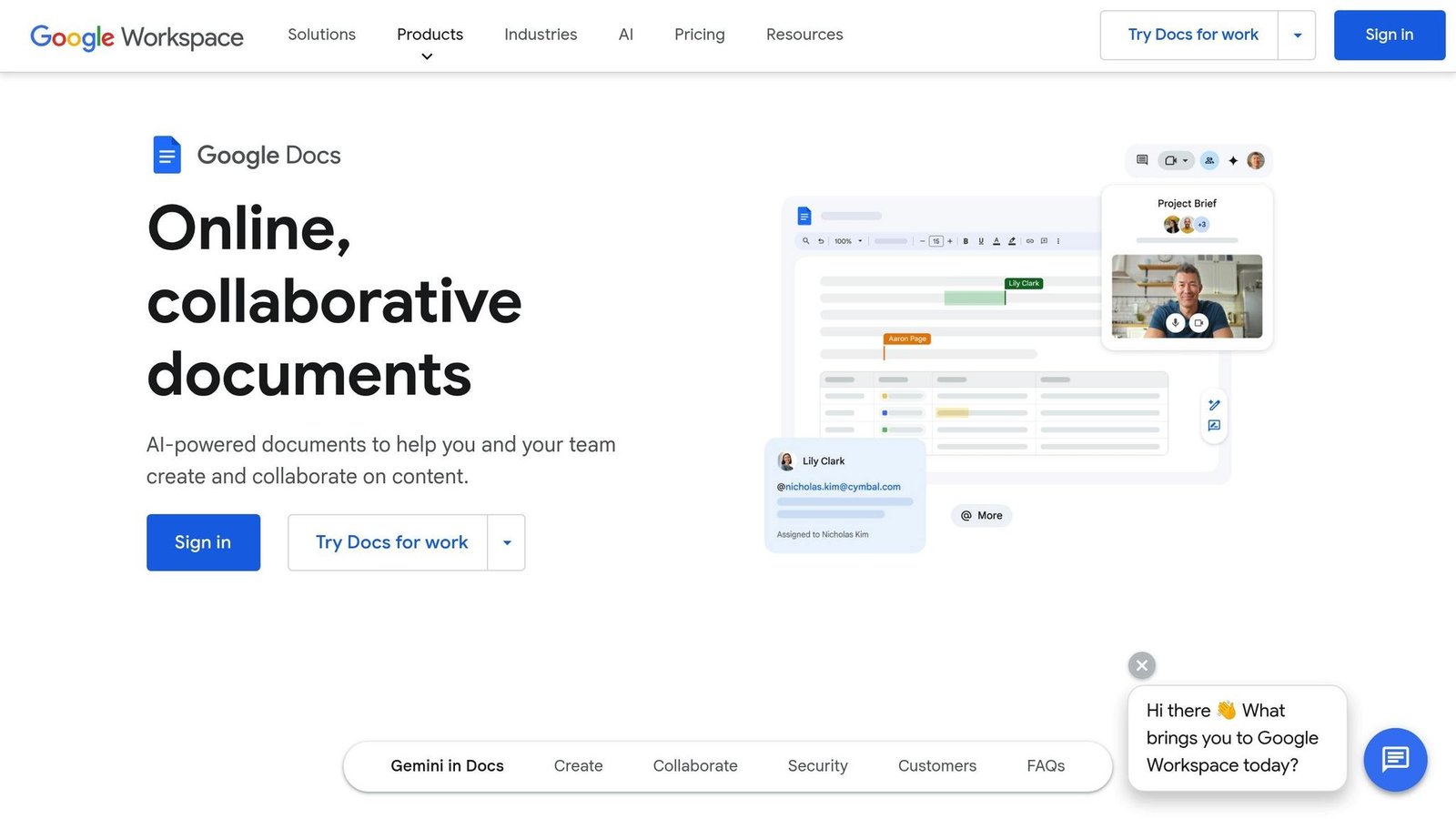
- Google Workspace — best at email on your domain with Docs, Meet and Calendar; suits teams that live in a browser.
- Zoom — best at meetings and webinars with outside attendees; suits teams whose audience will not install anything.
- Allô — best at answering, transcribing and booking callbacks automatically; suits solo operators who cannot sit by a phone.
- Dropbox — best at keeping shared folders identical everywhere; suits teams passing large files between people.
- Box — best at sharing files with permissions and audit trails; suits organisations with compliance duties.
- HubSpot — best at putting customer email and conversations on one contact record; suits teams whose messaging is mostly outward.
- Salesforce — best at logging customer contact against a process you define; suits larger teams with an owner for the system.
- Zoho CRM — best at keeping calls and emails with a customer in one thread; suits firms already using other Zoho apps.
- ClearCRM — best at bundling contacts, email and tickets in one plan; suits small teams, but test the trial hard.
- Wellfound — best at reaching startup candidates with pay shown upfront; suits founders willing to handle heavy screening themselves.
- B FOUND — best at warm investor introductions and pitch preparation; suits founders raising, though fees are not published.
What to watch out for
- Per-seat pricing that bites at ten people. Chat is cheap for a founding team and a line item at thirty, and most vendors charge for anyone who logs in.
- Message history limits on free tiers. The value of a chat tool is the archive, and a plan that hides messages after a few months quietly deletes your institutional memory.
- Running two tools at once. Half the company on chat and half on email means every announcement is made twice and read once.
- Channel sprawl. Without a naming convention and someone archiving dead channels, search returns noise within a year and people go back to direct messages.
Questions people ask
Do we need chat if we already have email?
Only if internal email volume is genuinely slowing you down. Chat suits quick, disposable coordination; email still suits anything a client or an auditor might need to read later.
Can we use the free tier long term?
You can, provided you know which cap you will hit — usually history, guests or meeting length. Decide in advance whether hitting it means paying or moving.
Should video conferencing be separate from chat?
Not usually. Bundled meetings are good enough for internal calls. A dedicated platform earns its place when you run webinars or large external events.
See the full, always-current list on the communication tools page.